How to Use Gemini in Gmail, Docs, and Sheets
TL;DR
Gemini can draft and refine emails, generate and revise documents, and create templates within Google Workspace apps. Individuals need a paid Gemini Advanced subscription, while businesses need an existing Workspace subscription plus a Gemini business or enterprise plan. Business access includes security and privacy protections, and generated content should still be reviewed for errors, tone, and missing context.
Transcript
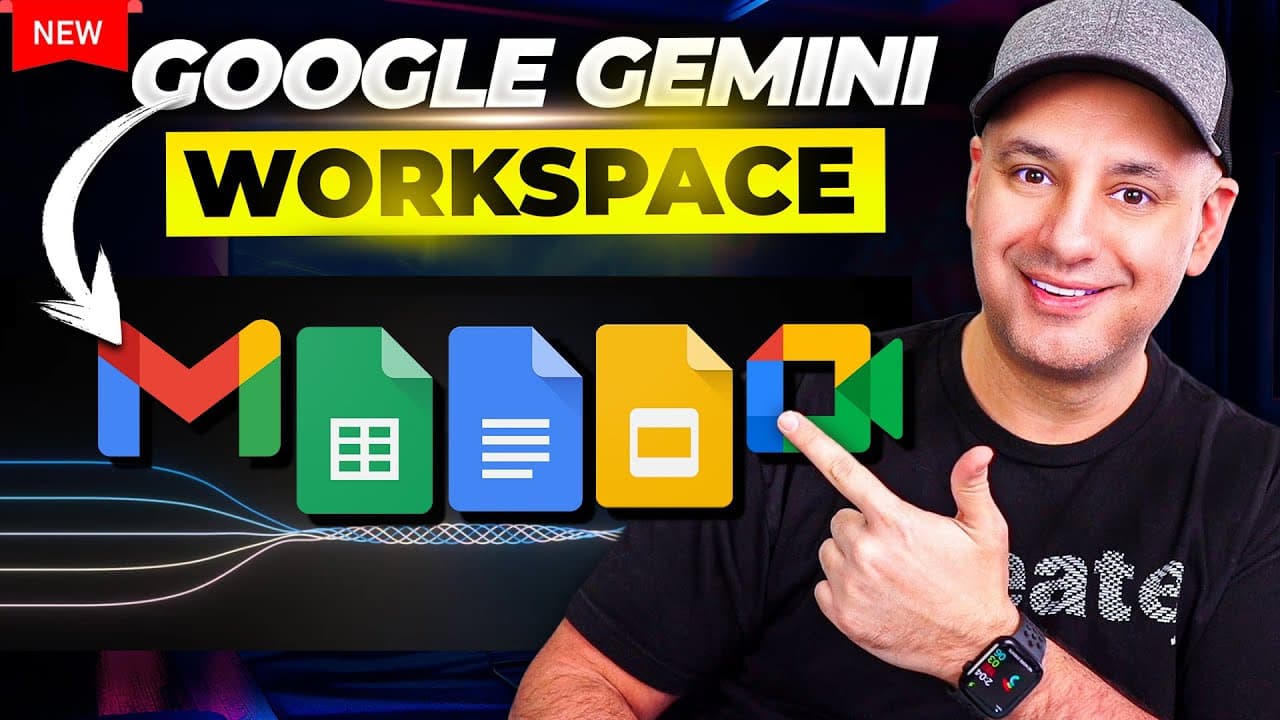
Google has finally released Google Gemini inside of their top app so inside of Gmail inside of Google docs sheets slides basically all the workspace apps now have Gemini for personal and businesses too and they are just rolling this out today so if you don't have access just yet they usually roll this out gradually to over 150 countries so watch my... Read More
Key Insights
- Gemini is being integrated into Gmail, Docs, Sheets, Slides, and other Google Workspace applications for both personal and business users. The rollout is gradual across more than 150 countries, so eligible subscribers may not see every feature immediately after the release begins.
- Individual access is provided through the paid Gemini Advanced subscription. The subscription includes the advanced Gemini chatbot experience and newly added Gemini features inside major Google applications, giving personal users an integrated writing assistant without requiring a business Workspace account.
- Business access requires an existing Google Workspace subscription and an additional Gemini business or enterprise plan. Workspace subscriptions were described as starting at $6, and users who are not administrators must ask their administrator to purchase, configure, or authorize the added service.
- Business and enterprise privacy protections are a central reason to consider the organizational plans. The presenter states that activity inside these models will not be used to train Google's models, addressing a common concern when companies handle business information with generative AI tools.
- Gemini in Gmail can create messages from detailed instructions and draft replies to existing emails. It also provides controls to recreate, shorten, elaborate, or formalize a response, although every generated email should be reviewed and adjusted before it is sent.
- Gemini in Google Docs can generate structured drafts and transform selected text. Users can summarize passages, convert material into bullet points or paragraphs, elaborate on ideas, change tone, or enter a custom revision request while keeping the selected passage as context.
- Generated information can be inaccurate or fail to follow instructions. In the demonstration, Gemini blended details from different Gemini offerings and ignored a request for a single paragraph, showing why users need to verify factual claims and inspect whether the requested format was followed.
- Gemini in Google Sheets is limited in the demonstrated release. Its Help me organize interface can generate custom templates, including a personal budget template, but the broader analytical and editing capabilities users might expect from an AI spreadsheet assistant were not yet shown as available.
Install to Summarize YouTube Videos and Get Transcripts
Explore YouTube Video Summarizer or Get YouTube Transcript Extractor
Questions & Answers
Q: How can individuals use Gemini inside Google Workspace apps?
Individuals need the paid Gemini Advanced subscription described in the source. Besides providing access to the advanced Gemini chatbot experience, the subscription is receiving Gemini features inside Google applications such as Gmail and Docs. Because access is rolling out gradually across more than 150 countries, an eligible subscriber may need to wait before the integrated controls appear in every supported app.
Q: How can businesses enable Gemini in Google Workspace?
A business must already subscribe to Google Workspace before adding the Gemini business or enterprise service. An administrator can sign in to the Workspace account, open the area for additional services, and choose the Gemini for Workspace upgrade. If the intended user is not the administrator, the administrator must grant permission or complete the setup on the organization's behalf.
Q: What can Gemini do inside Gmail?
Gemini can draft a new email from instructions or produce a reply to an existing message. Its refinement controls can recreate a draft, shorten it, elaborate on it, or make it more formal. The examples produced concise, professional responses, but the presenter recommends reviewing every draft, correcting it where necessary, and adding personal tone and style before sending it.
Q: How do you access Gemini's writing tools in Google Docs?
In a new Google Doc, users can select the Help me write option that appears in the document. The same feature can also be opened through the pen icon or by right-clicking and selecting Help me write. After Gemini generates content, the user can inspect it, refine it within the generation box, and insert the chosen result into the document.
Q: How can Gemini revise selected text in Google Docs?
A user can select existing text, right-click it, and choose the refinement option. Gemini can then alter the tone, summarize the passage, turn it into bullet points, elaborate on it, or follow a custom instruction. The demonstration also showed bullet points being converted into a paragraph, with further refinements available before the revised content is inserted.
Q: Why should Gemini-generated Workspace content be reviewed?
Gemini can produce polished language while still making factual or formatting mistakes. In one Docs test, it blended details from the regular Gemini service, Gemini Advanced, and the business offering. It also ignored a request to write only one paragraph. Users should therefore verify claims, confirm that instructions were followed, and revise tone or structure before using the output.
Q: What can Gemini do in Google Sheets?
The demonstrated Sheets integration is centered on a Help me organize icon near the menu. Opening it reveals a prompt box that can generate custom spreadsheet templates, such as a personal budget template. The presenter describes the feature as very limited at this stage and says that capabilities beyond this type of template generation were not really available in the tested version.
Q: What privacy benefit do Gemini business plans provide?
The business and enterprise offerings include security and privacy protections intended for organizational use. According to the presentation, activity performed inside these models will not be used to train Google's models. That commitment can reduce a major source of hesitation for businesses considering generative AI, although organizations still need the appropriate Workspace subscription, plan, administrator approval, and internal review practices.
Summary & Key Takeaways
-
Google is rolling Gemini into Gmail, Docs, Sheets, Slides, and other Workspace apps for individuals and businesses across more than 150 countries. Individual access comes through the paid Gemini Advanced subscription, while organizations require an existing Google Workspace account and an additional Gemini business or enterprise plan administered through Workspace.
-
In Gmail, Gemini can draft replies from prompts, respond to existing messages, recreate drafts, and refine text by shortening, elaborating, or formalizing it. The generated examples sounded professional and natural, but users should revise the output, add their personal tone, and avoid sending drafts without checking their accuracy and suitability.
-
Google Docs offers broader writing and editing controls, including generating drafts, inserting results, and refining selected passages through summaries, bullet points, elaboration, tone changes, or custom instructions. Sheets is more limited at the demonstrated stage, with a Help me organize prompt box primarily designed to generate templates such as a personal budget.
Read in Other Languages (beta)
Share This Summary 📚
Summarize YouTube Videos and Get Video Transcripts with 1-Click
Try YouTube Summary with ChatGPT & Claude or YouTube Transcript Generator
Explore More Summaries from Skill Leap AI 📚






Summarize YouTube Videos and Get Video Transcripts with 1-Click
Try YouTube Summary with ChatGPT & Claude or YouTube Transcript Generator