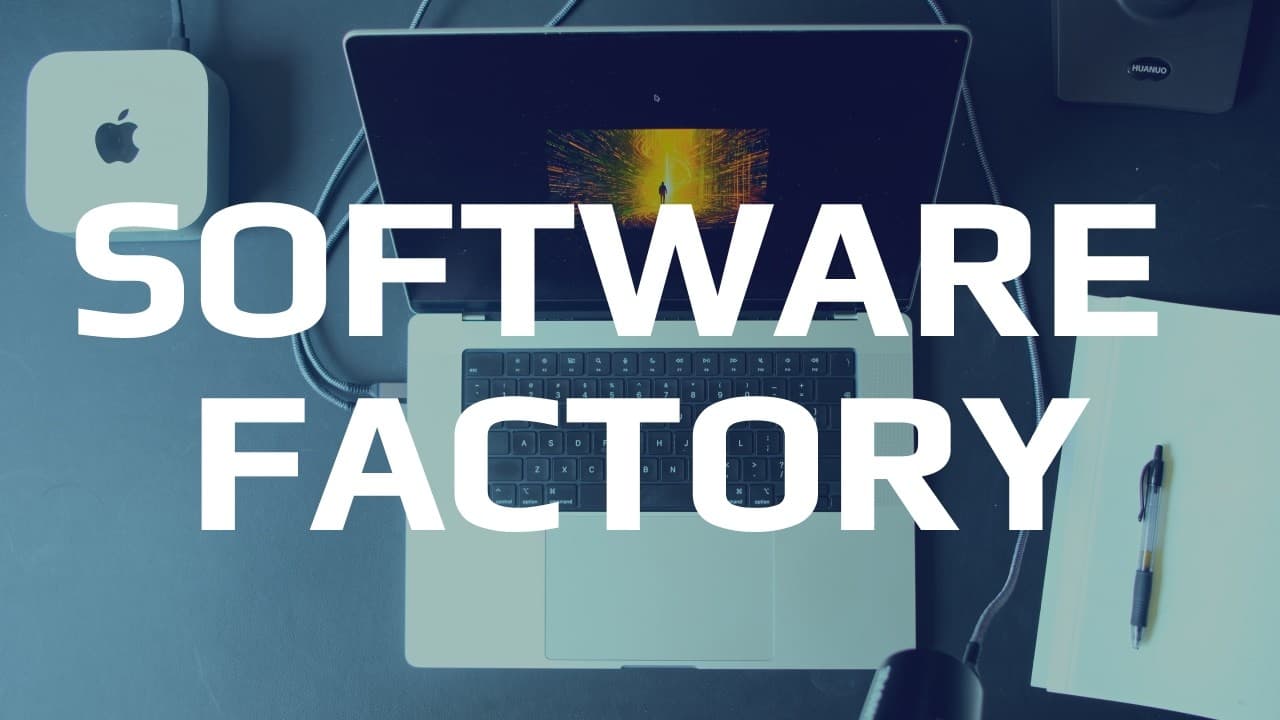
How to Build an Observable Agent Software Factory
TL;DR
A software factory increases the leverage of a prompt by coordinating engineers, code, and agents through observable, customizable, and reusable workflows. Start with atomic tasks such as scouting, then compose planning, building, testing, and quality checks while recording prompts, configurations, tools, events, and results so failures can be measured, corrected, and improved.
Transcript
What's up engineers? Indie Devdan here. If you're building systems of agents that operate for you, stick around. This is going to be a valuable one for you. If you're mindlessly vibe coding slop, this video is not for you. Click away. Thanks. See you next time. Software factories are massively misunderstood and underappreciated. The key is to under... Read More
Key Insights
- A software factory is valuable because it increases the leverage of a prompt. The amount of leverage depends on the quality of the system built around the prompt, ranging from lightly configured agent chains to systems that combine agents and code with limited human involvement.
- Observability is necessary for improving agent workflows because engineers need to measure what agents did. The demonstrated interface provides a swim lane view with events, configurations, model assignments, prompts, tools, coding agents, and harness details for each workflow execution.
- The three actors in software creation are the engineer, executable code, and the agent. The factory coordinates these actors instead of treating agent parallelism or team configuration as the entire solution, reflecting the claim that agents combined with code outperform agents working alone.
- A model stack is more useful than fixation on a single model. The factory can assign different models according to performance, speed, cost, and price considerations, allowing multiple models to participate in the same system rather than requiring one model for every task.
- Agentic access lets an orchestrator operate the factory on the engineer's behalf. The system can still expose direct commands for workflows such as planning and building, but an orchestrating agent can select capabilities, load required skills, refine the request, and launch the appropriate workflow.
- Atomic workflows provide a practical starting point for a software factory. The demonstrated scout workflow uses one engineer and one agent to inspect an application, explain its features, find relevant code information, propose three additions, and report results against a stated definition of done.
- Composite workflows combine planning, building, testing, reviewing, and quality checks into larger development processes. Available checks include linting, formatting, type checking, and documentation, while the demonstrated plan, build, and test workflow delegates distinct stages to agents and code.
- Automated verification can create a corrective feedback path after implementation. In the light-mode example, two code checks run after the build, and failed verification can return the work to the build agent so mistakes are corrected before the workflow is considered complete.
- More videos from this channel:
- More from this channel: IndyDevDan
Install to Summarize YouTube Videos and Get Transcripts
Explore YouTube Video Summarizer or Get YouTube Transcript Extractor
Questions & Answers
Q: What is a software factory for agentic engineering?
A software factory is a system that increases the leverage of an engineer's prompt by coordinating agents, executable code, and human input. At a basic level, it can chain several agents with configuration. At a more advanced level, it can run structured development workflows with less human involvement while exposing prompts, events, tools, configurations, and results for inspection.
Q: Why does a software factory need observability?
A software factory needs observability because agent performance cannot be systematically improved without measuring what happened. The demonstrated system records workflows in a swim lane view and exposes events, agent configurations, compiled system and user prompts, selected models, tools, coding agents, and harnesses. Engineers can use that evidence to understand results, investigate failures, and refine subsequent runs.
Q: Why are agents and code combined in the factory?
Agents and code are combined because the presented approach assigns value creation to three actors: the engineer, the code that executes, and the agent. The goal is not merely to run many agents in parallel. It is to use each actor at the right stage, including deterministic code checks after agent work, to produce more reliable development workflows.
Q: How should engineers choose models for agent workflows?
Engineers should treat available models as a stack and select among them according to performance, speed, cost, and price requirements. The factory demonstrates that several models can participate in different workflows. This reduces the importance of declaring one model universally best and instead focuses attention on assigning an appropriate model to each planning, scouting, building, or checking task.
Q: How does an orchestrator agent operate the software factory?
An orchestrator agent receives the engineer's request, determines what capabilities it needs, loads the relevant skills, clarifies or enhances the prompt, and launches a suitable workflow. The factory also provides direct commands for operations such as planning and building, but agentic access allows the orchestrator to operate those commands on the engineer's behalf and expose progress through the observability interface.
Q: What is an AI developer workflow in this factory?
An AI developer workflow is a defined sequence of agent and code activities for a software task. The simplest demonstrated workflow accepts a request and assigns a scout agent to inspect an application and report findings. More advanced workflows combine planning, building, testing, reviewing, documentation, linting, formatting, and type checking into repeatable software development life-cycle processes.
Q: How did the factory add light mode to the application?
The engineer requested a light mode that contrasted with the default dark mode and asked for a design system that could support additional themes later. The factory launched a three-step plan, build, and test workflow using separate planning and building activity. The resulting application displayed a light-mode control, inverted its colors when activated, and then underwent two code checks.
Q: What happens when a software factory verification fails?
When verification fails, the demonstrated design can send the work back to the build agent for correction. This creates a feedback path between executable code checks and agent implementation rather than treating the first generated result as final. The example places two checks after the light-mode build, allowing the workflow to verify the implementation and request repairs when required.
Summary & Key Takeaways
-
A software factory is presented as a system for increasing the leverage of prompts. Its simplest form chains a few configured agents, while advanced versions combine agents and executable code to operate with greater independence. The central design principle is that engineers, code, and agents should contribute at the appropriate points in a workflow.
-
The demonstrated factory emphasizes observability, customization, and reuse. Its interface exposes workflow swim lanes, events, model assignments, compiled system and user prompts, tools, coding agents, and harness configurations. This visibility supports prompt engineering, context engineering, harness engineering, and management of the software development life cycle across repeatable AI developer workflows.
-
The demonstration progresses from a single-agent scouting workflow to a plan, build, and test workflow. The scout analyzes a writing application and proposes three features. The more advanced workflow adds light mode, creates a theme-oriented design system, and runs two code checks that can return failed work to the builder for correction.
Read in Other Languages (beta)
Share This Summary 📚
Summarize YouTube Videos and Get Video Transcripts with 1-Click
Try YouTube Summary with ChatGPT & Claude or YouTube Transcript Generator
Explore More Summaries from IndyDevDan 📚


Summarize YouTube Videos and Get Video Transcripts with 1-Click
Try YouTube Summary with ChatGPT & Claude or YouTube Transcript Generator