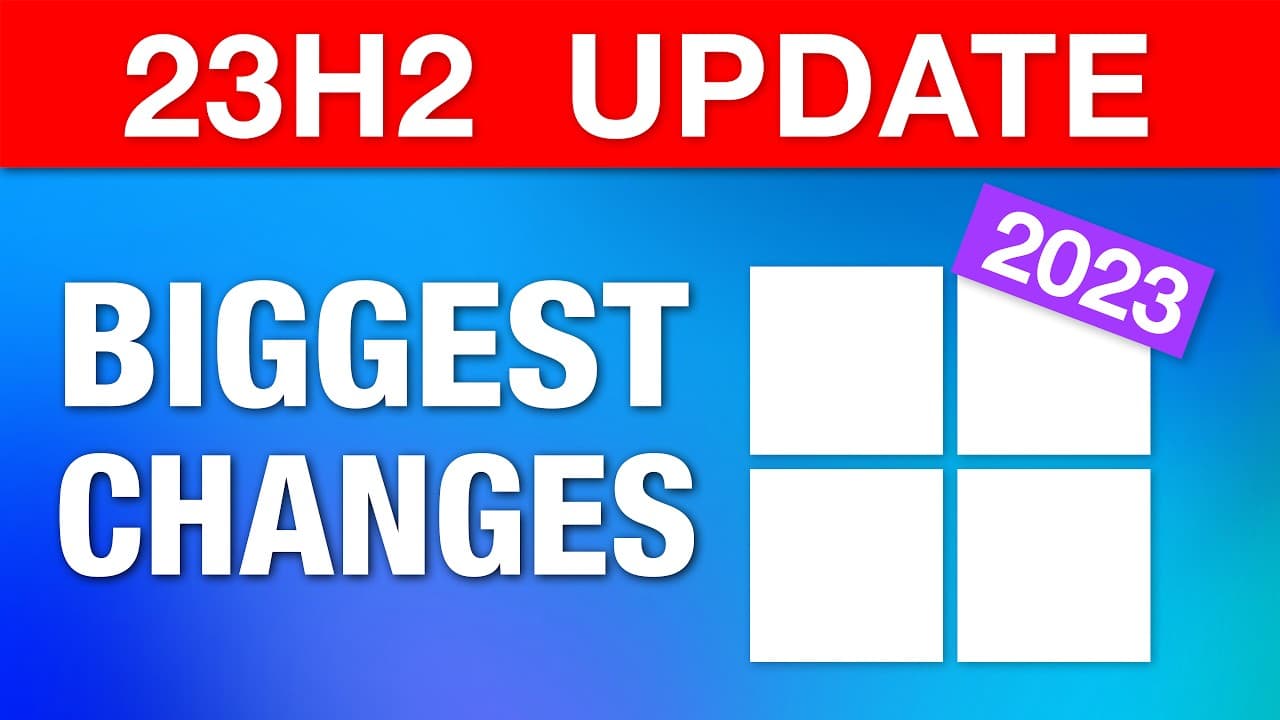
Windows 11 Major Annual Update 2023 - Biggest Changes (23H2)
TL;DR
The Windows 11 23H2 update is an enablement package for features added in the previous update. It includes enhancements to the Snipping Tool and Microsoft Paint, as well as updates to system components and live captions.
Transcript
The new Windows 11 23H2 update just dropped, and while I do have some new stuff to show you, you should be aware that this is basically just an enablement package of a bunch of features that were added in the previous update in September, which was pretty big, but not all those features were enabled by default. So if you saw my previous v... Read More
Key Insights
- 👶 The Windows 11 23H2 update primarily enables features added in the previous update, rather than introducing entirely new features.
- ❓ Enhancements include audio recording options in the Snipping Tool and AI image generation in Microsoft Paint.
- 😀 The update introduces a separate app menu for system components and expands language support for live captions.
- 💝 Windows users should ensure they have enabled the option to receive the latest updates to get the 23H2 update.
- 😒 It is important to note that AI image generation in Microsoft Paint uses the DALLE 2.5 model, which has limitations compared to the more advanced DALLE 3.
- 👊 The Chat icon in the taskbar will be replaced with Microsoft Teams Free Edition as the default chat application.
- 🔇 Developers may be interested in exploring the Dev Drives feature, which optimizes volume creation for development workloads.
Install to Summarize YouTube Videos and Get Transcripts
Explore YouTube Video Summarizer or Get YouTube Transcript Extractor
Questions & Answers
Q: How can I get the Windows 11 23H2 update?
You can get the update by going to Settings > Windows Update and checking for updates. Make sure to enable the option to receive the latest updates as soon as they're available.
Q: What are the new features in the Snipping Tool?
The Snipping Tool now allows you to record system audio and microphone when recording a video. You can choose to enable or mute the recording of both, and customize default settings in the app.
Q: How does AI image generation work in Microsoft Paint?
With the Co-Creator feature in Microsoft Paint, you can generate images by providing a prompt and selecting a style. It uses the DALLE 2.5 model, which is not as advanced as DALLE 3 and has limitations with text generation.
Q: What is the purpose of the new System Components app menu?
The new app menu separates system apps from installed apps, providing a clear distinction. It helps users identify pre-installed apps and differentiate them from third-party apps.
Key Insights:
- The Windows 11 23H2 update primarily enables features added in the previous update, rather than introducing entirely new features.
- Enhancements include audio recording options in the Snipping Tool and AI image generation in Microsoft Paint.
- The update introduces a separate app menu for system components and expands language support for live captions.
- Windows users should ensure they have enabled the option to receive the latest updates to get the 23H2 update.
- It is important to note that AI image generation in Microsoft Paint uses the DALLE 2.5 model, which has limitations compared to the more advanced DALLE 3.
- The Chat icon in the taskbar will be replaced with Microsoft Teams Free Edition as the default chat application.
- Developers may be interested in exploring the Dev Drives feature, which optimizes volume creation for development workloads.
- The Windows 11 23H2 update includes minor changes overall, with the major updates being covered in a previous video.
Summary & Key Takeaways
-
The Windows 11 23H2 update is an enablement package for previously added features.
-
New features include improvements to the Snipping Tool, AI image generation in Microsoft Paint, and a separate app menu for system components.
-
The update also brings expanded language support for live captions and the replacement of the Chat icon with Microsoft Teams Free Edition.
Read in Other Languages (beta)
Share This Summary 📚
Summarize YouTube Videos and Get Video Transcripts with 1-Click
Try YouTube Summary with ChatGPT & Claude or YouTube Transcript Generator
Explore More Summaries from ThioJoe 📚




Summarize YouTube Videos and Get Video Transcripts with 1-Click
Try YouTube Summary with ChatGPT & Claude or YouTube Transcript Generator