What Are the Best Chrome and Firefox Extensions to Try?
TL;DR
Nine useful browser extensions for Chrome, many compatible with Firefox, include Font Fingerprint Defender for privacy, I Don't Care About Cookies to block pesky cookie requests, and Bionic Reading for improved text readability. Additional extensions like Return YouTube Dislike and Unpaywall enhance user experience and access to information. Each extension serves a unique purpose to streamline and enhance your browsing experience.
Transcript
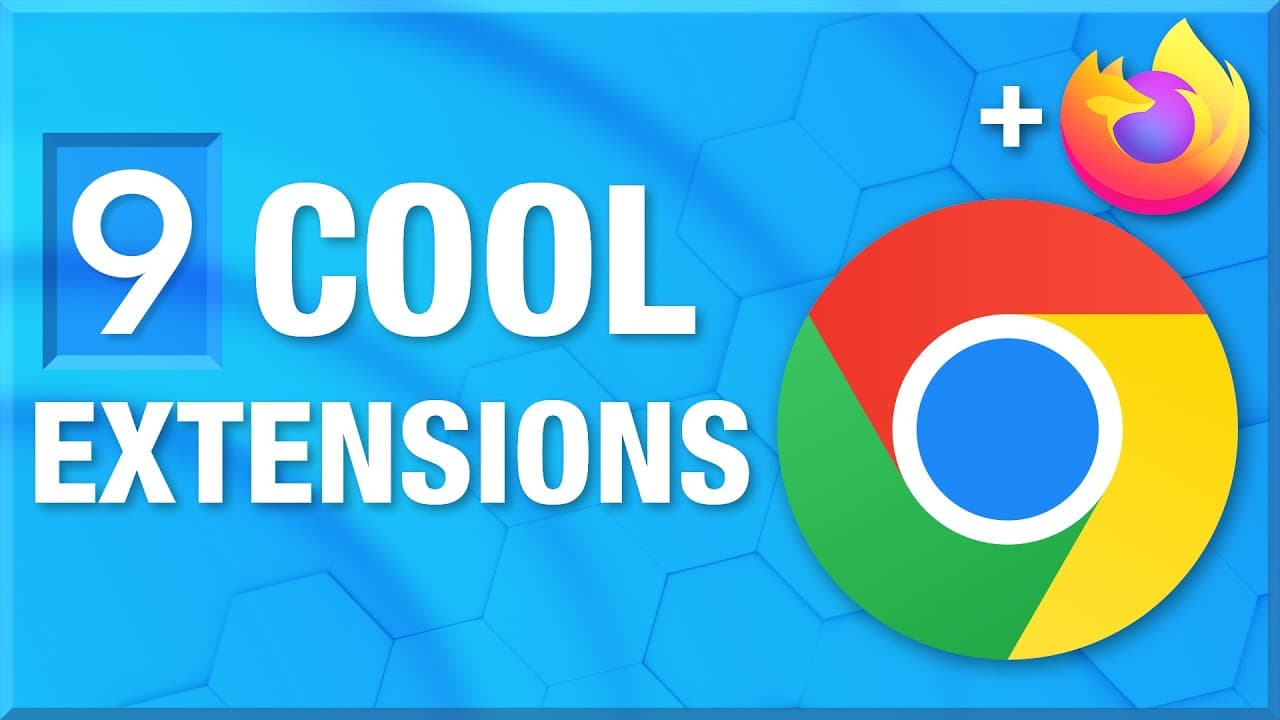
It's time for another video about cool browser extensions. It's been a while since I made one. And in this video, I've got nine really cool Chrome extensions that are also available for Firefox for most of them. And if they aren't, then I'll mention that and give an equivalent that is available for Firefox. And of course, I'll put all lin... Read More
Key Insights
- 👤 Extensity is a useful extension that enables users to toggle extensions on and off according to their needs, reducing clutter and improving browser performance.
- 👤 Font Fingerprint Defender protects privacy by adding random fonts to your browser's fingerprint, making it difficult for websites to track users based on font data.
- 😨 I Don't Care About Cookies blocks annoying cookie requests that have become widespread after GDPR implementation, improving browsing convenience.
- 🫠 Bionic Reading simplifies reading large blocks of text by providing a cleaner, customizable reading interface that enhances readability.
- 🎮 Return YouTube Dislike brings back dislike counts on YouTube videos, allowing users to see community feedback on video content.
- 🚫 SuperCopy and Don't F with Paste enable copying and pasting text even on websites that try to block these actions, improving usability.
- ♿ Unpaywall helps researchers access paywalled academic journal articles by checking for legally open-access versions on other platforms.
Install to Summarize YouTube Videos and Get Transcripts
Explore YouTube Video Summarizer or Get YouTube Transcript Extractor
Questions & Answers
Q: What is the purpose of the Font Fingerprint Defender extension?
Font Fingerprint Defender adds random fonts to your browser's fingerprint, making it difficult for websites to track you based on the fonts installed on your system. This protects your privacy by preventing websites from uniquely identifying you based on font data.
Q: How does the I Don't Care About Cookies extension work?
I Don't Care About Cookies blocks the cookie requests that often pop up on many websites following the implementation of GDPR. By automatically rejecting these requests, it saves users the hassle of manually accepting or rejecting each cookie request, improving browsing convenience.
Q: What does the Bionic Reading extension do?
The Bionic Reading extension simplifies reading large blocks of text on websites by providing a cleaner, distraction-free reading experience. It bolds the first parts of words, making it easier for readers to focus on the content and improve readability.
Q: How does the Unpaywall extension help with accessing academic journals?
Unpaywall checks for legally open-access versions of paywalled academic journal articles. It redirects users to alternative sources, such as arXiv, where the complete articles are freely available, allowing researchers to access the content without needing to pay for subscriptions.
Key Insights:
- Extensity is a useful extension that enables users to toggle extensions on and off according to their needs, reducing clutter and improving browser performance.
- Font Fingerprint Defender protects privacy by adding random fonts to your browser's fingerprint, making it difficult for websites to track users based on font data.
- I Don't Care About Cookies blocks annoying cookie requests that have become widespread after GDPR implementation, improving browsing convenience.
- Bionic Reading simplifies reading large blocks of text by providing a cleaner, customizable reading interface that enhances readability.
- Return YouTube Dislike brings back dislike counts on YouTube videos, allowing users to see community feedback on video content.
- SuperCopy and Don't F with Paste enable copying and pasting text even on websites that try to block these actions, improving usability.
- Unpaywall helps researchers access paywalled academic journal articles by checking for legally open-access versions on other platforms.
- SVG Export and Window Resizer offer useful functionalities for designers and content creators, allowing them to export SVG vector files and adjust browser window sizes for optimal screen recording experiences.
Summary & Key Takeaways
-
The video highlights nine cool browser extensions for Chrome that are mostly compatible with Firefox, with a bonus extension for managing other extensions.
-
The first extension discussed is Font Fingerprint Defender, which adds random fonts to your browser's fingerprint, making it harder for websites to track you.
-
Another extension mentioned is I Don't Care About Cookies, which blocks cookie requests that have become common after the implementation of GDPR.
-
Bionic Reading, Return YouTube Dislike, SuperCopy, Don't F with Paste, Unpaywall, SVG Export, and Window Resizer are also discussed in the video, each offering unique functionalities for users.
Read in Other Languages (beta)
Share This Summary 📚
Summarize YouTube Videos and Get Video Transcripts with 1-Click
Try YouTube Summary with ChatGPT & Claude or YouTube Transcript Generator
Explore More Summaries from ThioJoe 📚




Summarize YouTube Videos and Get Video Transcripts with 1-Click
Try YouTube Summary with ChatGPT & Claude or YouTube Transcript Generator