How to Control Claude Code Through iMessage
TL;DR
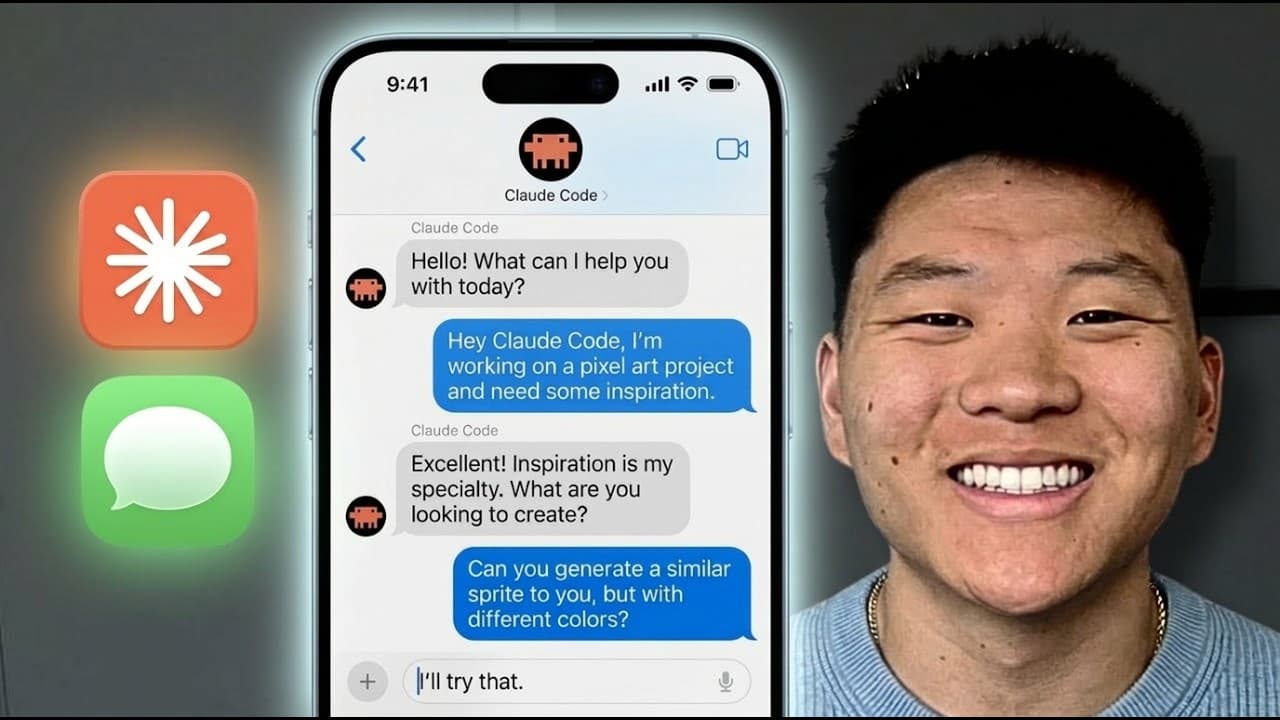
Install the iMessage channel plugin, grant your terminal or Visual Studio Code full disk access on macOS, then launch Claude Code with the channel enabled. Messages sent through iMessage enter the active local session like terminal prompts, allowing Claude Code to use available skills, files, and API keys, request permission approvals, and return results to the phone.
Transcript
All right, I'm in my cloud code and it says, "Listening for channel messages from the plugin iMessage." And on my phone right here, I've got iMessage pulled up and I'm going to shoot off this text that says, "Scrape the YouTube comments from my recent video and give me a breakdown." And what you'll see right here on my terminal is that we have iMes... Read More
Key Insights
- Claude Code channels are MCP servers that push messages or other events into an active Claude Code session, allowing the session to react while the user is away from the terminal and send its response back through a supported application.
- The iMessage channel works by inserting a received text into Claude Code as though the user had entered the same instruction locally, giving the request access to the session's configured skills, folders, files, and API keys.
- The demonstrated task analyzed 511 comments across six recent YouTube videos by invoking an existing YouTube analyzer skill, then returned major themes, requested topics, and standout comments directly to the user's iMessage conversation.
- The iMessage channel requires Claude Code to run on macOS because it depends on iMessage, so a standard non-macOS VPS is unsuitable. A Mac mini or macOS VPS can support a session intended to remain available continuously.
- The channel remains available only while its associated Claude Code session is running. Closing the session with Control-C, shutting down the laptop, restarting for an update, or otherwise ending the process prevents subsequent messages from reaching Claude Code.
- The setup requires installing Bun, granting full disk access to the application hosting the terminal, installing and enabling the iMessage plugin, and launching a fresh Claude Code session with the iMessage channel activated.
- Permission requests can be handled from iMessage by replying to Claude Code's prompt, so a user who did not launch the session with bypassed permissions can still authorize an action remotely from the phone.
- Dispatch is intended for sending a task from the mobile app, channels push chat or external events into a running session, and Remote Control is intended for steering work already in progress through claude.ai/code or the mobile app.
Install to Summarize YouTube Videos and Get Transcripts
Explore YouTube Video Summarizer or Get YouTube Transcript Extractor
Questions & Answers
Q: How do you set up Claude Code with iMessage?
Grant full disk access on the Mac to the application that hosts Claude Code, such as Visual Studio Code, then install the required Bun dependency and the iMessage channel plugin. After confirming that the plugin is connected and enabled, exit the ordinary session and launch a fresh Claude Code session in channel mode. It should report that it is listening for iMessage channel messages.
Q: How does the Claude Code iMessage channel work?
The iMessage channel operates as an MCP server that pushes incoming messages into a running Claude Code session. When an authorized iMessage account sends a request, the text appears inside the active session as though it had been typed locally. Claude Code can then use the session's available skills, files, folders, and API keys before returning the result through iMessage.
Q: What can Claude Code do when controlled through iMessage?
Claude Code can perform tasks supported by the active local environment and its installed capabilities. In the demonstration, an iMessage requested a breakdown of recent YouTube comments. Claude Code invoked a YouTube analyzer skill, scraped 511 comments across six recent videos, identified major themes and requested topics, selected standout comments, and sent the resulting breakdown back through iMessage.
Q: Why does the iMessage channel stop responding?
The channel only pushes messages into a running Claude Code session. If the user closes that session with Control-C, the laptop turns off, or an update restarts the computer, there is no active process to receive and handle new texts. Restoring access requires returning to the Mac and launching another Claude Code session with the iMessage channel enabled.
Q: Can the Claude Code iMessage channel run continuously?
Continuous access requires keeping both the Mac and the channel-enabled Claude Code session running. The transcript suggests hosting Claude Code on a Mac mini or a macOS VPS when longer availability is needed. The host must use macOS because the channel relies on iMessage. If the machine or Claude Code process stops, incoming messages will not trigger any action.
Q: How can another person access Claude Code through iMessage?
Another phone number or Apple ID can be authorized with the iMessage access allow command. When a number first contacts the configured channel, Claude Code may ask whether it belongs to an approved sender. Allowing a separate account also avoids the duplicated appearance created when someone texts themselves, producing a conversation that more clearly separates user requests from Claude Code responses.
Q: Can permission requests be approved through iMessage?
Permission prompts can be answered directly from the iMessage conversation. When Claude Code needs approval for an action, it sends a request that appears both in the local session and on the phone. The user can reply affirmatively through iMessage, and Claude Code receives that response and proceeds. This allows remote authorization even when bypass permissions were not enabled at launch.
Q: What is the difference between Dispatch, Channels, and Remote Control?
Dispatch sends a task from the mobile app for Claude to run on the user's machine and is suited to delegating work while away with minimal setup. Channels push events from iMessage, Telegram, Discord, or custom servers into a running session, making them useful for chat messages and external events. Remote Control steers work already in progress from claude.ai/code or the mobile app.
Summary & Key Takeaways
-
Claude Code channels connect supported chat applications to a running local session through an MCP server. The demonstration sends an iMessage requesting analysis of YouTube comments, after which Claude Code uses an installed YouTube analyzer skill, processes 511 comments from six recent videos, and returns themes, requests, and standout comments through iMessage.
-
Setting up the iMessage channel requires macOS, Bun, full disk access for the terminal application or Visual Studio Code, and installation of the iMessage plugin. A fresh Claude Code session must then be launched in channel mode. Team and enterprise administrators must also enable channels within their organization settings before members can use them.
-
The iMessage connection stops working when its Claude Code session closes, so continuous access requires keeping the Mac and session running. A Mac mini or macOS VPS can provide longer availability. Dispatch delegates mobile tasks, channels react to chat messages or external events, and Remote Control steers work already running from another device.
Read in Other Languages (beta)
Share This Summary 📚
Summarize YouTube Videos and Get Video Transcripts with 1-Click
Try YouTube Summary with ChatGPT & Claude or YouTube Transcript Generator
Explore More Summaries from Nate Herk | AI Automation 📚






Summarize YouTube Videos and Get Video Transcripts with 1-Click
Try YouTube Summary with ChatGPT & Claude or YouTube Transcript Generator