How to Use the Control Net Method for Image Generation
TL;DR
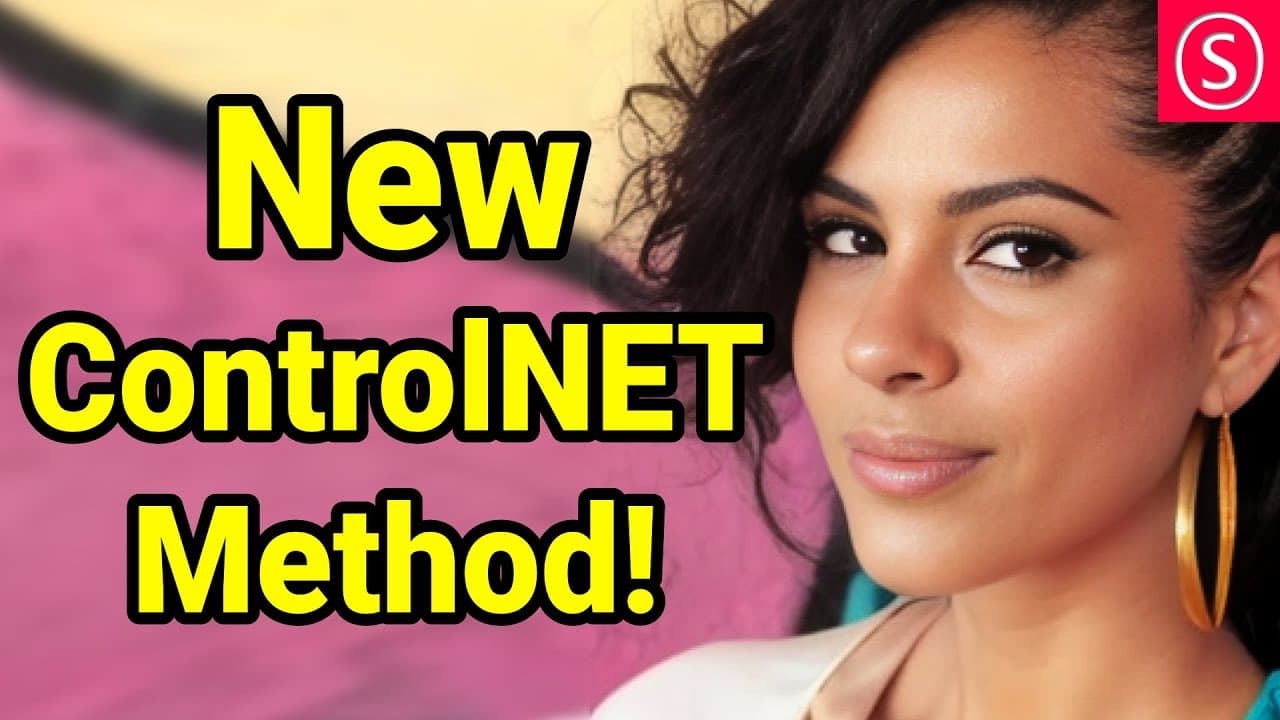
The Control Net method allows you to generate similar images from a single input photo without needing to train a model. To use it, install Control Net version 1.1, and provide a detailed prompt to achieve impressive results. This method offers greater artistic freedom and simplifies the image creation process.
Transcript
this control net method is amazing hello my friends how are you doing in this video I will show you how to get everything set up how to use it and why it is useful also don't forget to join my live stream tomorrow we will experiment with this new method with the segmentation method on top of that and we're going to talk about training models and lo... Read More
Key Insights
- 👻 The Control Net method allows for easy image generation without the need for model training.
- ❓ Detailed prompts describing desired image characteristics can improve the quality of generated images.
- 🇧🇶 Control Net offers more artistic freedom compared to other image generation methods.
- 📋 The method can be further enhanced by adjusting settings such as clip skip and quick choices.
- 🇧🇶 Using Control Net version 1.1 is recommended for optimal results.
- ❎ The technique can generate impressive results, even without using a negative prompt.
- 🐎 Control Net simplifies and speeds up the image generation process.
Install to Summarize YouTube Videos and Get Transcripts
Explore YouTube Video Summarizer or Get YouTube Transcript Extractor
Questions & Answers
Q: What is the Control Net method?
The Control Net method is a mapping technique that generates similar images to a given input photo without the need for model training. It is a versatile tool for image creation.
Q: How do I install Control Net version 1.1?
To install Control Net version 1.1, go to the extensions section, check for updates, and apply them. It is recommended to restart the software fully to ensure the new method appears.
Q: What preprocessors should I use with Control Net?
When using Control Net, choose the "reference only" option in the preprocessors list. For better results, select the "Pixel Perfect" option and provide a detailed prompt describing the desired image characteristics.
Q: How does Control Net differ from other methods?
Control Net offers more artistic freedom compared to other methods that rely heavily on specific pose details and facial features. Control Net can generate similar-looking images with variations in poses, hairstyles, and clothing styles.
Key Insights:
- The Control Net method allows for easy image generation without the need for model training.
- Detailed prompts describing desired image characteristics can improve the quality of generated images.
- Control Net offers more artistic freedom compared to other image generation methods.
- The method can be further enhanced by adjusting settings such as clip skip and quick choices.
- Using Control Net version 1.1 is recommended for optimal results.
- The technique can generate impressive results, even without using a negative prompt.
- Control Net simplifies and speeds up the image generation process.
- More experimentation and exploration of the Control Net method can be expected in the upcoming live stream.
Summary & Key Takeaways
-
The Control Net method allows users to input a photo and generate similar-looking images without training a model.
-
The method is easy to install by downloading Control Net version 1.1 and applying updates.
-
By providing a detailed prompt, users can achieve impressive results with the Control Net method.
Read in Other Languages (beta)
Share This Summary 📚
Summarize YouTube Videos and Get Video Transcripts with 1-Click
Try YouTube Summary with ChatGPT & Claude or YouTube Transcript Generator
Explore More Summaries from Olivio Sarikas 📚


Summarize YouTube Videos and Get Video Transcripts with 1-Click
Try YouTube Summary with ChatGPT & Claude or YouTube Transcript Generator