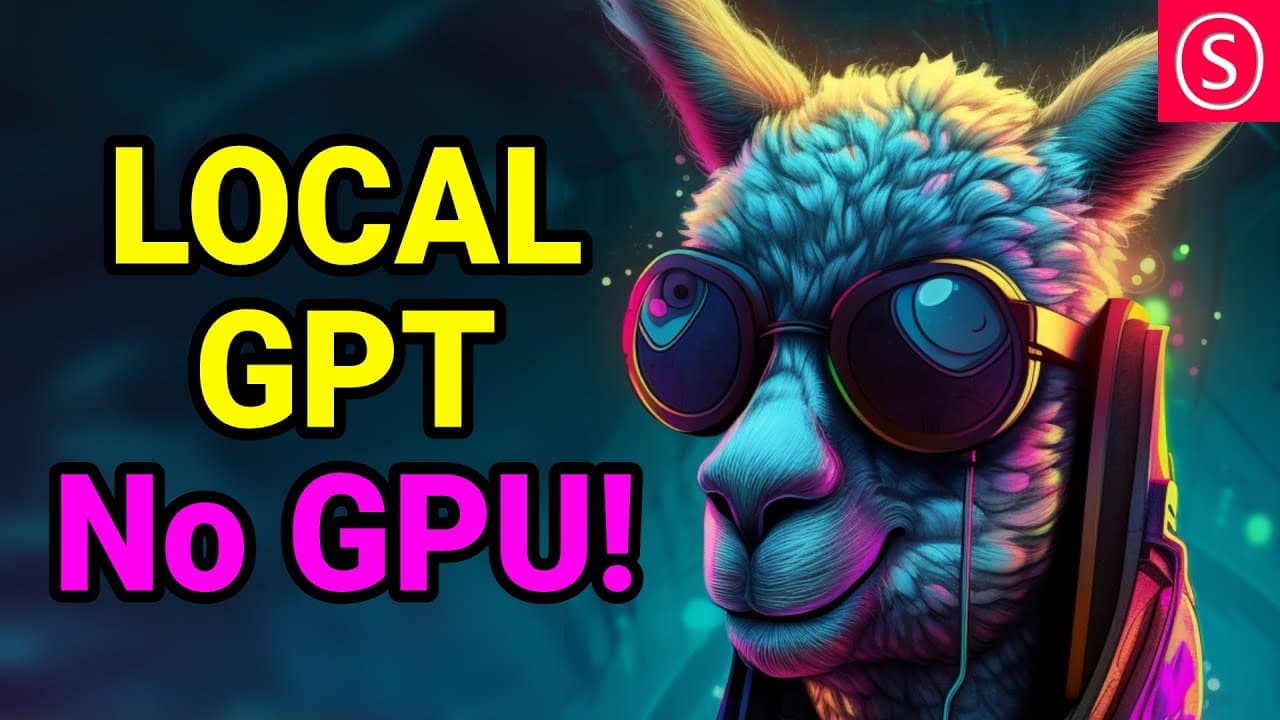
How to Install Alpaca Electron GPT Without a GPU
TL;DR
To install Alpaca Electron, simply download the access file and run the installer for your OS without needing a GPU. After installation, download the Alpaca 7B model and place it in a folder of your choice. You'll have a functional GPT on your computer that can handle various queries, but be cautious of potential inaccuracies in its responses.
Transcript
do you hate all that hugging face power shell command line get pull repository minus minus half your mama's still too fat for my drive crap I hear you I really do and boy do I have news for you because today we're gonna play with alpaca electron and this is an exit file you just download it you click the install you run the install and then you put... Read More
Key Insights
- 💻 Alpaca Electron provides a user-friendly interface for accessing and utilizing GPT models, allowing users to easily interact with the AI system for various purposes.
- 🚀 One of the advantages of Alpaca Electron is that it can be run on CPUs, eliminating the need for a dedicated graphics card and making it more accessible for users who don't have high-performance hardware.
- 🔗 Alpaca Electron uses the same UI as Jet GPT, which means users familiar with Jet GPT won't have to learn a new interface, simplifying the user experience.
- 💾 Alpaca Electron offers installers for Linux, macOS, and Windows, making it compatible with a wide range of operating systems and increasing usability for users across different platforms.
- 📥 Users simply need to download the Alpaca Electron access file, run the installer, and then obtain the Alpaca 7B native enhanced model, which can be downloaded separately and placed in any desired folder on the user's drive.
- 🧠 The AI system is capable of providing answers to a wide range of queries, including more saucy or explicit topics, as well as generating lists of historical information like Roman emperors.
- ❌ While Alpaca Electron offers powerful capabilities, users should be cautious and not solely depend on the accuracy of the answers provided, as there may be instances where the AI system produces incorrect or unreliable responses.
- 👍 By offering a user-friendly interface and a wide range of functionalities, Alpaca Electron provides an accessible and powerful tool for users to engage with GPT models and explore various applications.
Install to Summarize YouTube Videos and Get Transcripts
Explore YouTube Video Summarizer or Get YouTube Transcript Extractor
Questions & Answers
Q: What is Alpaca Electron?
Alpaca Electron is a downloadable GPT model that can be installed on your computer, enabling you to interact with it and ask questions in different languages.
Q: Do I need a GPU to use Alpaca Electron?
No, Alpaca Electron can be run on a CPU, making it accessible even for users without a dedicated graphics card.
Q: What is the installation process for Alpaca Electron?
The installation process involves downloading the Alpaca Electron access file from GitHub and running the installer compatible with your operating system (Linux, macOS, or Windows). Then, you simply need to provide the location of the model file, and you're ready to use Alpaca Electron.
Q: Can Alpaca Electron perform various tasks?
Yes, Alpaca Electron can answer questions, generate responses, and perform other tasks. However, it is important to note that it may provide incorrect answers or information, and it should not be fully relied upon for accurate results.
Q: Are there any limitations to using Alpaca Electron?
While Alpaca Electron is powerful and versatile, it is important to be aware of its limitations. The AI may provide inaccurate responses and should not be used as a definitive source of information. Additionally, it does not have internet access, so it cannot provide real-time data or information dependent on the internet.
Summary & Key Takeaways
-
Alpaca Electron is a GPT model that can be installed on your computer, allowing you to interact with it and ask questions.
-
The installation process is simple and doesn't require a GPU, making it accessible for users without expensive hardware.
-
The AI can provide answers and perform tasks, but it is important to be aware of potential inaccuracies.
Read in Other Languages (beta)
Share This Summary 📚
Summarize YouTube Videos and Get Video Transcripts with 1-Click
Try YouTube Summary with ChatGPT & Claude or YouTube Transcript Generator
Explore More Summaries from Olivio Sarikas 📚




Summarize YouTube Videos and Get Video Transcripts with 1-Click
Try YouTube Summary with ChatGPT & Claude or YouTube Transcript Generator