How Does DW Pose Improve Face and Body Tracking?
TL;DR
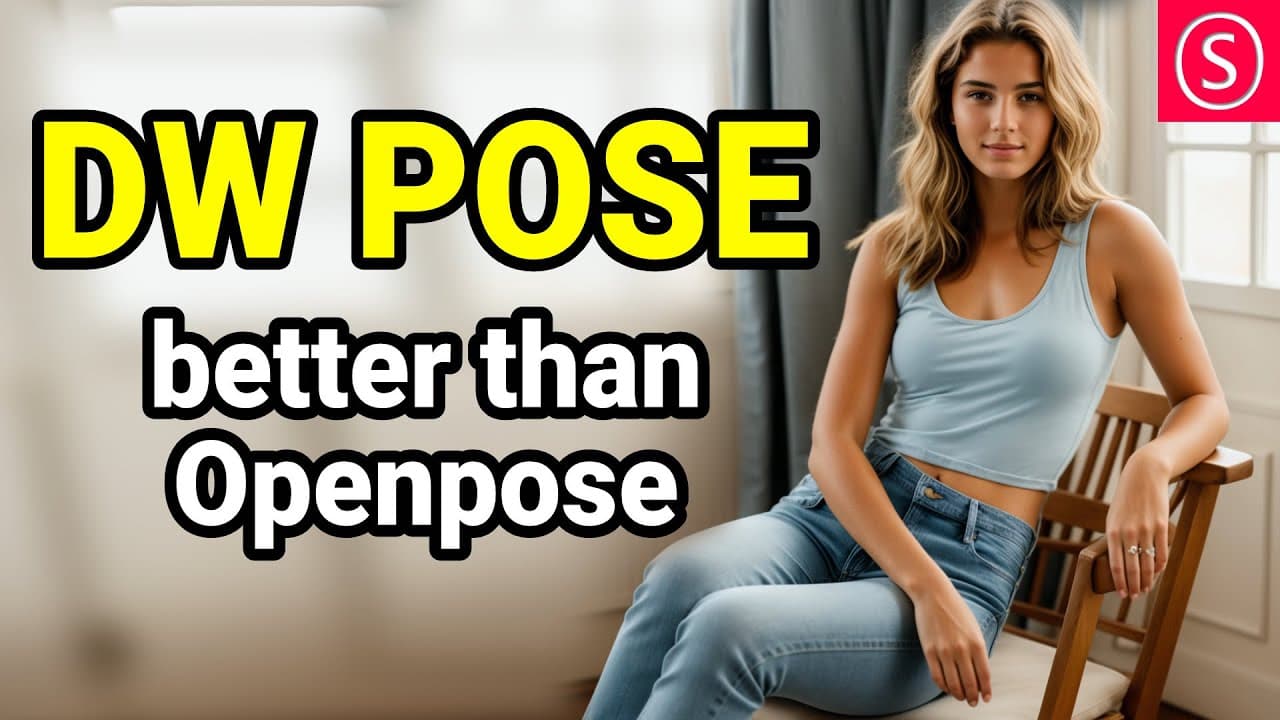
DW Pose significantly enhances the accuracy of face, body, and hand tracking compared to OpenPose Full, effectively capturing complex poses and overlapping limbs. Installing DW Pose in Automatic 1111 is simple, but requires updates for ControlNet compatibility, along with additional model downloads on first use.
Transcript
this is much more powerful than open pose full hello my friends how are you doing if you want to check out the new functions of automatic 1111 1.6 I have a video here for you explaining how to use them in this video we are going to talk about DW pose which does a lot better Face Body and hand tracking than open pose full thus let's get started so f... Read More
Key Insights
- 🤗 DW Pose offers significant improvements in face, body, and hand tracking precision compared to OpenPose Full.
- 🤗 The tool accurately captures complex poses, overlapping limbs, and occluded hands caused by clothing.
- ❓ Installing DW Pose in Automatic 1111 is straightforward, with a few updates required for ControlNet compatibility.
- 🎮 DW Pose can be used for video tracking by following the instructions and selecting the DW OpenPose Full Preprocessor.
- 👣 The OpenPose Editor is a valuable tool for adjusting and fine-tuning tracked poses before processing in ControlNet.
- 😒 DW Pose requires additional model downloads during the first use for optimal functionality.
- 👤 Users can also utilize DW Pose for video creation by using Image-to-Image or the Forum, with ControlNet and DW Pose Preprocessor enabled.
Install to Summarize YouTube Videos and Get Transcripts
Explore YouTube Video Summarizer or Get YouTube Transcript Extractor
Questions & Answers
Q: How does DW Pose outperform OpenPose Full in terms of tracking precision?
DW Pose provides more accurate tracking for face, body, and hands, even when dealing with complex poses, overlapping limbs, and occlusions caused by clothing.
Q: How can I install DW Pose in Automatic 1111?
To install DW Pose, follow the provided link and enter it in the "install from URL" tab in the Automatic 1111 extensions. After installation, apply and restart the UI. Additionally, ensure ControlNet is updated and compatible with DW Pose.
Q: Can I use DW Pose for video tracking?
Yes, DW Pose can be used for video tracking. Load the OpenPose Editor extension and select the DW OpenPose Full Preprocessor. Follow the instructions for video processing, and ensure ControlNet is enabled and selected for accurate results.
Q: Is there a tool to edit or adjust the tracked poses in DW Pose?
Yes, the OpenPose Editor extension allows you to edit and adjust the tracked poses. You can move body parts, add missing limbs, and fine-tune the pose before sending it to ControlNet for further processing.
Summary & Key Takeaways
-
DW Pose offers superior tracking capabilities for face, body, and hands compared to OpenPose Full.
-
The tool accurately tracks complex poses, overlapping limbs, and even finger movements.
-
Installation process for DW Pose in Automatic 1111 is straightforward, with a few updates required for ControlNet compatibility.
Read in Other Languages (beta)
Share This Summary 📚
Summarize YouTube Videos and Get Video Transcripts with 1-Click
Try YouTube Summary with ChatGPT & Claude or YouTube Transcript Generator
Explore More Summaries from Olivio Sarikas 📚



Summarize YouTube Videos and Get Video Transcripts with 1-Click
Try YouTube Summary with ChatGPT & Claude or YouTube Transcript Generator