How to Create Hyper-Realistic Images with Midjourney
TL;DR
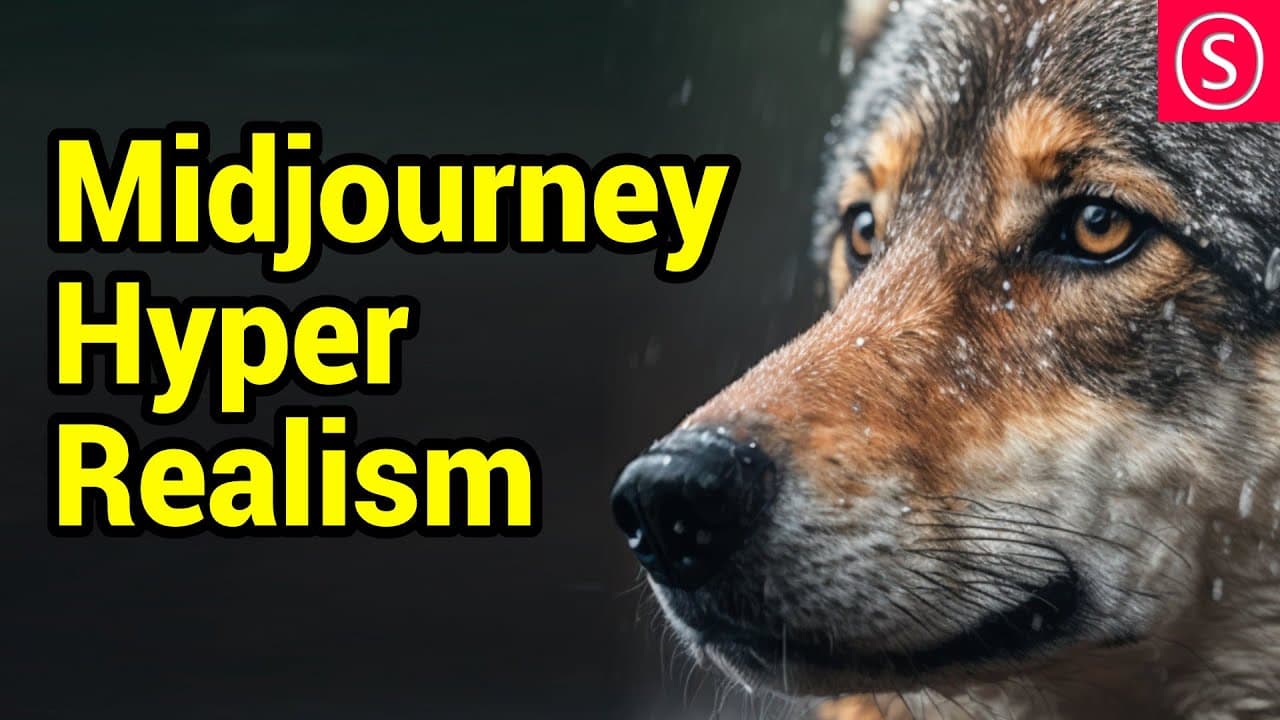
To create hyper-realistic images using Midjourney, focus on using concise prompts that specify realistic subjects and integrate professional techniques like color grading and light management. Consider materials and reflections to enhance realism and think like a photographer to refine your approach and achieve better results.
Transcript
how to create hyper realistic images with mid-journey hello my friends how are you doing this video is a cooperation between Robo Mar who is an absolute mid-choney Legend follow him on Instagram for daily tips and tricks and me so he gave me his amazing formula to make this happen I did extensive testing with it and I'm going to show you my tips an... Read More
Key Insights
- 🖕 The formula and prompt used in mid-journey significantly affect the quality and realism of the final image.
- 🙂 Considering materials, reflections, and light situations can greatly enhance the realism of mid-journey images.
- 🤔 Staying focused, starting with simple ratios, choosing realistic subjects, and thinking like a photographer are helpful tips for achieving hyper-realistic images.
- 🧡 Experimenting with different prompts, formats, mediums, and brands can further expand the range of mid-journey images.
- 🖕 The choice of camera and photographic techniques can also impact the realism and style of the mid-journey images.
- 🖕 Adding specific details like wet surfaces, depth of field focus stacking, and changing the perspective can improve the realism and storytelling of mid-journey images.
- 🥺 Continuously refining and modifying prompts can lead to better results and more personalized mid-journey images.
Install to Summarize YouTube Videos and Get Transcripts
Explore YouTube Video Summarizer or Get YouTube Transcript Extractor
Questions & Answers
Q: What are the key differences between a mid-journey image without the formula and one with the formula?
Without the formula, the image may appear blurry, low in detail, and resemble a digital painting. With the formula, the image becomes much more detailed, realistic, and has improved lighting and materials.
Q: How can materials and their colors impact the realism of a mid-journey image?
The reflection and refraction of light differ based on the material and its color. This difference affects the realism of the image. For example, hair and skin have distinct reflections and translucency, while clothing may feel different from the skin and hair.
Q: What are some tips for achieving realistic mid-journey images?
Keep prompts short and focused, prioritize one simple goal, start with 2:3 or 3:2 ratios, choose a realistic subject, and consider real topics to help the AI generate more accurate results. As you gain experience, you can experiment and expand your prompts.
Q: How can thinking like a photographer improve mid-journey images?
If the result of an image isn't what you expect, try to think about how a photographer would handle the situation. Consider factors like lighting, weather, camera angles, and bokeh to enhance the realism and overall quality of the image.
Summary & Key Takeaways
-
The video discusses the importance of using the right formula and prompt in mid-journey to create hyper-realistic images.
-
The quality and realism of the images can be improved by considering materials, reflections, and light situations.
-
The presenter provides tips on staying focused, starting with simple ratios, choosing realistic subjects, and thinking like a photographer to achieve desired results.
Read in Other Languages (beta)
Share This Summary 📚
Summarize YouTube Videos and Get Video Transcripts with 1-Click
Try YouTube Summary with ChatGPT & Claude or YouTube Transcript Generator
Explore More Summaries from Olivio Sarikas 📚
Summarize YouTube Videos and Get Video Transcripts with 1-Click
Try YouTube Summary with ChatGPT & Claude or YouTube Transcript Generator