How Can AI Enhance Image Morphing and Animation?
TL;DR
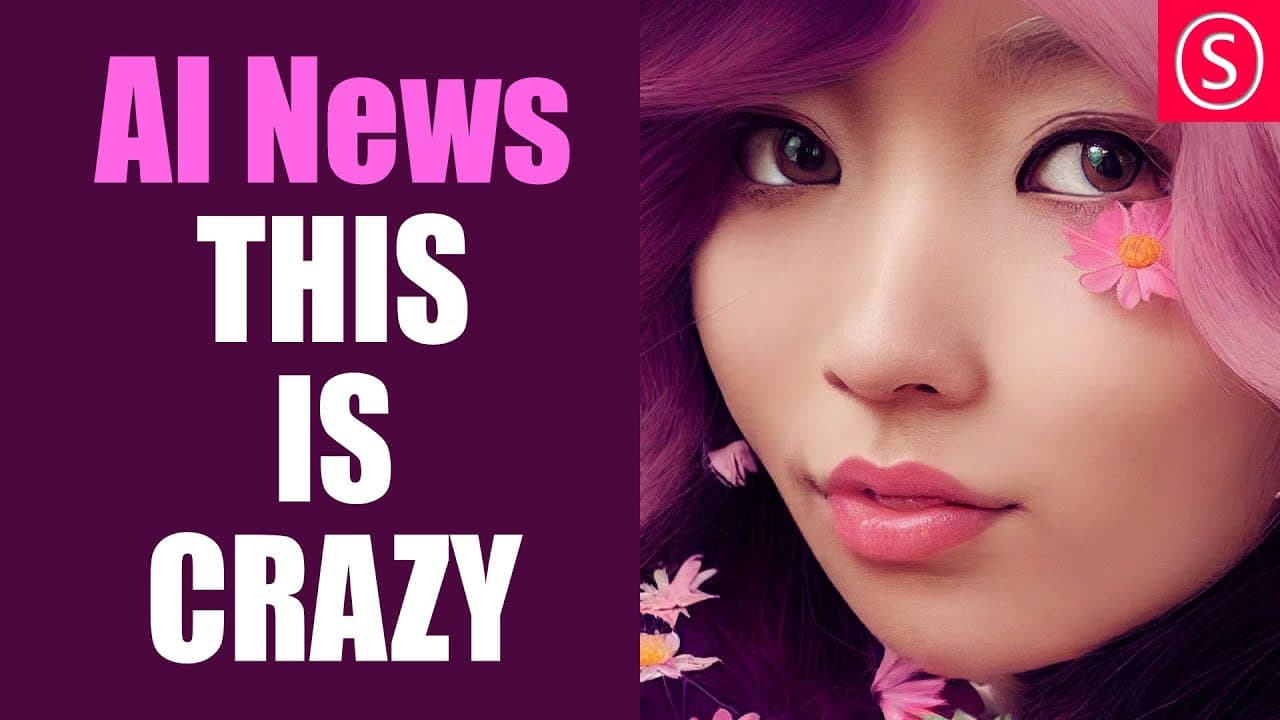
AI advancements enable dynamic morphing between text prompts and images, opening new avenues for artistic expression. Techniques like smooth animations transitioning into 2D images and innovative ink painting methods allow creators to evolve their visual works seamlessly. Additional insights cover optimizing stable effusion on M1 Max and improving image generation quality.
Transcript
here are some of the most amazing AI news hello my friends how are you doing let's get started here with the first one by Nate raw about morphing between text prompts so in this example you can see that we have strawberry spaghettis and they are morphing into blueberry spaghettis now if this doesn't make too much sense here is another example with ... Read More
Key Insights
- 👻 Morphing techniques in AI allow for smooth transitions between text prompts and images, unlocking artistic possibilities.
- 🪽 Google Research's flying into 2D images AI showcases the potential for creating seamless and purposeful flying animations.
- 😉 Chini Kogan's ink painting approach demonstrates how AI can extend and modify images to create intricate and evolving canvases.
- 💁 Tips for running stable effusion on M1 Max improve user experience with AI algorithms.
- 🛟 Avoiding image decapitation in AI image generation ensures better results by preserving important image elements.
- 🦸 The content provides a comprehensive collection of AI projects for image and video processing, including super resolution, upscaling, and more.
- 📽️ Google Collab is a recommended platform for exploring and implementing various AI projects.
Install to Summarize YouTube Videos and Get Transcripts
Explore YouTube Video Summarizer or Get YouTube Transcript Extractor
Questions & Answers
Q: How does AI morph between text prompts and images?
AI algorithms can analyze and interpolate between different text prompts or images, creating smooth transitions and allowing for artistic expression. The morphing technique enhances creative possibilities.
Q: What makes Google Research's flying into 2D images AI impressive?
Google Research's AI not only invents elements and changes perspective while flying into 2D images but also maintains a sense of continuity and progression. This allows for the creation of seamless and purposeful flying animations.
Q: How does Chini Kogan's ink painting approach work?
Chini Kogan's AI ink painting approach involves using prompts and rectangular shapes to extend images. By understanding the content in the rectangles below, the AI can add details and replace parts, creating intricate and evolving canvases.
Q: How can I avoid image decapitation in AI image generation?
Jasper Whisperer provides suggestions to avoid image decapitation, which refers to unintentional cutting off of important parts in AI-generated images. By understanding the problem and implementing specific techniques, better results can be achieved.
Key Insights:
- Morphing techniques in AI allow for smooth transitions between text prompts and images, unlocking artistic possibilities.
- Google Research's flying into 2D images AI showcases the potential for creating seamless and purposeful flying animations.
- Chini Kogan's ink painting approach demonstrates how AI can extend and modify images to create intricate and evolving canvases.
- Tips for running stable effusion on M1 Max improve user experience with AI algorithms.
- Avoiding image decapitation in AI image generation ensures better results by preserving important image elements.
- The content provides a comprehensive collection of AI projects for image and video processing, including super resolution, upscaling, and more.
- Google Collab is a recommended platform for exploring and implementing various AI projects.
- AI software tools like Gigapixel AI and replicate.com offer efficient and effective image upscaling solutions, each with its own advantages.
Summary & Key Takeaways
-
The content highlights examples of AI morphing between text prompts and images, showcasing their artistic potential.
-
Google Research presents an AI algorithm that creates a smooth flying animation into 2D images, maintaining continuity and perspective changes.
-
Chini Kogan's approach to ink painting uses prompts to extend and modify images, allowing for the creation of intricate and evolving canvases.
-
Additional content includes tips for running stable effusion on M1 Max, avoiding decapitation in AI image generation, and a collection of AI projects for image and video processing.
Read in Other Languages (beta)
Share This Summary 📚
Summarize YouTube Videos and Get Video Transcripts with 1-Click
Try YouTube Summary with ChatGPT & Claude or YouTube Transcript Generator
Explore More Summaries from Olivio Sarikas 📚

Summarize YouTube Videos and Get Video Transcripts with 1-Click
Try YouTube Summary with ChatGPT & Claude or YouTube Transcript Generator