2 EASY Stable Diffusion Tricks for Fantastic Results!!!
TL;DR
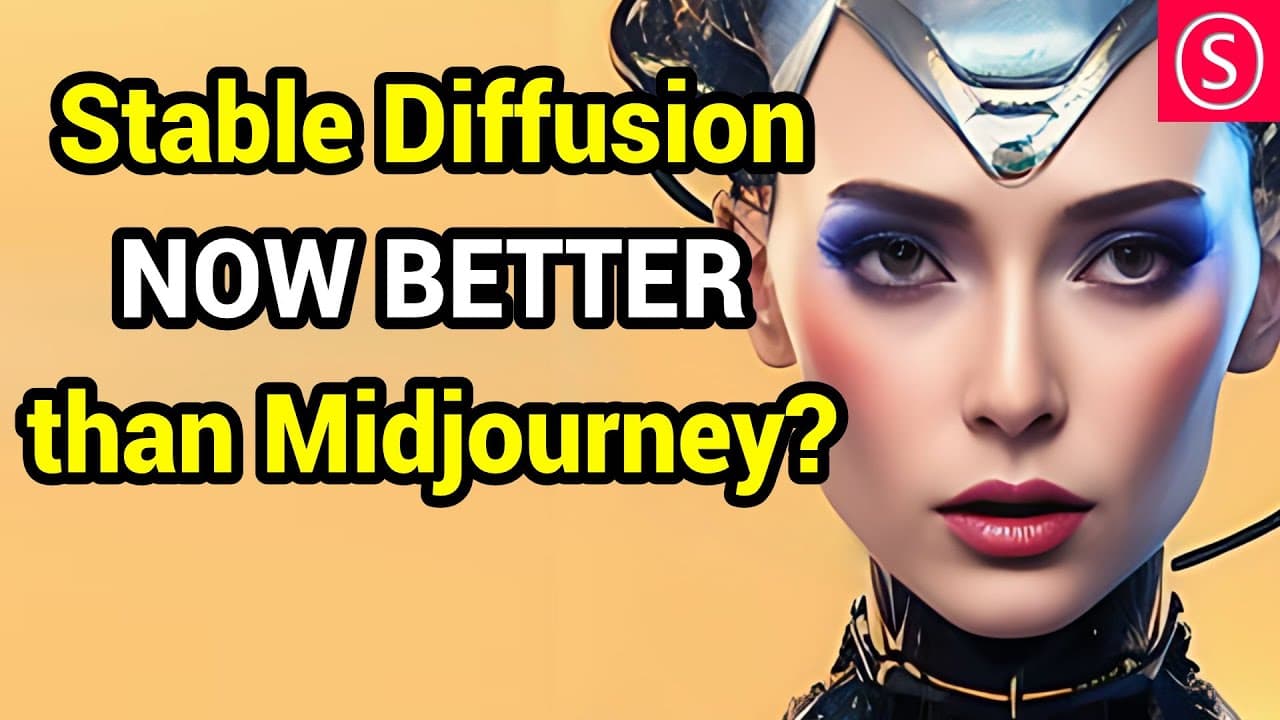
Learn two methods for getting great results in stable diffusion by joining the stable diffusion Discord and merging expressive models.
Transcript
today I'm going to show you two methods on how to get fantastic results in stable effusion and set yourself apart as an AI artist hello my friends how are you doing so these two methods are very easy and intuitive to use and the first one is simply that you should join the stable diffusion Discord because in there you will find a channel when you s... Read More
Key Insights
- 🤖 Joining the Stable Diffusion Discord provides access to a wide range of free models and embeddings created by the community, allowing for dynamic and intuitive use in AI art creation.
- 🗂️ Checking out other channels within the Discord, such as "Prompt Engineers General with images" and "2.1," can provide powerful insights on how to effectively utilize the 2.1 model.
- 📥 When downloading embeddings, it is advisable to download multiple versions with varying training steps to compare their effects on prompts and achieve desired results in AI art.
- ➕ Merging different embeddings can create unique and interesting compositions in AI art, providing opportunities for experimentation and customization.
- ✨ Adjusting the impact of embeddings on prompts can be done by modifying the prompt name using parentheses and brackets, resulting in varied effects on the generated image composition.
- 🔀 By merging expressive models like the Dreamlike Diffusion and Open Churning models, artists can create highly detailed and visually stunning AI art creations.
- 🎨 Utilizing certain settings such as specific sampling methods, resolution, steps, and upscaling techniques can enhance the quality and detail of AI art generated using Stable Diffusion 1.5.
- 🧩 Exploring and experimenting with different settings and adjustments in Stable Diffusion can lead to unique and improved results, allowing artists to continually refine their AI art techniques.
Install to Summarize YouTube Videos and Get Transcripts
Explore YouTube Video Summarizer or Get YouTube Transcript Extractor
Questions & Answers
Q: How can you access free models and embeddings in stable diffusion?
To access free models and embeddings in stable diffusion, you can join the stable diffusion Discord community, where a channel called "Models and Embeddings" provides a long list of community-trained models and embeddings available for download and use in AI art.
Q: What is the difference between a model and an embedding in stable diffusion?
In stable diffusion, a model is trained on a specific object, subject, or style and cannot be easily mixed and matched within prompts. On the other hand, embeddings are trained on a person, object, or style, and they can be applied to existing models, allowing for the dynamic combination of multiple embeddings in a prompt.
Q: How can you download and use embeddings in stable diffusion?
To download and use embeddings in stable diffusion, you can visit the Hugging Face website through the stable diffusion Discord and download the files associated with the embedding. These files, which are small in size, should be saved in the "embeddings" folder within your "automatic1111" directory.
Q: How can you mix multiple embeddings in a prompt?
To mix multiple embeddings in a prompt, you can call each embedding by its file name within the prompt. By adding the file names of the embeddings to the prompt, you can generate AI art that incorporates the characteristics of each embedding, resulting in a unique and blended style.
Q: Can you control the impact of an embedding on your AI art?
Yes, you can control the impact of an embedding by adjusting the prompt name. To heighten the impact, add a number (e.g., 1.4) to the end of the prompt name within round brackets. To lower the impact, use square brackets (e.g., [0.3]) at the start and end of the prompt name with a lower number. These adjustments will change the influence of the embedding on the generated AI art.
Q: How can you merge expressive models in stable diffusion?
To merge expressive models in stable diffusion, you can use the "Checkpoint Merger" feature. Load the primary model and the secondary model into the respective fields, adjusting the multiplier ratio as desired. Running the merger will create a new model that combines the attributes of both models, resulting in highly detailed and expressive AI art.
Q: How can you achieve high-quality results with stable diffusion?
To achieve high-quality results with stable diffusion, consider using a higher resolution (e.g., 768) rather than focusing solely on the number of steps. The higher resolution allows for more detailed and finer artwork. Additionally, experimenting with settings like the sampling method, upscaling techniques, and extras such as gfp can further enhance the output.
Summary & Key Takeaways
-
Method 1: Join the stable diffusion Discord to access a variety of free models and embeddings created by the community, allowing for dynamic mixing and matching within prompts.
-
Method 2: Merge together expressive models like Dreamlike Diffusion and Open Journey to create highly detailed and beautiful AI art.
Read in Other Languages (beta)
Share This Summary 📚
Summarize YouTube Videos and Get Video Transcripts with 1-Click
Try YouTube Summary with ChatGPT & Claude or YouTube Transcript Generator
Explore More Summaries from Olivio Sarikas 📚


Summarize YouTube Videos and Get Video Transcripts with 1-Click
Try YouTube Summary with ChatGPT & Claude or YouTube Transcript Generator