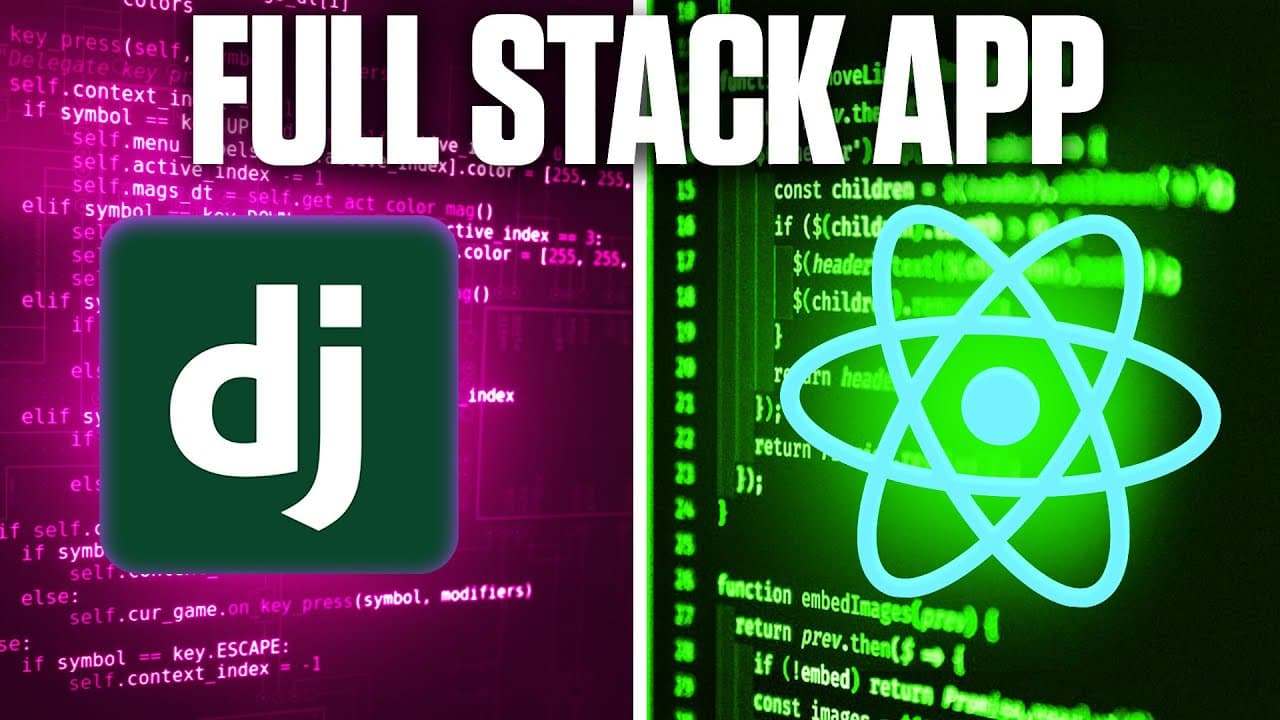
How to Build a Django and React Web App
TL;DR
Build the backend API first, then create the React interface, connect both components, and deploy the database, backend, and frontend. The finished application supports user registration, login, logout, JWT-authenticated requests, protected routes, and user-specific notes that can be created, viewed, and deleted through a Django REST API.
Transcript
in this video you'll learn how to use Python and JavaScript to create a full stack web application we'll be using Django for the backend and react for the front end and we'll Implement authentication using JWT tokens now as a bonus I'm even going to show you how to deploy this application completely for free so by the time you finish this video you... Read More
Key Insights
- The application is a full-stack notes project with Django serving the backend API and React providing the user-facing frontend. Its core workflow includes account registration, login, logout, authenticated requests, and note management for individual users.
- JWT authentication is used to authorize requests between the React frontend and Django backend. The project includes Simple JWT as a dependency and connects authentication routes so users can register, sign in, and access protected application functionality.
- User-specific data is central to the project because notes must be associated with the account that created them. Understanding this relationship provides a foundation for applications that store and retrieve information separately for different authenticated users.
- The backend is responsible for the API, stored data, users, and information related to those users. Development starts there before moving to the frontend, database deployment, backend deployment, frontend deployment, and final connection between components.
- The React frontend lets users interact with the API through pages, navigation, forms, protected routes, and note components. Axios is configured to send requests, while the login and registration forms connect user input to backend authentication endpoints.
- The notes functionality demonstrates create, read, and delete operations. A logged-in user can submit note content, view the resulting note on the home page, and delete it through requests handled by Django views and displayed by React.
- The Python environment is isolated with a virtual environment before dependencies are installed from requirements.txt. The listed packages support Django, cross-origin requests, REST APIs, JWT authentication, a PostgreSQL database, and loading environment variables.
- The deployment workflow places the database in the cloud, connects it to the backend, deploys the backend and frontend, and links both services. This makes the application accessible online instead of limiting it to a local development machine.
Install to Summarize YouTube Videos and Get Transcripts
Explore YouTube Video Summarizer or Get YouTube Transcript Extractor
Questions & Answers
Q: How do you build a web app with Django and React?
Start by creating the Django backend, which serves as the API and manages users, notes, and other stored information. Then build the React frontend so users can register, log in, log out, and manage notes. After connecting React requests to Django routes, deploy a cloud database, the backend, and the frontend, then connect the deployed components.
Q: What does the Django backend handle in the project?
The Django backend acts as the application API. It stores data, manages users, associates notes with specific accounts, and handles registration and authenticated requests. The project creates a dedicated API app for custom Django code, configures settings and routes, defines custom models, and implements views for creating, reading, and deleting notes.
Q: How is JWT authentication used with Django and React?
JWT tokens authenticate requests sent from the React frontend to the Django backend. The backend uses Django REST Framework and Simple JWT, while authentication routes support registration and login. After authentication, protected frontend routes and authenticated API requests restrict application functionality to signed-in users, allowing account-specific notes to be retrieved, created, or deleted.
Q: How are notes associated with individual users?
The application uses custom models and authenticated backend views to connect stored notes with the users who own them. After a user registers and logs in, authenticated requests identify that account when notes are created or retrieved. This prevents the notes feature from being only generic data storage and demonstrates how applications manage separate information for specific users.
Q: What dependencies are needed for the Django backend?
The requirements file includes Django, Django CORS Headers, Django REST Framework, Django REST Framework Simple JWT, PostgreSQL database support, and python-dotenv for environment variables. These packages provide the web framework, REST API features, cross-origin request handling, token authentication, database connectivity, and configuration loading needed by the backend and its deployment workflow.
Q: What features are implemented in the React frontend?
The React frontend includes project organization, Axios setup, protected routes, navigation, application pages, a 404 page, a generic reusable form, form styling, connected login and registration flows, a home page, and a note component. Together, these pieces let users interact with backend authentication and manage their account-specific notes through a browser interface.
Q: What note operations does the application support?
The demonstrated application supports creating, reading, and deleting notes. A logged-in user enters note content and submits it through the React interface, after which the backend stores the note and the home page displays it. The user can also select delete, causing another authenticated request to remove the note from the stored data.
Q: How is the Django and React application deployed?
The deployment sequence begins by deploying a database and connecting it to the Django backend. The backend is then deployed, followed by the React frontend. Finally, both deployed components are connected so frontend requests reach the backend API. This workflow makes the application available online, allowing it to be shared beyond the developer's local machine.
Summary & Key Takeaways
-
The project combines Django and Python on the backend with React and JavaScript on the frontend. It produces a deployed notes application with registration, login, logout, authenticated requests, protected pages, and user-associated data. The tutorial targets intermediate developers who already understand Python, JavaScript, Django, and React fundamentals before starting the build.
-
Backend development begins with a Python virtual environment and a requirements file containing Django, CORS support, Django REST Framework, Simple JWT, PostgreSQL support, and environment-variable tooling. The project contains a Django backend and an API app, followed by settings, authentication routes, registration logic, custom models, and create, read, and delete views.
-
Frontend work covers React installation, project organization, Axios configuration, protected routes, navigation, pages, a 404 page, reusable forms, styling, authentication connections, the home page, and a note component. Deployment then adds a cloud database, deploys the backend and frontend separately, and connects them so the application works online for other users.
Read in Other Languages (beta)
Share This Summary 📚
Summarize YouTube Videos and Get Video Transcripts with 1-Click
Try YouTube Summary with ChatGPT & Claude or YouTube Transcript Generator
Explore More Summaries from Tech With Tim 📚




Summarize YouTube Videos and Get Video Transcripts with 1-Click
Try YouTube Summary with ChatGPT & Claude or YouTube Transcript Generator