How to speed up YouTube videos with AI workflows
TL;DR
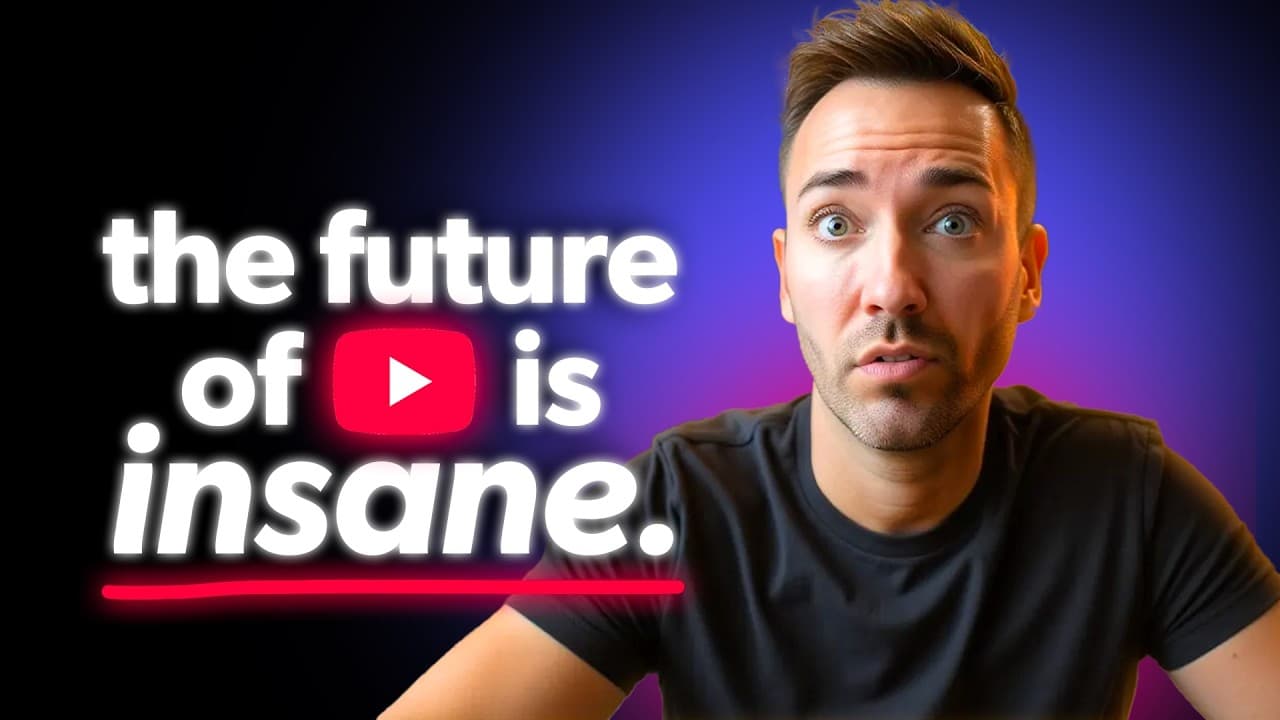
AI can automate about 80% of video production tasks, enabling high‑quality videos in 2–3 hours rather than days. The method uses five AI workflows covering topic research, scripting, thumbnail design, and optimization, with emphasis on real keyword research and ethically evaluating thumbnail concepts.
Transcript
If you want to make YouTube videos 10 times faster, I'm going to show you exactly how to do it using AI the right way. Because the truth is, most business owners are stuck spending a few days out of their week on one single video, researching topics, writing scripts, designing thumbnails, editing for hours. But AI can actually handle about 80% of t... Read More
Key Insights
- AI handles about 80% of the upfront video production work.
- Topic and title discovery must balance real keyword phrases with clickable heat.
- Agent mode lets AI directly interact with YouTube to gather search clues.
- The output should be two columns: topic (A) and finished title (B).
- Thumbnails are planned alongside titles and should be created early in the process.
- Pixels is recommended for thumbnail creation due to better likeness training from multiple photos.
- Ethically stealing thumbnail concepts can be a smart growth strategy when properly adapted.
- Deep research mode helps fill gaps in the script with real-world case studies and stats.
- More videos from this channel:
- More from this channel: Wes McDowell
Install to Summarize YouTube Videos and Get Transcripts
Explore YouTube Video Summarizer or Get YouTube Transcript Extractor
Questions & Answers
Q: A real search query question about the video (e.g. 'How to...', 'What is...', 'Why does...', 'When should...'). Question 1
What are the core AI workflows that can speed up YouTube video creation and how do they fit into a single production cycle? The video outlines five interconnected workflows: topic research and title creation, thumbnail planning, scripting with deep research, and two additional steps that together move a project from blank screen to finished video in a few hours. These workflows are designed to replace time-consuming manual tasks while preserving or enhancing quality.
Q: Question 2
How does agent mode improve topic and title generation for YouTube channels? Agent mode enables the AI to simulate real-time YouTube searches, pulling data directly from the platform to identify actual keyword phrases with meaningful search volume. This makes topic ideas and titles more aligned with what viewers are actively typing, improving discoverability and relevance.
Q: Question 3
Why is thumbnail planning emphasized as highly as the title, and how should thumbnails be produced? The video stresses that the thumbnail should be planned before filming because a strong visual hook drives clicks. It recommends using AI thumbnail tools that train on multiple yourself images to imitate your likeness, apply text effectively, and allow easy variations or recreations based on proven concepts.
Q: Question 4
What role does Pixels play in thumbnail creation, and why is it preferred over other tools? Pixels trains on up to 20 photos of you to generate a personalized AI likeness for thumbnails, supports text in thumbnails, and offers a recreate feature to adapt existing concepts to your video. This combination makes it fast to produce high-converting thumbnails.
Q: Question 5
What is the rationale behind ethically stealing thumbnail concepts, and how should creators apply this strategy? Ethically stealing treats proven thumbnail layouts and hooks as data-backed design rather than plagiarism. By lightly tweaking existing successful concepts with your branding, you can increase clicks while maintaining originality and saving time.
Q: Question 6
How does deep research mode contribute to scripting, and what is the recommended workflow for script creation? Deep research mode augments the script by gathering additional tips, real-world case studies, and stats. Users should feed the title, a general description, and known points into the AI and then guide it to stay focused, avoiding tangents while enriching the argument.
Q: Question 7
What is the suggested process for organizing topics and titles using two columns, and why is this structure beneficial? The recommended process outputs two columns: column A lists topics based on real keyword phrases, and column B contains finished titles that weave those phrases with curiosity. This structure aligns content ideas directly with search intent and viewer interest, streamlining planning.
Q: Question 8
How does the overall system balance efficiency with quality to prevent burnout, and what is the expected outcome for creators using these workflows? The system reduces manual workload by handling discovery, scripting, and thumbnail design via AI, while maintaining quality through expert prompts and human oversight. The expected outcome is consistent, scalable video production that attracts viewers and converts them into clients.
Summary & Key Takeaways
-
AI speeds up video production by handling most upfront work and focusing on quality, audience retention, and efficient planning.
-
The approach emphasizes researching real YouTube search data, balancing topics with services offered, and crafting compelling titles and thumbnails before filming.
-
The process integrates deep research and scripting enhancements through specialized AI prompts and tools to create a repeatable, scalable system.
Read in Other Languages (beta)
Share This Summary 📚
Summarize YouTube Videos and Get Video Transcripts with 1-Click
Try YouTube Summary with ChatGPT & Claude or YouTube Transcript Generator
Explore More Summaries from Wes McDowell 📚





Summarize YouTube Videos and Get Video Transcripts with 1-Click
Try YouTube Summary with ChatGPT & Claude or YouTube Transcript Generator