How to turn ideas into a mobile app with Stitch Flutter
TL;DR
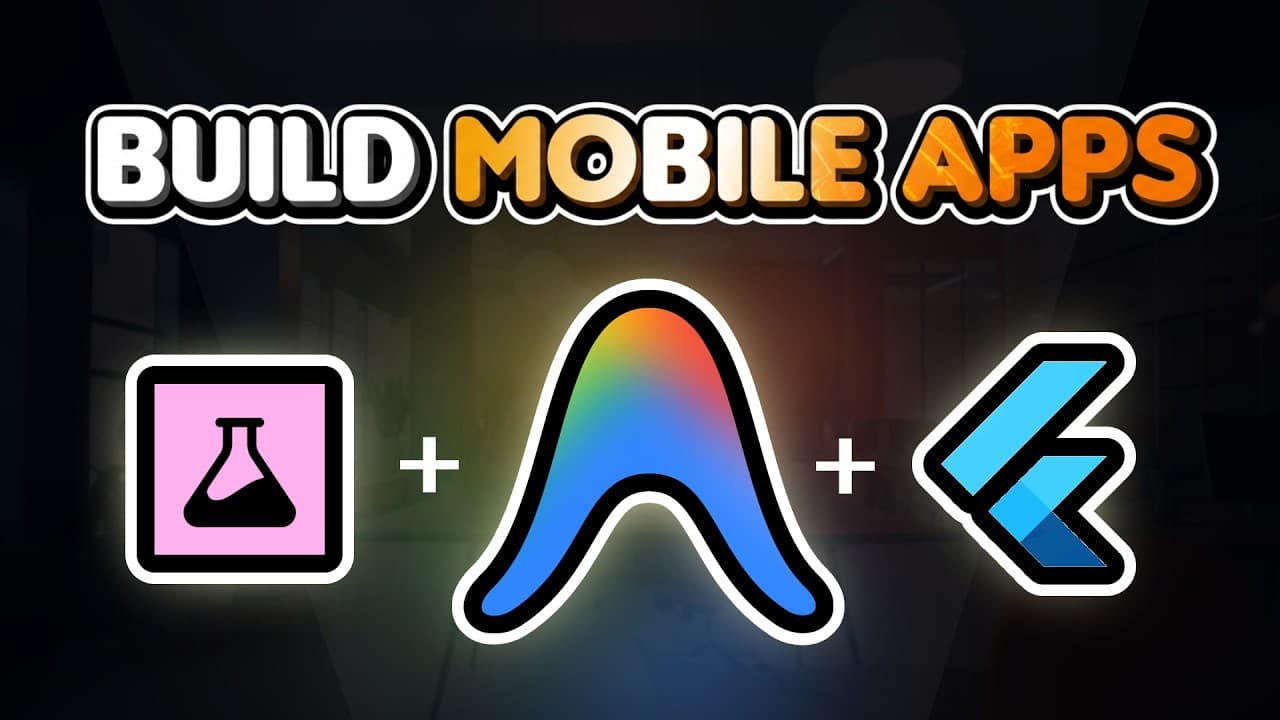
Stitch turns words into app designs, Anti Gravity converts those designs into working code, and Flutter packages everything into a deployable mobile app. The workflow lets you go from idea to installable app for Android and iOS using free to try Google tools, by describing screens, exporting, and building with anti gravity.
Transcript
You can now design a full mobile app with AI. Actually install it on your phone without writing a single line of code because Google just dropped new connectors for Stitch, Anti-Gravity, and Flutter. Which [music] means that you can go from an idea to a working app just by describing what you want. And by the end of this video, you'll know how to o... Read More
Key Insights
- Stitch generates fully designed screens in seconds from user prompts or references.
- Nano Banana Pro is used to produce on the fly custom images within Stitch designs.
- Anti gravity can turn Stitch created visuals into working Flutter applications without traditional coding.
- Flutter enables cross platform deployment to Android and iOS from a single codebase.
- Stitch MCP server and Flutter MCP enable integrating Stitch with anti gravity workflows.
- Users can annotate and fine tune designs directly in Stitch and push updates easily.
- Exporting designs as a zip allows anti gravity to ingest and build them into apps.
- The entire pipeline is presented as a free to try stack from Google, making high fidelity app prototyping accessible.
- More videos from this channel:
- More from this channel: Jay E | RoboNuggets
Install to Summarize YouTube Videos and Get Transcripts
Explore YouTube Video Summarizer or Get YouTube Transcript Extractor
Questions & Answers
Q: How can I build a mobile app from a prompt using Stitch and Anti Gravity
You start by describing the app you want in Stitch or by referencing a website to copy visuals from. Stitch generates the UI screens and can produce multiple design variations. You can annotate elements to update dates, branding, or other details, then export the designs. Anti gravity ingests those designs, builds the Flutter app, installs dependencies if needed, and runs a local preview so you can test navigation and layout before publishing.
Q: What role does Flutter play in this workflow
Flutter provides the framework for building mobile apps in a cross platform way. When Anti Gravity translates Stitch designs into code, Flutter is the underlying technology that packages everything into a working mobile application. The resulting app can be deployed to both Android and iOS from a single codebase, simplifying maintenance and updates.
Q: Can I preview changes on a real device during development
Yes, Stitch allows you to preview on a mobile device by generating a QR code that you can scan with your phone. This lets you interact with the design as if it were running on a real device. It helps confirm layout, branding, and interactions before exporting to a runnable app.
Q: What are MCP servers and why are they mentioned here
MCP stands for model context protocol. In this workflow, Stitch MCP server lets Anti Gravity use Stitch directly and enables Stitch skills to improve how the tool understands and applies prompts. The Flutter MCP integration further enables Anti Gravity to use Flutter as the framework, creating a smoother end to end pipeline from design to deployable app.
Q: Is this process free to try
The video claims that the pipeline from Stitch to anti gravity to Flutter is free to start. That means you can experiment with generating designs in Stitch, turning them into a Flutter app via Anti Gravity, and previewing or installing on your device without an upfront cost, though there may be paid tiers for more advanced features.
Q: What is Nano Banana Pro used for in this setup
Nano Banana Pro is Google's image generation model used within Stitch to produce custom images or illustrations for the app screens. This helps create a more polished look by supplying unique visuals for features such as speaker images or dashboard illustrations, enhancing the overall design quality.
Q: What is the end to end outcome of the described workflow
The end to end workflow aims to go from an idea to a working app installed on a device. It starts with describing the app in Stitch, generating designs, optionally refining them, exporting, and then using Anti Gravity to build a Flutter app. The app can be tested locally and then prepared for publishing on app stores.
Q: What kinds of apps can be built with this approach
The approach supports a wide range of mobile app types since Stitch can design arbitrary interfaces from prompts or references. You can create landing pages, multi step checkouts, dashboards, and event or conference apps, all designed by AI and then converted into a runnable Flutter app for Android and iOS.
Summary & Key Takeaways
-
Stitch is an AI design tool that creates complete app interfaces from a short description or reference website, enabling rapid UI generation.
-
Anti gravity acts as a coding platform that builds real mobile apps from Stitch generated designs, eliminating manual coding
-
Flutter serves as the cross platform framework that packages the app for Android and iOS from a single codebase.
Read in Other Languages (beta)
Share This Summary 📚
Summarize YouTube Videos and Get Video Transcripts with 1-Click
Try YouTube Summary with ChatGPT & Claude or YouTube Transcript Generator
Explore More Summaries from Jay E | RoboNuggets 📚

Summarize YouTube Videos and Get Video Transcripts with 1-Click
Try YouTube Summary with ChatGPT & Claude or YouTube Transcript Generator