How Do Beginners Build a ClickFunnels Sales Funnel? (2024 Complete Guide)
TL;DR
Beginners can build a ClickFunnels sales funnel by selecting a suitable template, editing its sections, rows, columns, and elements, and then checking the complete customer flow. The walkthrough starts with a 2 Step Tripwire Funnel and covers funnel-wide versus step-specific settings, accurate social proof, editable text, mobile layouts, checkout customization, and split testing. Read on for eight practical answers about creating and refining the funnel.
Transcript
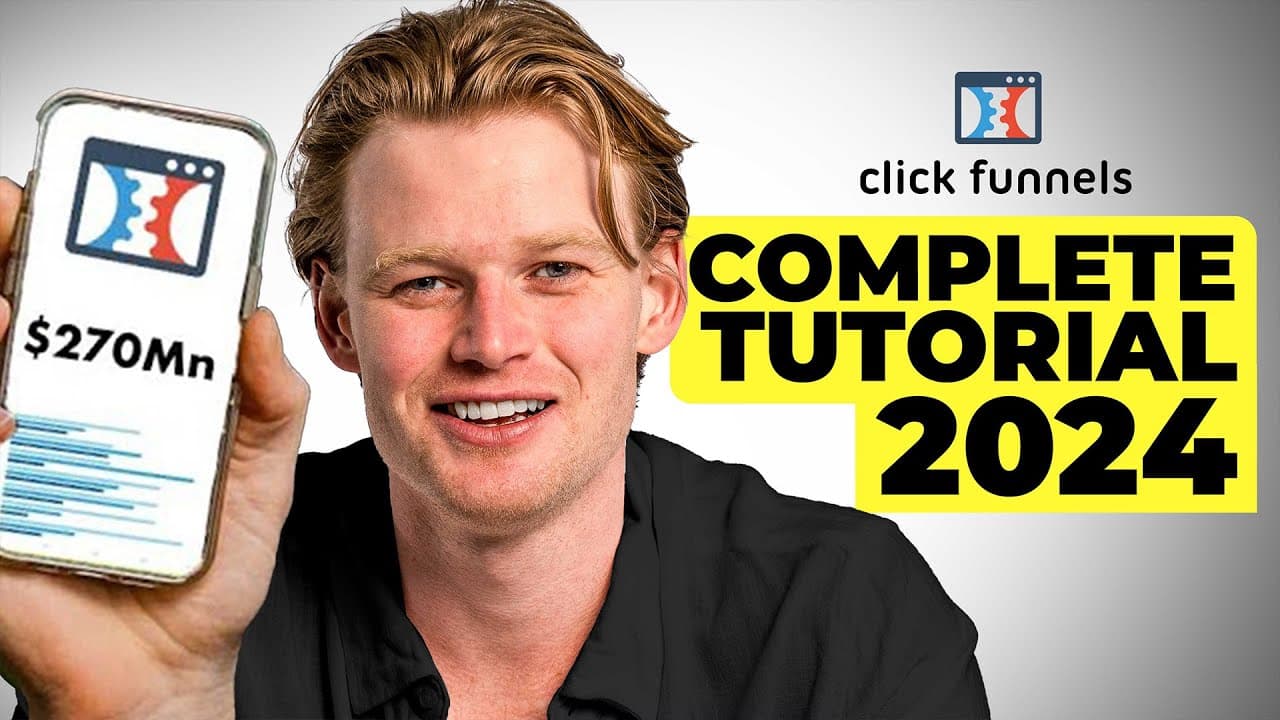
- Hey everyone, Davie here. My e-commerce stores have done over $270 million. Today I'm gonna show you a complete ClickFunnels walkthrough. I'm gonna give you everything you need to know, and then I'm gonna clarify exactly when I use it in e-commerce. If you plan on using ClickFunnels for webinars or learning pages, it's okay. I'm not just gonna sh... Read More
Key Insights
- Templates are a practical starting point for beginners because they provide an existing composition and conversion-oriented layout. The walkthrough recommends identifying a strong example funnel, such as one from a successful competitor, and using its layout as guidance when the founder is not an experienced designer.
- ClickFunnels settings operate at different scopes. Controls shown in blue affect the funnel across its steps, while controls shown in gray affect only the selected step, such as the order page, offer page, downsell page, or order confirmation page.
- ClickFunnels pages are structured as sections, rows, columns, and elements. A three-part header can be created by adding a three-column row, deleting unwanted placeholders, inserting image elements, uploading files, and positioning each asset with the editor's alignment and sizing controls.
- Accurate trust signals are essential when customizing a funnel. The demonstration uses made-in-the-USA, television, and Trustpilot-style images only as examples, while explicitly noting that real pages must not display claims or reviews that are factually untrue for the product.
- Margins, padding, backgrounds, typography, borders, and brand colors are editable within the native page builder. Text should generally remain editable text instead of being embedded inside images, because the walkthrough identifies text editing as preferable for page speed optimization.
- A customizable checkout is a major reason to use ClickFunnels for the demonstrated e-commerce workflow. The funnel can move visitors from a squeeze page or advertorial to a direct sales page, bundle selector, and checkout that offers more customization than the Shopify native checkout described in the walkthrough.
- Mobile optimization requires dedicated editing because the desktop layout may look poor when automatically adapted. The editor permits mobile-specific font sizes and visibility settings, allowing a block to appear only on desktop while a separately redesigned version serves mobile visitors.
- Split testing can identify meaningful funnel improvements when pages and checkout experiences are customizable. The description also places domain setup, payment methods, legitimacy signals, Shopify integration, email marketing, and a comparison with GemPages among the broader tasks required to complete the funnel workflow.
Install to Summarize YouTube Videos and Get Transcripts
Explore YouTube Video Summarizer or Get YouTube Transcript Extractor
Questions & Answers
Q: How do beginners build a ClickFunnels sales funnel?
Open the Funnels area, select Build a New Funnel, and choose a template that fits the objective. The walkthrough uses a 2 Step Tripwire Funnel for e-commerce, then edits the template’s pages, content, branding, and checkout flow. Beginners should also inspect the mobile layout and configure the remaining funnel systems after finishing the page design.
Q: Should beginners use a ClickFunnels template or a blank custom funnel?
The walkthrough strongly recommends a template for first-time users because it supplies an existing composition and conversion-oriented layout. A blank custom funnel is better suited to someone who already understands the ClickFunnels editor. Beginners can also study a successful reference funnel, such as the Shine Armor example, to identify useful layout choices.
Q: What pages and settings are included in the demonstrated funnel?
The example includes an order page, offer page, downsell offer page, and order confirmation page. Blue controls change funnel-wide settings across the steps, while gray controls affect only the selected step. Understanding that distinction helps prevent unintended changes elsewhere in the funnel.
Q: How is a ClickFunnels page structured in the editor?
ClickFunnels templates are organized into sections, rows, columns, and elements. Sections contain rows, rows can have multiple columns, and columns hold elements such as images and text. The demonstration builds a three-part header by adding a three-column row and placing an image element in each required position.
Q: How do you customize images and branding in ClickFunnels?
Select an image element, remove its placeholder, upload the desired file, and choose Add Image. The editor provides controls for dimensions, alignment, placement, backgrounds, fonts, colors, borders, margins, and padding. In the demonstration, the three header images are set to the same height of 75.
Q: How should social proof and trust signals be used in a ClickFunnels funnel?
Every badge, review, media mention, and manufacturing claim must be factually correct for the product. The made-in-the-USA, As Seen on TV, and Trustpilot-style images are demonstration examples, and the walkthrough explicitly notes that the example product lacks those qualifications or reviews. They should not be presented as genuine product claims.
Q: How do you optimize a ClickFunnels funnel for mobile devices?
Open the mobile view and inspect every block because the desktop layout may not adapt cleanly. ClickFunnels supports mobile-specific font sizes and visibility controls for blocks or columns. A problematic block can be hidden on mobile and replaced with a simpler version designed specifically for that layout.
Q: What should be configured after designing the ClickFunnels pages?
The broader workflow includes saving the funnel, setting up a domain, adding a payment method, establishing legitimate trust signals, connecting Shopify, running split tests, and adding email marketing. ClickFunnels also provides email and affiliate tools, although another integration such as Klaviyo may make some of them unnecessary. The completed flow should connect the informational page or advertorial, sales page, bundle selection, buy button, and customizable checkout.
Summary & Key Takeaways
-
ClickFunnels lets beginners create sales funnels from templates instead of designing every page from scratch. The walkthrough selects a two-step tripwire funnel and distinguishes funnel-wide settings from controls affecting only one step. Its example contains an order page, offer page, downsell offer page, and final order confirmation page for customers.
-
The page editor organizes content into sections, rows, columns, and individual elements. Users can upload images, replace placeholders, align logos, adjust dimensions, manage margins and padding, change backgrounds, edit fonts, and apply brand colors. Text elements are preferable to image-based text when page speed is an important consideration for the funnel.
-
For e-commerce, ClickFunnels can connect informational squeeze pages or advertorials to direct sales pages and customizable checkouts. The walkthrough emphasizes checking mobile layouts because most traffic may arrive on mobile. It also highlights domain setup, payments, Shopify integration, split testing, legitimacy signals, and email marketing as later funnel-building tasks.
Read in Other Languages (beta)
Share This Summary 📚
Summarize YouTube Videos and Get Video Transcripts with 1-Click
Try YouTube Summary with ChatGPT & Claude or YouTube Transcript Generator
Explore More Summaries from Davie Fogarty 📚


Summarize YouTube Videos and Get Video Transcripts with 1-Click
Try YouTube Summary with ChatGPT & Claude or YouTube Transcript Generator