How Does Claude Cowork Turn Tasks Into Results?
TL;DR
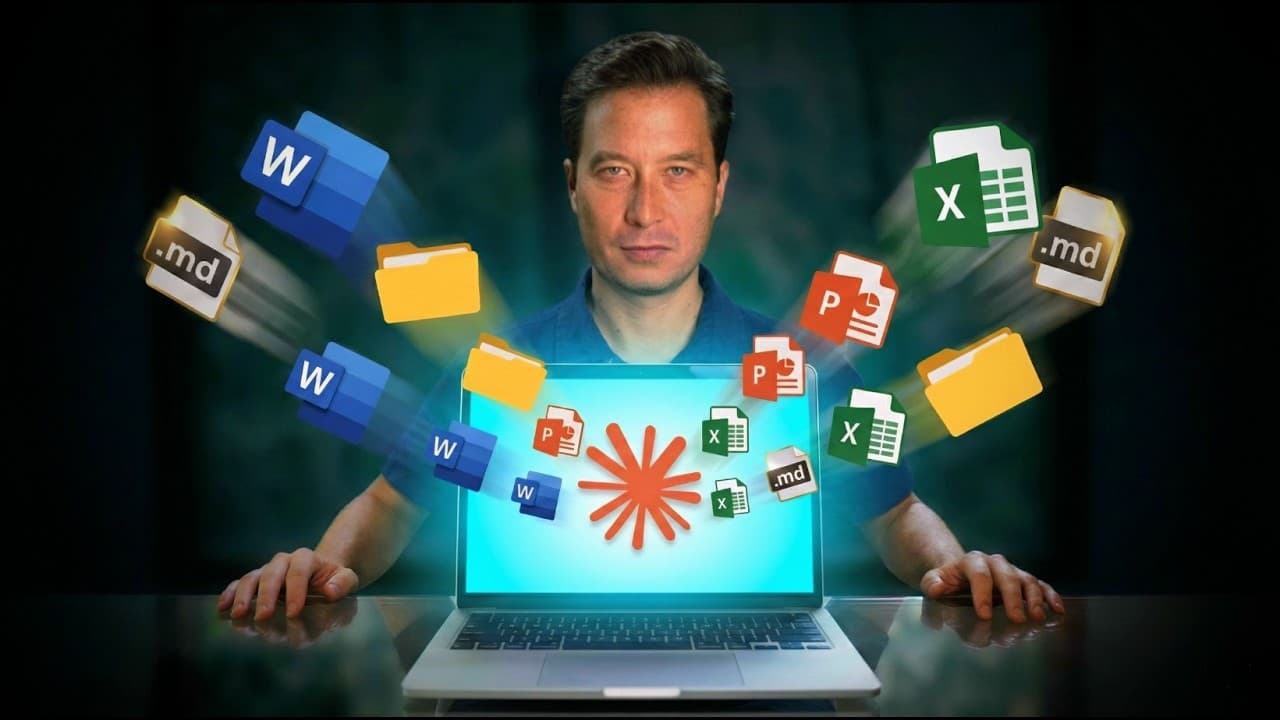
Claude Cowork works alongside users in a shared folder, where it can inspect files, organize multistep tasks, conduct research, and create or edit deliverables instead of merely discussing the work. It makes capabilities associated with Claude Code more accessible through a task-oriented interface, although it is an early research preview and requires careful control of folder access.
Transcript
If you've been using something like Chat GPT or Claude, tell me if you've had this experience. You open up a chat, you [music] have a great back-and-forth conversation full of ideas and insights and questions and answers, but then at the end of it, you step back and you sort of think, well, where is the result? Where is the value that was created f... Read More
Key Insights
- Claude Cowork is a task-oriented workspace that lets an AI work with a persistent collection of files, rather than limiting the interaction to a conversation whose useful ideas still require manual execution afterward.
- The Cowork interface is positioned between Chat and Code, combining a familiar dialogue box with broader task execution capabilities that are more accessible to non-developers than the original Claude Code experience.
- Folder access is the foundation of Cowork's workflow because one permission can provide access to a selected directory and its subfolders, allowing Claude to explore relevant materials without requiring every file to be attached individually.
- Cowork maintains its own task list and displays progress as it decomposes an assignment into smaller steps, checks them off, and shows the files or folders being used as context during the work.
- Subagents enable parallel analysis of large assignments by giving separate AI instances their own context windows and task lists, as demonstrated when different sections of a long manuscript were reviewed simultaneously before the feedback was compiled.
- Whole-project context improves the usefulness of editorial analysis because Cowork can examine relationships across a complete manuscript, including accessibility gaps, structural pacing, missing counterexamples, vague guidance, and the connection between its opening and conclusion.
- Web research allows Cowork to address tasks without an existing file collection, as shown when it investigated destinations, accommodations, and driving distances for a family road trip while accounting for detailed preferences and physical constraints.
- Cowork is an early research preview, so unexpected behavior remains possible and folder permissions should be granted deliberately. At the time described, access required a paid standard plan and the macOS desktop app, with Windows availability said to be coming soon.
- More videos from this channel:
- More from this channel: Tiago Forte
Install to Summarize YouTube Videos and Get Transcripts
Explore YouTube Video Summarizer or Get YouTube Transcript Extractor
Questions & Answers
Q: What is Claude Cowork and what does it do?
Claude Cowork is a task-oriented AI workspace designed to work alongside a user on shared files. After receiving access to a selected folder, it can inspect documents, organize a multistep plan, conduct research, and create or edit deliverables. Its purpose is to move beyond discussing work in a chat and perform more of the execution itself.
Q: How is Claude Cowork different from regular AI chat?
Regular AI chat centers on a conversation, which can generate useful ideas but often leaves the user responsible for turning them into finished work. Cowork instead frames each interaction as a task. It can use a persistent folder as context, plan intermediate steps, manipulate files, research information, and produce concrete outputs such as documents, spreadsheets, and summaries.
Q: How does folder access work in Claude Cowork?
A user selects a folder as Cowork's workspace and can allow access either once or on an ongoing basis. That permission covers the selected folder and its subfolders, so the user does not need to attach each file separately. Cowork can then explore the permitted materials and use relevant files as context while completing the assigned task.
Q: How does Claude Cowork analyze a long manuscript?
Cowork can locate a manuscript inside an authorized folder, read it in sections, and combine observations from across the complete work. In the demonstrated case, the manuscript contained about 45,000 words. Cowork divided the analysis among subagents, reviewed separate parts in parallel, and synthesized prioritized recommendations addressing accessibility, pacing, structure, examples, guidance, and the overall narrative arc.
Q: What are subagents in Claude Cowork?
Subagents are separate AI workers that Cowork can create to handle parts of a larger assignment in parallel. Each one can have its own context window and task list. During the manuscript review, different subagents examined distinct book sections, including multiple parts and the final chapters, before their findings were combined into comprehensive editorial feedback.
Q: Can Claude Cowork plan a family road trip?
Claude Cowork can assist with travel planning by researching websites and evaluating options against detailed constraints. The example request involved a four-night road trip from Valle de Bravo for two adults, including a wife who was five months pregnant, and children aged three and five. Research considered driving distances, family-friendly accommodations, easy activities, nature, culture, and less touristy experiences.
Q: How much does Claude Cowork cost and what platform does it require?
At the time the video was filmed, Claude Cowork required at least the standard paid plan, stated as $20 per month, along with the macOS desktop application. The speaker noted that it was not yet available for Windows but said Windows support was coming soon. Pricing and availability here reflect only the conditions described in the source.
Q: What precautions should users take with Claude Cowork?
Users should treat Cowork as an early research preview because experimental software can behave unexpectedly. Folder permissions deserve particular care, since granting access can expose the selected directory and its subfolders to the tool. A sensible approach is to choose a narrowly scoped workspace, review the displayed task progress and context, and inspect generated or edited files before relying on them.
Summary & Key Takeaways
-
Claude Cowork reframes AI interaction from conversation to task completion. Its interface resembles regular chat, but users initiate a task and can grant access to a working folder. Claude then explores relevant files, plans the required steps, tracks progress, and performs work within that persistent shared context.
-
The manuscript demonstration shows how Cowork handles a complex, large-scale assignment. It examined a roughly 45,000-word Word document in sections, used subagents to analyze different parts in parallel, and synthesized prioritized editorial feedback covering accessibility, structure, pacing, counterexamples, guidance, and the relationship between the introduction and conclusion.
-
The tool can also support everyday projects that do not begin with an existing collection of files. For a family road trip request, it researched websites, investigated accommodations and driving distances, and considered constraints involving young children, pregnancy, easy activities, nature, culture, and less touristy destinations. Users should remember that Cowork remains experimental.
Read in Other Languages (beta)
Share This Summary 📚
Summarize YouTube Videos and Get Video Transcripts with 1-Click
Try YouTube Summary with ChatGPT & Claude or YouTube Transcript Generator
Explore More Summaries from Tiago Forte 📚


Summarize YouTube Videos and Get Video Transcripts with 1-Click
Try YouTube Summary with ChatGPT & Claude or YouTube Transcript Generator