How Does Claude Code Work for Beginners?
TL;DR
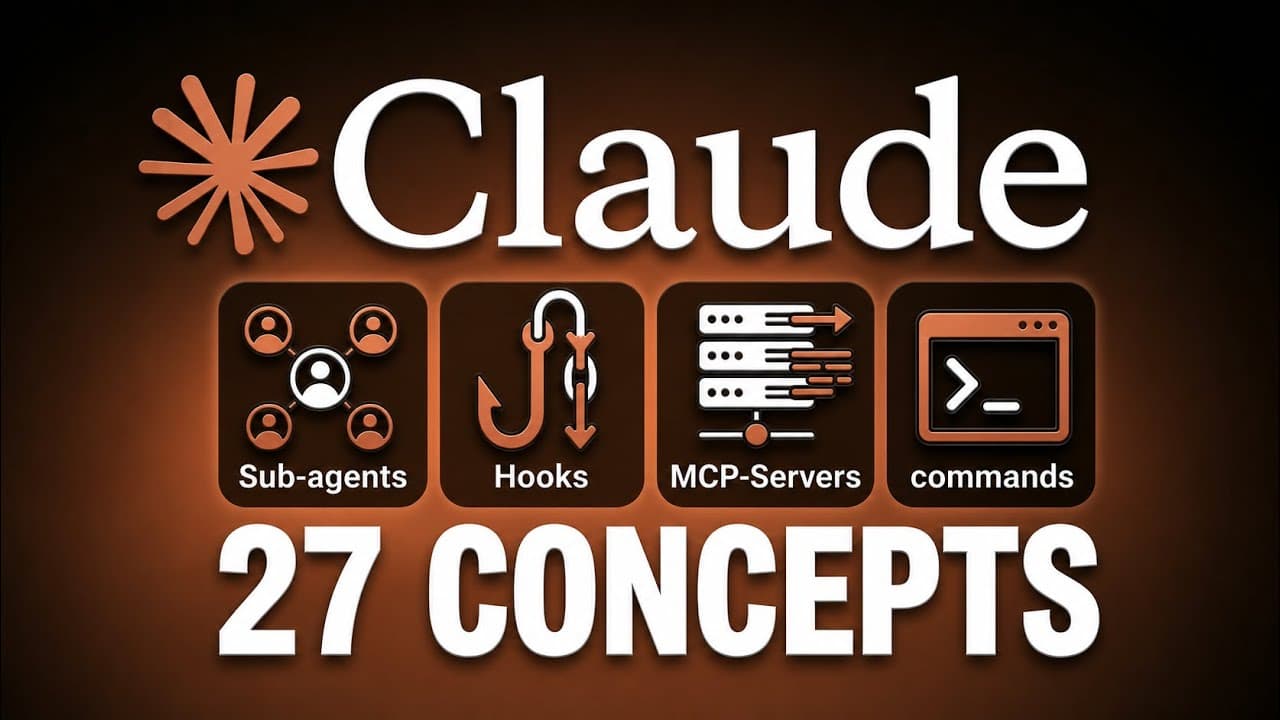
Claude Code turns plain-English instructions into actions on your computer, including reading and creating files, running commands, building websites, and testing projects. The safest workflow is to give specific prompts, preapprove routine actions, require confirmation for risky operations, and keep each conversation focused so its limited context remains useful.
Transcript
You're probably staring at claw code thinking, "How is this supposed to make my life easier?" A black screen, a blinking cursor, and terms like context window, sub aents, MCP servers. None of it feels like it's built for somebody without a coding background. So, you jump between random tutorials and scattered docs, half understand one concept, and ... Read More
Key Insights
- Claude Code is an action-oriented assistant that can create files, build websites, configure databases, install packages, run commands, and perform repetitive work on a computer after receiving instructions in plain English.
- The terminal is a text-based way to interact with a computer, and Claude Code reduces the need to memorize terminal syntax because users can describe most goals conversationally while the system handles underlying commands.
- Prompt specificity is a major determinant of output quality because details such as page count, business type, color scheme, forms, and service cards give Claude Code a clearer target than a broad request to build a website.
- Permissions are the control layer for consequential actions because Claude Code can edit code, execute commands, and delete files. Starting with frequent approval requests helps users understand its behavior before selectively allowing routine operations.
- A permissions allow list provides a balance between speed and safety by preapproving defined actions while leaving everything else gated. The configuration can be stored in settings.json and shared through a project repository.
- Claude Code tools include reading information, writing files, and running Bash commands. Users normally describe the desired outcome rather than selecting a tool, because Claude Code determines which available capabilities are appropriate for the task.
- The context window is Claude Code’s limited short-term memory, containing prompts, responses, and files read during a conversation. Excessive accumulated information can cause context rot, so focused sessions and context-management commands support more consistent results.
- Conversation history makes extended projects easier to continue because previous sessions are saved. The resume command can reopen the latest conversation or display earlier sessions, preserving relevant context after the user closes a project and returns later.
Install to Summarize YouTube Videos and Get Transcripts
Explore YouTube Video Summarizer or Get YouTube Transcript Extractor
Questions & Answers
Q: What is Claude Code and how is it different from a chatbot?
Claude Code is an assistant that can take actions on a computer from plain-English instructions. Unlike a conventional chatbot that mainly returns advice or text, it can read and create files, build websites, set up databases, install packages, run tests, and perform repetitive tasks. Its practical value comes from combining conversation with tools that can modify a real project.
Q: How do beginners use the terminal with Claude Code?
Beginners can treat the terminal as another interface for controlling a computer, using typed instructions instead of graphical buttons. Claude Code accepts ordinary English, so users do not need to memorize many terminal commands. The essential basics presented are opening Claude Code with the claude command, exiting by pressing Control-C twice, clearing its memory, and stating the desired task conversationally.
Q: How should I write effective prompts for Claude Code?
Effective prompts describe the intended result with concrete requirements. Instead of asking Claude Code to build a website, specify that it should create a one-page landing page for a consulting business, use a green color scheme, include a contact form, and display three service cards. Clear scope and visible requirements reduce guessing and give the system a more precise target.
Q: How should permissions be configured in Claude Code?
Begin with the default approach of reviewing most significant actions so you can understand what Claude Code wants to do. As you gain confidence, add clearly defined routine actions to an allow list in settings.json or through the permissions command. This configuration lets approved operations proceed faster while unfamiliar or potentially consequential actions still require direct confirmation.
Q: Which Claude Code actions are suitable for preapproval?
The suggested preapproved actions include reading project files and folders, starting the development server, running tests, and selected Git operations used for commits, uploads, or version control. These permissions help Claude Code inspect and verify its work without repeatedly interrupting the user. The exact entries should still be reviewed before they are saved to the project settings.
Q: Which Claude Code actions should still require approval?
Package installation, file or folder deletion, internet access, API calls, and actions that send data should generally remain gated behind explicit approval. These operations can introduce dependencies, remove information, or communicate beyond the local project. Keeping them gated allows the user to inspect the proposed action while routine reading, testing, development-server, and selected Git tasks continue with less interruption.
Q: What is the Claude Code context window and context rot?
The context window is Claude Code’s limited short-term memory for the current conversation. It contains user messages, generated responses, and information from files Claude has read. When too much material accumulates, earlier requirements may receive less attention and output quality can decline, a problem described as context rot. Focused conversations, fresh sessions, clear, and compact help manage it.
Q: How can I resume work and monitor Claude Code usage?
Claude Code saves previous conversations, allowing a user to continue work that was not completed in one sitting. Running the resume command can return to the most recent conversation or show a list of earlier sessions to choose from. Usage is measured in tokens across prompts, responses, and files read, while the cost and stats commands display session consumption.
Summary & Key Takeaways
-
Claude Code differs from a conventional chatbot because it can act on a computer instead of only returning advice. Through a terminal conversation, it can create files, build websites, set up databases, install packages, run tests, and handle repetitive tasks while choosing appropriate tools from the user’s plain-English request.
-
Effective use begins with specific prompts and carefully managed permissions. Users can preapprove routine activities such as reading files, starting a development server, running tests, and selected Git operations. Package installation, deletion, internet access, API calls, and data transmission should generally remain subject to explicit review and approval.
-
Claude Code keeps messages, responses, and inspected files inside a limited context window. Long or unfocused sessions can produce context rot, causing earlier instructions to be overlooked. Focused conversations, fresh sessions, clear or compact commands, saved history, resume functionality, and usage tracking help maintain quality across larger projects.
Read in Other Languages (beta)
Share This Summary 📚
Summarize YouTube Videos and Get Video Transcripts with 1-Click
Try YouTube Summary with ChatGPT & Claude or YouTube Transcript Generator
Explore More Summaries from Simon Scrapes 📚




Summarize YouTube Videos and Get Video Transcripts with 1-Click
Try YouTube Summary with ChatGPT & Claude or YouTube Transcript Generator