How to Use Claude Code Without Coding Experience
TL;DR
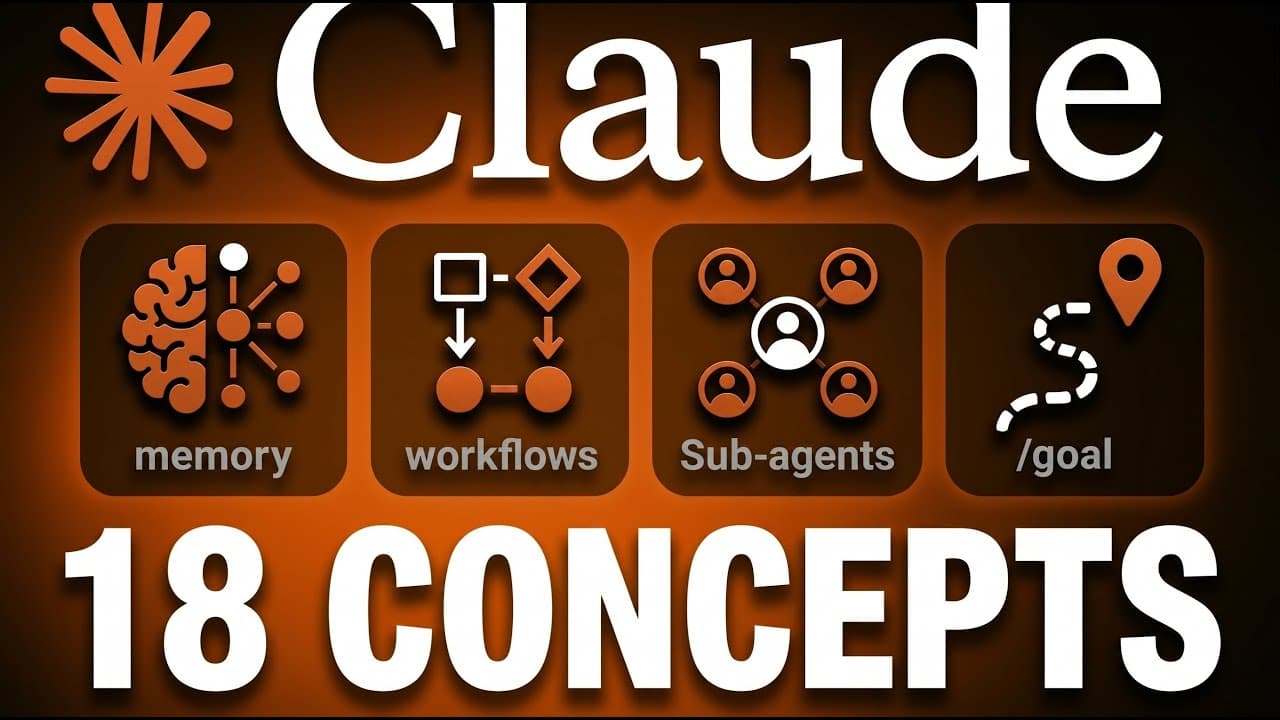
Claude Code turns chat-style instructions into actions such as creating files, building websites, preparing spreadsheets, and running repetitive tasks. Beginners should provide specific context, use auto mode to reduce routine permission prompts, store recurring preferences in CLAUDE.md, and convert repeatable business processes into reusable skills that can be chained into complete workflows.
Transcript
Pl code might just be the most powerful tool that you can put in front of a business right now. But if you don't have a coding background, it also looks very intimidating. It's got a black screen, confusing terminology, and tutorials that assume you already know things that you don't. So, this is the complete guide for people who don't code. And if... Read More
Key Insights
- Claude Code is an execution layer that can act on a computer, rather than only returning advice. It can create files, connect to business tools, build a website, prepare a spreadsheet, and run repetitive tasks from a chat-like interface.
- The terminal is simply another interface for communicating with a computer. After entering Claude Code, a beginner can treat it much like a chat window, while the desktop application offers a graphical alternative that does not require typing a command to open it.
- Prompt specificity directly affects output quality. Detailed instructions and relevant examples reduce vague results and limit later back-and-forth, especially when Claude Code must create files or perform a multistep task instead of merely answering a question.
- Auto mode is designed to reduce interruptions without removing safeguards. A background classifier evaluates actions, allows routine work to proceed, and requests permission for decisions described as genuinely risky, such as deleting files or connecting to new external systems.
- CLAUDE.md is a human-readable and AI-readable Markdown file that Claude reads at the beginning of each session. It can hold standing rules, preferences, and business context, preventing users from repeatedly adding the same information to every prompt.
- A skill is a stored set of step-by-step instructions for a recurring task. Its description helps Claude determine when to use it, while its detailed guidance supplies the context needed to perform specialized work according to the user's standards.
- Skill systems create leverage by chaining modular tasks into an end-to-end process. For an Instagram carousel, separate skills can select a topic, write copy in the user's voice, and apply visual choices such as colors and fonts.
- Model Context Protocol is described as a bridge between Claude Code and everyday business applications such as Google Drive, Notion, calendars, and CRM systems. These connections extend work beyond local files by allowing Claude to read from and take actions within other tools.
Install to Summarize YouTube Videos and Get Transcripts
Explore YouTube Video Summarizer or Get YouTube Transcript Extractor
Questions & Answers
Q: What is Claude Code for nontechnical business users?
Claude Code is presented as a chat-like execution layer that can make things happen on a computer. Instead of only giving advice that a user must copy into another application, it can create files, prepare spreadsheets, build websites, connect to tools such as a CRM, and run repetitive tasks on the user's behalf.
Q: Do beginners need to understand the terminal to use Claude Code?
Beginners do not need extensive terminal knowledge for the workflow described. The terminal is treated as another way to communicate with a computer, and direct interaction with it is limited after Claude Code opens. Users can then work through a familiar chat-style interface, or use the desktop application as a graphical alternative.
Q: How should beginners write better Claude Code prompts?
Beginners should describe the requested outcome with specific details and include useful examples when possible. The quality of the result is directly tied to the quality and completeness of the supplied context. Clear instructions reduce vague output and minimize the repeated clarification and revision that otherwise occurs later in the task.
Q: What does auto mode do in Claude Code?
Auto mode uses a classifier in the background to assess each proposed action. It allows mundane and routine work to continue without repeatedly interrupting the user, but it asks for approval when an action is considered genuinely risky. Examples in the transcript include deleting files and connecting to new systems outside the existing file base.
Q: How do you enable auto mode in Claude Code?
Auto mode can be enabled by pressing Shift-Tab to cycle through the available operating modes until auto mode appears as active. The recommended beginner workflow is to switch it on after starting Claude Code, so routine approvals do not continually break concentration while consequential actions can still require the user's decision.
Q: What should be stored in a CLAUDE.md file?
A CLAUDE.md file should contain persistent rules, preferences, and explanations of how the user's business operates. Claude reads this file at the beginning of each session, so recurring context only needs to be written once. The file acts like a standing system prompt and uses Markdown because that format is readable by both people and AI.
Q: How do Claude Code skills automate recurring tasks?
A skill stores prewritten, step-by-step instructions that show Claude how to complete a recurring task according to the user's standards. It also includes a clear description that helps Claude decide when the skill applies. This supplies specialized context that a general-purpose system lacks and avoids explaining the same process during every new request.
Q: How can multiple Claude Code skills form a complete workflow?
Multiple skills can be connected so the output from one task becomes the input for the next. The transcript illustrates this with an Instagram carousel process: one skill chooses a topic, another writes copy in the user's brand voice, and another lays out the carousel using selected colors, fonts, and visual styles. The combined process can run from one request.
Summary & Key Takeaways
-
Claude Code is presented as an execution layer rather than a conventional chatbot. After the user enters the application through a terminal or desktop interface, it can act on instructions by creating files, running commands, building websites, preparing spreadsheets, connecting tools, and completing repetitive work that users would otherwise perform manually.
-
Beginners can improve safety and usability by starting with the default permission system, then enabling auto mode with Shift-Tab. Auto mode uses a classifier to approve routine actions while requesting input for actions considered genuinely risky, including deleting files or connecting to systems outside the existing file base.
-
CLAUDE.md stores persistent rules, preferences, and information about how a business operates, while skills store instructions for recurring tasks. Multiple skills can be chained so one output feeds the next, turning a manual process such as selecting a topic, writing branded copy, and designing a carousel into one reusable workflow.
Read in Other Languages (beta)
Share This Summary 📚
Summarize YouTube Videos and Get Video Transcripts with 1-Click
Try YouTube Summary with ChatGPT & Claude or YouTube Transcript Generator
Explore More Summaries from Simon Scrapes 📚




Summarize YouTube Videos and Get Video Transcripts with 1-Click
Try YouTube Summary with ChatGPT & Claude or YouTube Transcript Generator