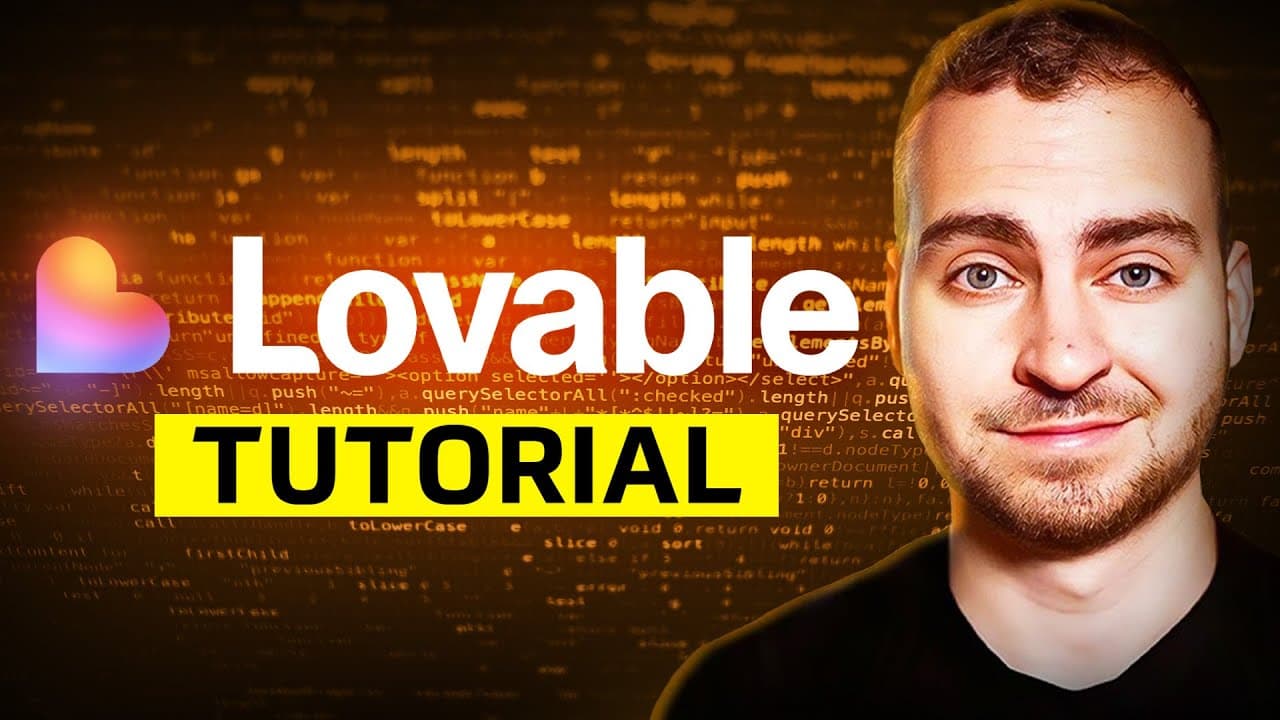
How to Use Lovable: A Full Tutorial for Complete Beginners
TL;DR
You can use Lovable to build full-stack web applications by describing what you want in prompts, even if you have no coding experience. The tutorial starts with a fitness macro calculator and recommends planning the project first, giving specific instructions, and adding one feature at a time. It also covers frontend and backend features such as authentication and data, so read on for the complete beginner workflow and advanced debugging guidance.
Transcript
In this video, I'll give you a complete tutorial on how to use Lovable. I'll assume that you're a complete beginner, like you're not an expert programmer and I'll walk you through everything step by step. So by the end of the video, you know all of the core features, and you're comfortable using this tool to build some really cool applications. Now... Read More
Key Insights
- Lovable is a free AI tool that helps build full-stack web applications without requiring coding skills.
- Users interact with Lovable through prompts, which guide the AI in creating and modifying applications.
- Lovable supports advanced features like user authentication and backend integration using Supabase.
- The tool allows for visual edits, enabling users to make targeted changes to application components.
- GitHub integration is available for version control, allowing for collaborative development and code management.
- The platform provides a live preview of applications, facilitating real-time testing and adjustments.
- Lovable offers a knowledge feature where users can set project-specific rules and preferences.
- Users can deploy their applications directly from Lovable, with options for custom domains and SEO settings.
Install to Summarize YouTube Videos and Get Transcripts
Explore YouTube Video Summarizer or Get YouTube Transcript Extractor
Questions & Answers
Q: How do beginners use Lovable to build a web application?
Create an account at Lovable.dev, decide what you want to build, and describe it in the prompt window. Lovable uses the prompt to generate a full-stack web application, so beginners do not need to know how to code.
Q: What is Lovable used for?
Lovable is an AI tool for building full-stack web applications. It can create the frontend that users interact with and a backend for operations such as authentication and data handling.
Q: Is Lovable free to use?
Yes, Lovable provides free credits and can be used without a Pro account. Each request consumes credits based on complexity, and users receive more credits every day.
Q: How should you prompt Lovable for better results?
Be specific about what you want the application to do because clearer requirements generally produce better results. Plan the full project first, then ask Lovable to build one feature at a time instead of requesting many features in one large prompt.
Q: Can Lovable build both a frontend and a backend?
Yes, Lovable can build a frontend, the interface users see and interact with, as well as a backend. The backend can support more complex operations, including authentication and data.
Q: Can you create a Lovable project from a Figma design or image?
Yes, the project menu includes an option to import an existing Figma design. You can also attach sketches or website reference images to a prompt and ask Lovable to build something that looks similar.
Q: What does remixing a Lovable project do?
Remixing creates a new Lovable project based on an existing project from your own work or the community. The original project acts as a starting template that you can modify.
Q: What application does the tutorial build with Lovable?
The tutorial begins with a simple fitness-tracking application focused on a macro calculator. It calculates daily targets for calories, fat, and protein, and the project is then made more advanced step by step.
Summary & Key Takeaways
-
Lovable is an AI-powered tool that enables users to create web applications without coding. It uses prompts to guide the AI in building and modifying apps, supporting features like authentication and backend integration. It also offers GitHub integration for version control and allows for seamless deployment.
-
The tool provides a user-friendly interface for visual edits and real-time previews, making it accessible for beginners. Lovable also includes a knowledge feature for setting project-specific rules, enhancing the customization and functionality of the applications built.
-
Lovable's integration with Supabase enables backend functionalities, while its deployment capabilities allow users to publish their apps with custom domains. The platform's prompting guide and resources further assist users in maximizing the tool's potential.
Read in Other Languages (beta)
Share This Summary 📚
Summarize YouTube Videos and Get Video Transcripts with 1-Click
Try YouTube Summary with ChatGPT & Claude or YouTube Transcript Generator
Explore More Summaries from Tech With Tim 📚



Summarize YouTube Videos and Get Video Transcripts with 1-Click
Try YouTube Summary with ChatGPT & Claude or YouTube Transcript Generator