How to automate tasks in ChatGPT with GPT actions
TL;DR
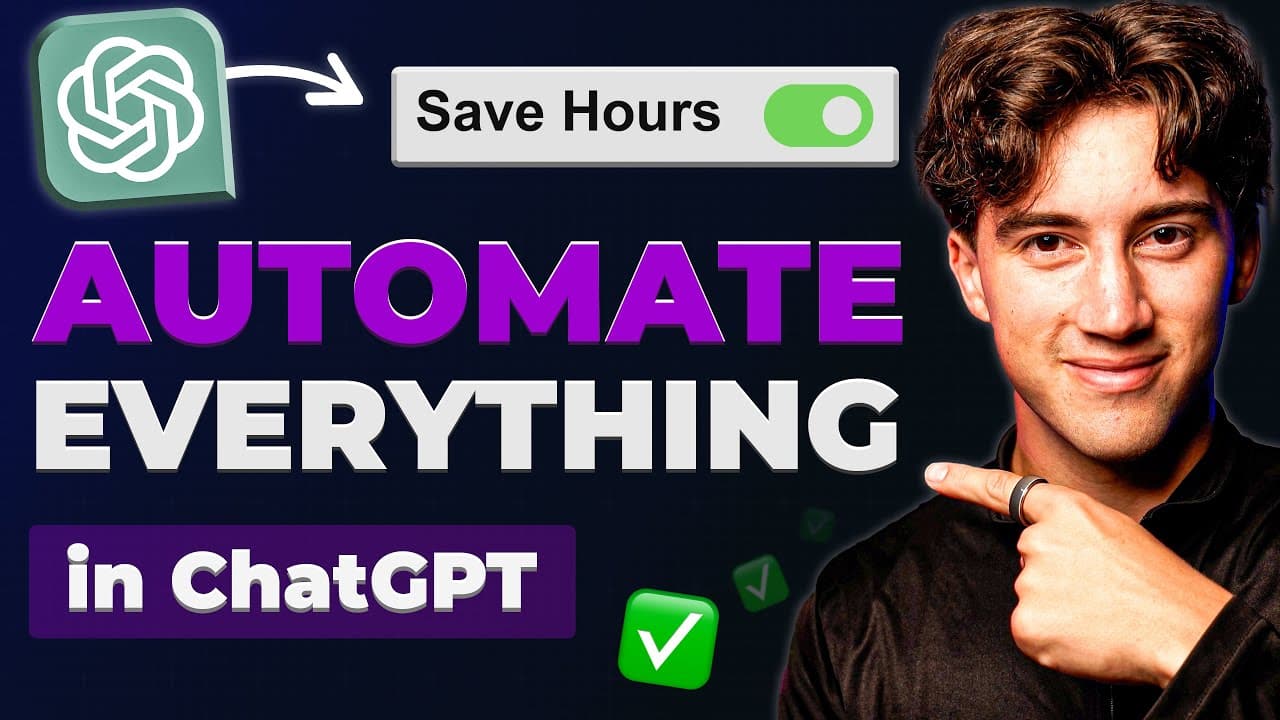
Automations in ChatGPT are created by building a GPT with instructions and hooks that stay inside the platform. The video demonstrates how to fetch data from external apps using a GET request and then post results to other apps using a POST request, all via makes and webhooks. It includes a step by step checklist and examples to speed up setup.
Transcript
chat GPT is amazing when it comes to automating tasks but only if you know how to use it right often times people are left copying and pasting stuff into chat GPT and outside of chat GPT and ultimately that wastes time so in this video I'm going to show you how you can stay in your GPT and pull in relevant information whether it be from WordPress G... Read More
Key Insights
- A GPT is configured with a defined role and call to action, enabling automated task execution from inside ChatGPT.
- The red and blue lines illustrate GET and POST requests to fetch information and post results to external sources respectively.
- A custom webhook is created in Make to enable real time data flow between ChatGPT and other apps.
- Schema Ninja provides guided steps to create a webhook and connect to Make for automation.
- Automations can fetch multiple articles and format them for downstream tasks like posting to LinkedIn.
- The workflow includes creating a GPT with instructions and a conversation starter to trigger fetch articles.
- Output formats are customized to ensure the GPT returns data in a usable structure for downstream actions.
- Testing and revision of the output format are emphasized to ensure reliable automation.
Install to Summarize YouTube Videos and Get Transcripts
Explore YouTube Video Summarizer or Get YouTube Transcript Extractor
Questions & Answers
Q: How to start automating tasks inside ChatGPT using GPT actions
To start automations you create a GPT with a name, description, profile picture, instructions and conversation starters. You then set up a webhook in Make to trigger actions, and you configure the GPT to perform a GET request to fetch data and a POST request to send data to external apps. This creates an ongoing automated workflow within ChatGPT.
Q: What is the role of a webhook in Make for GPT automation
The webhook in Make serves as the trigger that initiates the automation when the GPT requests data or sends content to external systems. You configure a custom webhook, enable advanced settings, and save it so that the GPT can call this URL to start the flow. This allows data to flow from ChatGPT to Make and back after processing.
Q: How are GET requests used in this automation setup
GET requests are used to pull information from external sources into ChatGPT. For example, fetch articles on AI from RSS feeds or other news sources, so the GPT can process and summarize them. The data retrieved by GET requests is then formatted for downstream actions and can be posted elsewhere via a POST request.
Q: How are POST requests used in this automation setup
POST requests are used to send information from ChatGPT to external apps. An example is writing a story or content and sending it to Google Docs or another service. The GPT formats the content according to a predefined output format and posts it to the target app, completing an automated action without leaving the GPT interface.
Q: What is the purpose of the GPT automation checklist
The checklist provides a structured guide to build and connect the GPT to external services. It covers naming, description, profile picture, instructions, and conversation starters, plus how to trigger the workflow with a fetch article command and how to connect to Make via a webhook. It helps ensure consistency and success in automation projects.
Q: How does the video suggest handling multiple information sources
The video demonstrates aggregating data from multiple sources using RSS feeds. It shows how to set a URL to pull feed items, limit the number of articles, and format the output so that all articles can be processed as a single text strand for the webhook response. This enables a cohesive data set for automation.
Q: What steps are involved in testing the GPT automation
Testing involves running the GET request to fetch data, observing the output, revising the output format instructions, and then testing the POST request to ensure content is correctly posted to the target app. The process is iterative, with feedback used to refine the instruction to the GPT and ensure reliable automation.
Q: Why is it important to stay within GPT for automations
Staying within GPT for automations reduces context switching, saves time, and keeps data flowing through a single interface. It enables quicker creation of workflows, minimizes manual copying and pasting, and allows more reliable, auditable automation from data collection to action execution across connected apps.
Summary & Key Takeaways
-
A GPT is created with a name, description, profile picture, instructions, and conversation starters to automate tasks from within ChatGPT.
-
The approach uses GET requests to pull data and POST requests to push data to external services, with a webhook in Make as the trigger.
-
The video provides a step by step checklist, a custom GPT, and a sample workflow for automating LinkedIn posts from AI news feeds.
Read in Other Languages (beta)
Share This Summary 📚
Summarize YouTube Videos and Get Video Transcripts with 1-Click
Try YouTube Summary with ChatGPT & Claude or YouTube Transcript Generator
Explore More Summaries from AI Foundations 📚



Summarize YouTube Videos and Get Video Transcripts with 1-Click
Try YouTube Summary with ChatGPT & Claude or YouTube Transcript Generator