How to build Claude skills quickly with meta skills
TL;DR
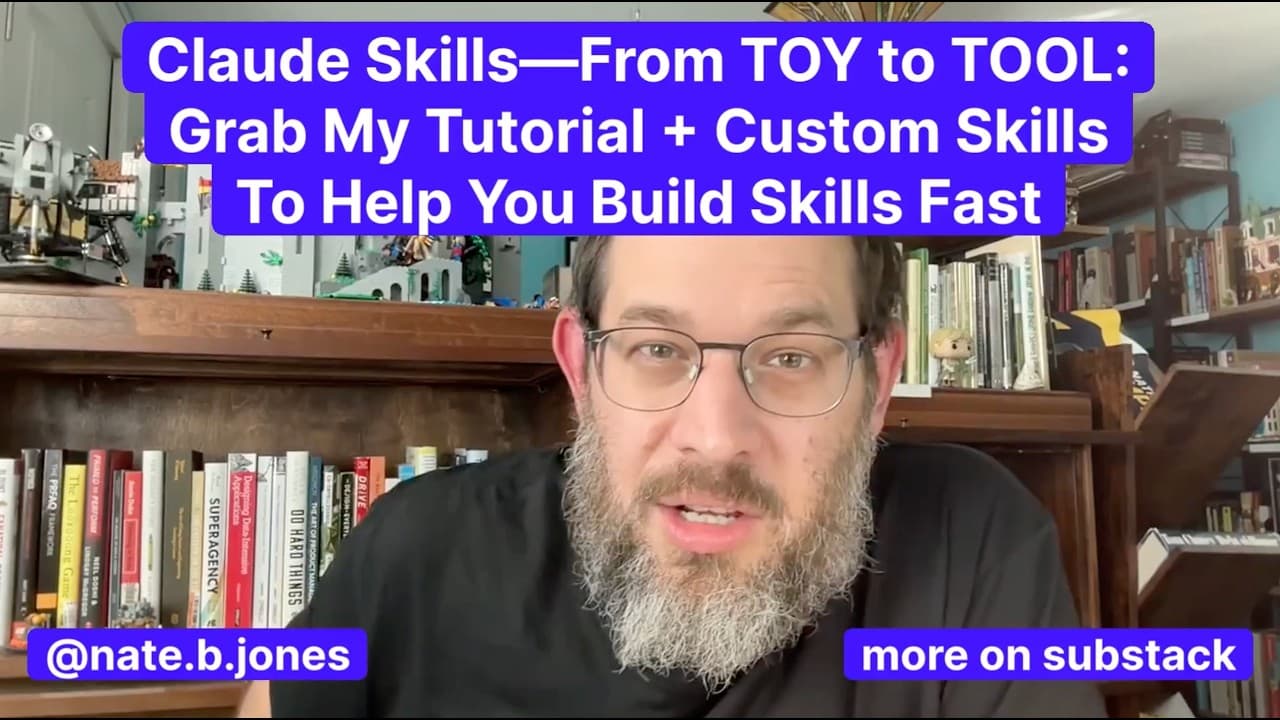
Claude skills extend what large language models can do by adding specialized instructions and tools. To get results fast, enable code execution, structure clear skill definitions, and use meta-skills to debug, document, and scale automation. The video walks through pitfalls, how to version skills, and how to choose which skills to deploy for teams and individuals.
Transcript
Claude skills took the world by storm last week. This video is all about giving you a complete tutorial so that you know how to build a skill yourself by the end of this video. But we're not done there. We are not only going to teach you how to build a skill. I'm going to walk you through the common pitfalls that I see. And I'm also going to make s... Read More
Key Insights
- Claude skills function as extensions that expand a model’s capabilities by using structured files and folders.
- A skill file or the new skill file type is used to define how a skill operates and should be placed in the correct location for each platform.
- Code execution must be enabled in settings otherwise skills cannot run, making it the top prerequisite for using Claude skills.
- Skill triggering depends on precise descriptions because Claude decides which skill to apply, making initial lines of the skill.mmarkdown critical.
- There is a web/app limit of about 20 uploaded skills, so selecting and organizing core skills is essential for productivity.
- Versioning chaos can occur when using multiple surfaces; establish a single source of truth and replicate it across environments.
- Team use adds complexity because skills are not yet universally synchronized across all users; centralized repositories or admin controls may be needed.
- Security is not automatic; third party skills may run code, so users must assess risk and only use trusted skills.
- More videos from this channel:
- More from this channel: AI News & Strategy Daily | Nate B Jones
Install to Summarize YouTube Videos and Get Transcripts
Explore YouTube Video Summarizer or Get YouTube Transcript Extractor
Questions & Answers
Q: What are Claude skills and how do they extend AI capabilities?
Claude skills are like plugins that extend what the model can do by adding specialized instructions and tools. They reduce the burden on prompts and enable the model to perform more complex, task-specific actions. By organizing skills in folders or files, users can access a broader range of automation and tooling within Claude across different interfaces.
Q: How do you create a skill for Claude and what file types are used?
A skill is created as a skill.mmarkdown file that defines the behavior and scope of the skill. This file can be packaged in a zip archive or saved with the new skill file type ending, which is essentially a zip with a different extension. The skill is then placed in the correct location for the target platform so Claude can access it.
Q: Why is enabling code execution critical for Claude skills to work?
Enabling code execution is critical because, without it, Claude cannot upload, run, or interact with the code and scripts that comprise skills. This setting determines whether the skills can automatically execute their logic or rely solely on prompts, which is insufficient for many skill workflows.
Q: What causes a skill to trigger at the wrong time and how can you fix it?
Skills trigger based on how they are described and invoked, so vague descriptions can lead Claude to select an inappropriate skill. The fix is to make the first lines of the skill.mmarkdown extremely specific about what the skill does, when it should run, and how it interacts with inputs.
Q: What is the 20-skill limit and how should you manage it?
There is a limit of about 20 uploaded skills on web and app versions. To manage this, prioritize core capabilities and organize skills so they cover the essential workflows you need. Regularly audit and prune less-used skills to stay within the limit while maintaining productivity.
Q: How should you handle versioning when using Claude across multiple surfaces?
Choose a single source of truth for skills and replicate it across all surfaces you use, such as web, desktop, and code. This reduces confusion from版本 chaos and ensures consistent behavior. If using team instances, consider a shared repository to align versions.
Q: What are meta-skills and how do they help in building Claude skills?
Meta-skills are higher-level strategies for debugging, documenting, and scaling AI workflows. They help you manage complex skill sets by providing approaches to organize, test, and maintain skills, making it easier to build reliable automation and extend Claude’s capabilities over time.
Q: What safety considerations should you keep in mind with third party Claude skills?
Third party skills may run code or scripts, so you should assess security risks before using them. Only use trusted sources, verify the behavior of a skill before deployment, and monitor outputs to prevent unintended or malicious actions from executing within your Claude environment.
Summary & Key Takeaways
-
The video explains Claude skills as extensions that act like plugins to expand capabilities, reducing prompt weight and enabling specialized tooling.
-
It covers how to create and use a .skill file and the new skill file type, including how and where to place skills across web, desktop, and code environments.
-
It details common missteps such as forgetting to enable code execution, overloading prompts, and managing multiple versions across surfaces, with practical fixes and workflow hints.
Read in Other Languages (beta)
Share This Summary 📚
Summarize YouTube Videos and Get Video Transcripts with 1-Click
Try YouTube Summary with ChatGPT & Claude or YouTube Transcript Generator
Explore More Summaries from AI News & Strategy Daily | Nate B Jones 📚





Summarize YouTube Videos and Get Video Transcripts with 1-Click
Try YouTube Summary with ChatGPT & Claude or YouTube Transcript Generator