How to Use Community Nodes in n8n Cloud and Local
TL;DR
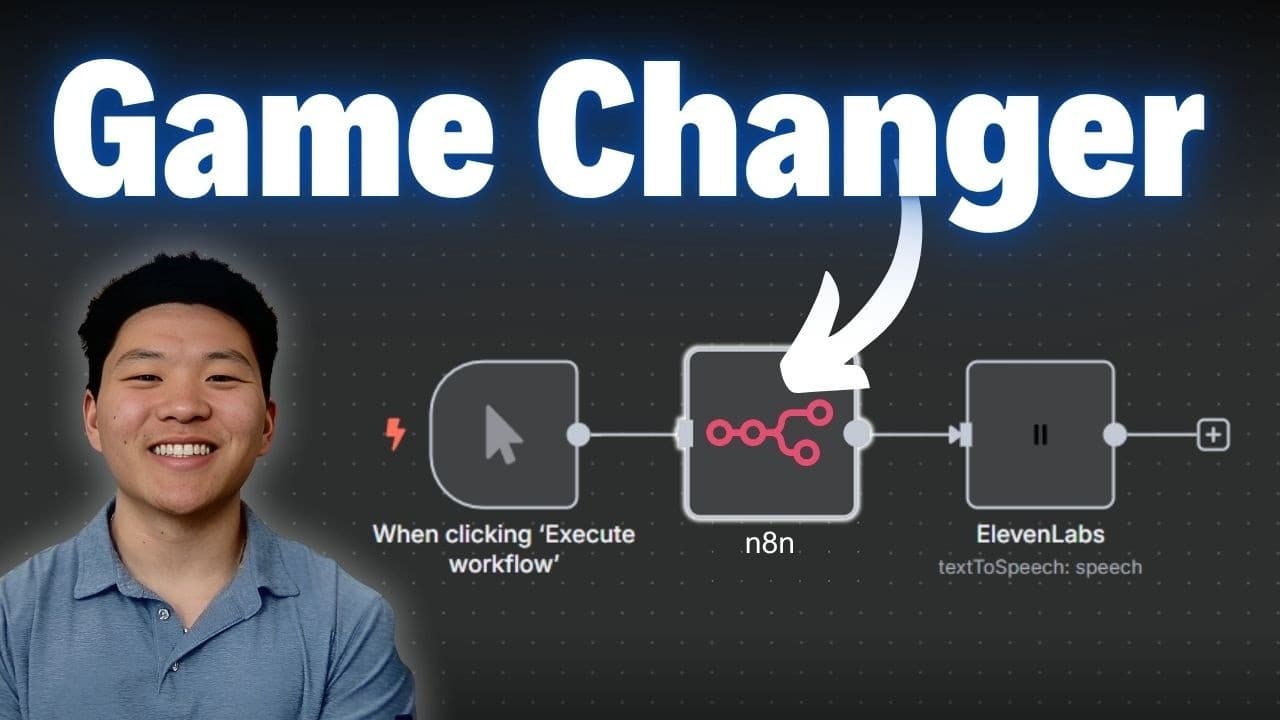
Community nodes are now usable on n8n Cloud, self-hosted, or locally hosted, offering plug and play integrations with verified community packages. You can enable them from the admin panel, install via cloud settings or npm in self-hosted setups, and connect to services like Tavly and 11 Labs without manual HTTP setup or complex authentication.
Transcript
If you're tired of setting up manual HTTP requests, then this is the video for you because today I'm going to show you guys how to connect to community nodes. Whether you are hosted on Naden cloud, self-hosted in the cloud, or locally hosted. And a community node is just a node that a member of the community has built because it solves a specific p... Read More
Key Insights
- Community nodes are available on n8n Cloud, enabling easier integrations than before.
- You must be on version 1.94 or later to access community nodes in cloud.
- Installation on cloud is done via the admin panel, no separate self-hosted setup needed for cloud users.
- Self-hosted users can still install community nodes but may need npm and docker access to add packages.
- Nodes can be used in workflows as native components with credentials managed inside the node.
- Trigers and AI agent tools can work with community nodes, expanding automation options.
- The Tavly node is a verified official node, while other packages may be self-installed community nodes.
- Documentation and a top 100 community nodes repository provide guidance for choosing and installing nodes.
Install to Summarize YouTube Videos and Get Transcripts
Explore YouTube Video Summarizer or Get YouTube Transcript Extractor
Questions & Answers
Q: How do I enable community nodes on n8n Cloud?
To enable community nodes on n8n Cloud you need to go to the settings area in your workspace and turn on the verify community nodes option, then save changes. The workspace will restart and the new option appears in the dashboard, allowing you to install verified community nodes directly from the panel. This makes it easier to add new integrations without manual HTTP configuration.
Q: What version is required for cloud access to community nodes?
Access to community nodes in cloud requires running version 1.94 or later. You should verify your current version in the admin panel, where the update status is displayed. If you are on an older version, you will need to update to 1.94 or newer to enable the community node features and the associated settings, then recheck the panel to confirm installation readiness.
Q: How do I install a Tavly community node in cloud?
After enabling community nodes in the cloud settings, search for Tavly in the community nodes list and select install. The Tavly node appears as an official node maintained by Tavly, and you simply create a credential using your API key and configure the search endpoint parameters. This provides a native node experience with simplified authentication.
Q: Can I use Tavly as a workflow tool and a trigger in n8n?
Yes, Tavly can be used as a workflow tool or as a trigger. In a workflow you can add Tavly as a tool to perform web searches and return results with URLs, while triggers from Tavly or related community nodes can start automations based on published events or data. This flexibility enables reactive automation alongside standard HTTP requests.
Q: How does authentication differ with a community node compared to manual HTTP requests?
Community nodes handle authentication behind the scenes, so you typically only need to supply your API key in the node credentials. There is no need to manually format headers like bearer tokens or other keys, reducing setup complexity and potential errors when connecting to external services.
Q: What is required to install community nodes on a self-hosted n8n setup?
For self-hosted, you install a community node package via npm inside your n8n environment. You access the Docker shell, create or navigate to the n8n nodes directory, run npm install for the desired package, then you can see the node bundled with your workflow options. This differs from cloud where you install directly from the panel.
Q: What services are demonstrated with community nodes in the video?
The video demonstrates Tavly and 11 Labs as example services. Tavly provides real time web search capabilities, while 11 Labs offers text to speech. In both cases, their community nodes simplify the setup with credentials, reducing manual API configuration and enabling direct integration in n8n workflows.
Q: Are there official and community-named nodes, and how are they distinguished in the UI?
Yes, there are official nodes maintained by the service providers, such as Tavly, which appear as official verified nodes in the UI. In addition, self-installed community nodes from npm will appear in the workflow editor as separate blocks with a distinct indicator, showing they are from a package installed by the user rather than officially maintained. This helps users distinguish between verified and self-installed nodes.
Summary & Key Takeaways
-
Community nodes are now available across cloud, self-hosted, and local setups, expanding easy integrations without manual requests.
-
The feature emphasizes verified community and partner nodes, simplifying installation and authentication through a streamlined panel or npm installation.
-
Practical examples include Tavly and 11 Labs nodes, showing how credentials and queries are simplified in workflows.
Read in Other Languages (beta)
Share This Summary 📚
Summarize YouTube Videos and Get Video Transcripts with 1-Click
Try YouTube Summary with ChatGPT & Claude or YouTube Transcript Generator
Explore More Summaries from Nate Herk | AI Automation 📚






Summarize YouTube Videos and Get Video Transcripts with 1-Click
Try YouTube Summary with ChatGPT & Claude or YouTube Transcript Generator