How to create AI powered motion graphics in After Effects
TL;DR
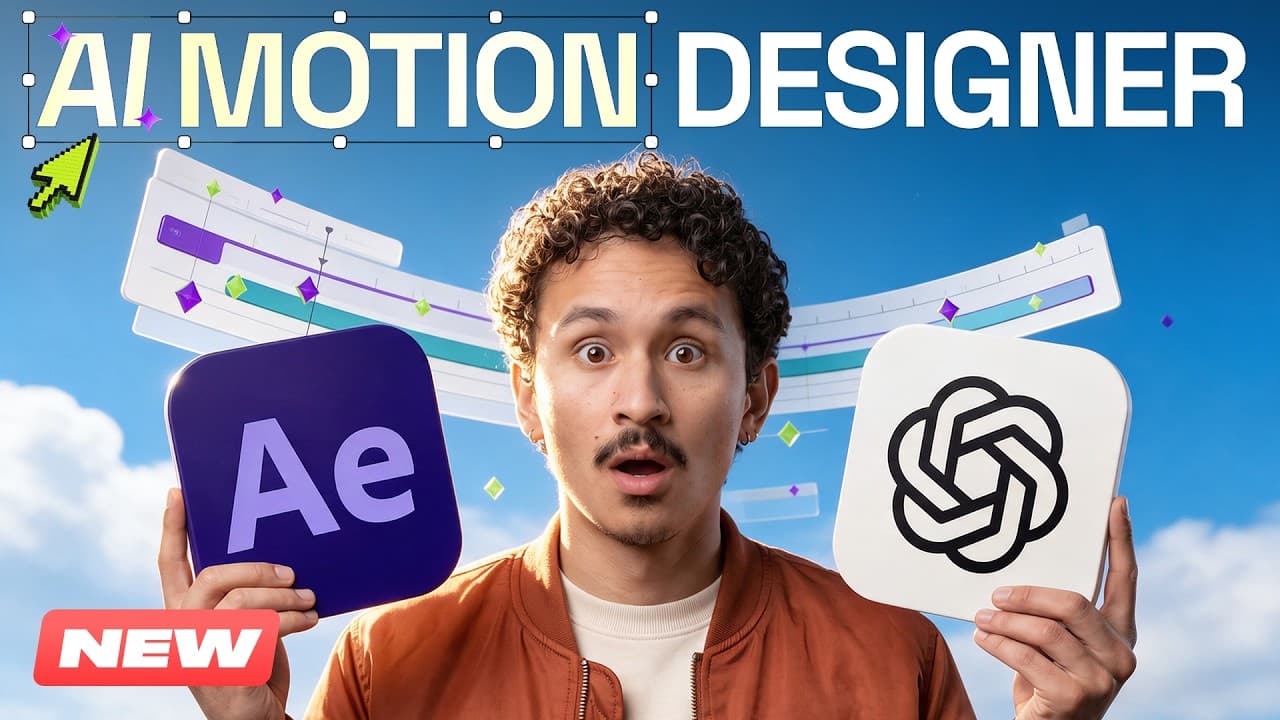
Astra drives motion design workflows inside After Effects using Higgsfield AI to go from a brief to an editable AE project. It handles brief creation, asset generation, storyboard layout in Figma, and animation, plus features like ASCII art conversion, SaaS promo effects, captions, and localization. The result is an editable, ready-to-refine AE project without deep motion design skills.
Transcript
Wait, what? That's it. So fast. Let's see. [music] Hi, I'm Adil. I've been using AI for pretty much all motion graphics in my recent videos. [music] Today I'll walk you through seven examples. The inputs I started with, what Astro built, and how I worked with the results. [music] And you don't really need any technical skills to get started. Let me... Read More
Key Insights
- Astra interoperates with Higgsfield to automate motion graphics tasks inside After Effects.
- The workflow starts with a brief, then generates image assets and storyboard layouts before animation begins.
- Astra can convert video into ASCII art using a custom converter that Astra codes into the workflow.
- A SaaS promo can be created with AI that includes falling labels physics and dynamic captions.
- Dynamic captions, zooms, and cutaways are generated and synced to spoken words.
- Character animation is enhanced by rebuilding illustrations as editable shape layers and rigging them.
- Localization handles language changes while maintaining animation structure and layout integrity.
- Resizing from 16:9 to 9:16 is supported without breaking the layout, by using dedicated adaptation skills.
Install to Summarize YouTube Videos and Get Transcripts
Explore YouTube Video Summarizer or Get YouTube Transcript Extractor
Questions & Answers
Q: What can Astra do in After Effects workflows with Higgsfield AI
Astra works with Higgsfield AI to drive seven motion design workflows inside After Effects, starting from a brief to an animated promo. It creates image assets in Hicksfield, builds storyboards in Figma, and then animates the project in After Effects. This enables a user to produce a complete editable AE project with minimal manual motion work, as described in the video description and transcript.
Q: How do you install and start using the Higgsfield After Effects plugin
Install the free Higgsfield After Effects plugin and connect it with Astra. After installation, you can begin by using prompts generated in the chat to drive the Astra skill set. The workflow relies on a connected setup where assets are created, layouts are refined in Figma, and the final animation is produced inside After Effects.
Q: What is the first stage of creating a promo film with this workflow
The process begins with a brief that describes scenes, visual style, and movement. Astra uses this brief to generate a scene by scene plan, and references help convey the desired rhythm, typography, or motion. This plan guides asset creation in Hicksfield and the later storyboard layouts in Figma before animation begins in After Effects.
Q: How does the ASCII art converter workflow work in this system
Astra uses a custom converter to turn black and white video into ASCII art by analyzing frame brightness, splitting frames into a grid, and selecting characters for each cell. Brighter areas get dense characters and darker areas get lighter marks. The converter outputs two transparent PNG sequences for layering over backgrounds, enabling a stylized effect without needing the Python code from scratch.
Q: What kind of promo can be created for a SaaS product with this approach
A SaaS promo can be created with AI that handles falling-label physics and dynamic captions, generating cutaways that match spoken content. The workflow produces an editable After Effects project with these elements already integrated, reducing manual setup time and allowing for quick iteration on typography, layout, and motion within the AE file.
Q: How does the system handle localization of a finished project
Localization is supported by a dedicated skill that translates language-specific assets while preserving the animation’s structure. The workflow can adapt to new languages and adjust text elements in the interface, ensuring that subtitles and UI labels align with the local language while maintaining timing and visual rhythm of the original animation.
Q: Can the same project be resized from 16:9 to 9:16 without layout issues
Yes, the system includes an adaptation step that allows resizing the project to a vertical format like 9:16. The layout is rearranged so that images, text, and interactions still line up with the new frame, while maintaining the alignment between labels, cursors, and actions as they move through the animation.
Q: What is the overall value proposition of using Astra with Higgsfield for motion design
The value is the ability to turn a brief into a complete, editable After Effects project with assets generated automatically and animation built through AI-guided steps. This frees time for creative decisions, enables scalable localization and format changes, and reduces the need for traditional motion design backgrounds or costly plugins.
Summary & Key Takeaways
-
Astra and Higgsfield enable rapid motion design by turning briefs into editable After Effects projects, with assets generated automatically and animations built from a structured workflow.
-
The system splits tasks across a sequence of steps including storyboarding in Figma, asset generation, and AE animation, with options to modify fonts, colors, and layout within the same project.
-
Localization and format adaptation are simplified, allowing a single project to be transformed for multiple languages and formats while preserving animation timing and visuals.
Read in Other Languages (beta)
Share This Summary 📚
Summarize YouTube Videos and Get Video Transcripts with 1-Click
Try YouTube Summary with ChatGPT & Claude or YouTube Transcript Generator
Explore More Summaries from Higgsfield AI 📚

Summarize YouTube Videos and Get Video Transcripts with 1-Click
Try YouTube Summary with ChatGPT & Claude or YouTube Transcript Generator