How to Master Claude Code from Beginner to Pro
TL;DR
Start new Claude Code projects in plan mode so the system asks questions, exposes overlooked requirements, and confirms the approach before acting. Beginners can use the desktop app with local execution, automatic permissions, and modest effort settings, while reserving more expensive model usage for genuinely complex work.
Transcript
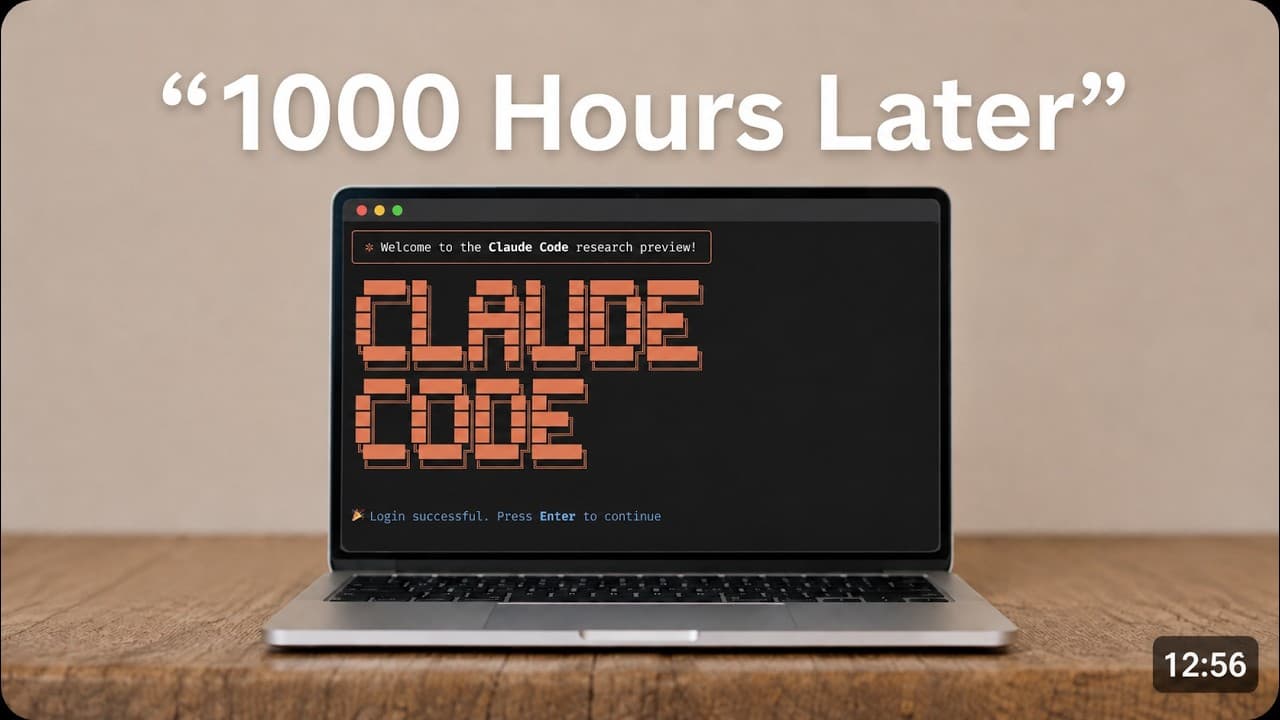
This video is going to replace over 1,000 hours of trial and error inside of Claude Code and tell you what you need to focus on whether you're at the beginning stage, intermediate stage, or pro. I'm going to cover everything from the desktop app to how to prompt, MCPs, CLI, and even more advanced topics like graph engineering and creating your own ... Read More
Key Insights
- The Claude Code desktop app is a suitable starting point for nontechnical users because it combines an accessible interface with voice mode, browser automation, inline artifacts, quality-of-life features, and optional terminal access inside the same application.
- Global instructions affect every project and prompt, so they should remain blank unless a rule is genuinely relevant to all interactions. A narrow preference placed there can create unwanted behavior throughout otherwise unrelated chats and projects.
- Tool access mode should be set to load tools when needed, while the other capability and local-session settings can generally remain enabled. Pull request integration is an exception that beginners can leave off until they understand that workflow.
- Local execution is appropriate for beginners in nearly all situations described in the guide. Cloud access, remote control, SSH, and related options mainly support using Claude away from the computer, while WSL serves a different local environment.
- Automatic permission mode balances autonomy and safety by allowing routine actions while using a classifier to stop commands considered dangerous. Manual mode repeatedly requests consent, while bypass permissions can download, install, edit, or delete without the same checks.
- Model effort has a cost-performance tradeoff because additional thinking consumes more usage without producing proportional improvements. The guide recommends modest effort for most beginner problems and reserves higher settings for complex tasks or periods near a usage reset.
- Plan mode is valuable at the beginning of a project because it creates a conversation before execution. Claude Code can ask clarifying questions, verify shared understanding, and identify important considerations that the user did not know to mention.
- Natural, spoken prompting can replace rigid prompt templates because detailed context matters more than a supposedly magical structure. The recommended method is to use a microphone, explain the goal freely, mention uncertainties, and let plan mode organize the requirements.
Install to Summarize YouTube Videos and Get Transcripts
Explore YouTube Video Summarizer or Get YouTube Transcript Extractor
Questions & Answers
Q: Which Claude Code interface should beginners use?
Beginners, especially those without a technical background, should start with the Claude Code desktop app. It provides voice mode, browser automation, inline artifacts, and a more approachable user experience than working directly in a terminal. The terminal remains available inside the desktop app, so choosing the graphical interface does not prevent users from accessing terminal capabilities later.
Q: Should Claude Code global instructions be left blank?
Global instructions should usually remain blank unless a preference or rule applies to every project and every prompt. Anything entered there affects all chats, which can produce irrelevant behavior in unrelated work. The guide uses a requirement that every response rhyme as an example of how a broad global instruction can become inappropriate across many different tasks.
Q: What Claude Code settings should a beginner enable?
A beginner should set tool access mode to load tools when needed and enable the other options on the capabilities page. The general Claude Code settings and local-session options can also remain enabled. Pull request functionality can stay off when the user does not understand it, while Claude in Chrome requires both enabling the option and installing the corresponding Google Chrome extension.
Q: What does local mode mean in Claude Code?
Local mode tells Claude Code to run on the user's computer and is the recommended selection for beginners in nearly all situations described. Other choices include cloud, remote control, WSL, and SSH. Apart from WSL, those alternatives are mainly useful when someone wants to operate Claude while away from the computer, which is not presented as a beginner requirement.
Q: Which Claude Code permission mode should users choose?
Automatic permission mode is the recommended default because it allows Claude Code to proceed while a classifier examines commands and stops those judged dangerous. Manual mode asks for consent repeatedly before actions such as editing. Bypass permissions offers much broader freedom, including downloading, installing, deleting, and editing, which makes it a more concerning choice for routine use.
Q: How should beginners choose a model and effort level?
Beginners should consider both subscription limits and task complexity when selecting a model and effort level. The guide says lower effort consumes less usage and is sufficient for many ordinary problems, with low or medium often working well. Higher settings may improve performance, but the improvement is not proportional to the additional cost, so they are better reserved for complex work.
Q: Why should new Claude Code projects start in plan mode?
New projects should start in plan mode because it allows the user and Claude Code to discuss the goal before any execution begins. Claude can ask questions, clarify ambiguous requirements, and reveal issues the user did not know existed. This is particularly useful for nontechnical users or projects outside the user's expertise, where important unknown requirements could otherwise remain unnoticed.
Q: How should users write effective Claude Code prompts?
Users do not need a rigid formula that separates the goal, context, and requested role into a special structure. The recommended approach is to turn on a microphone and describe the project naturally as a stream of consciousness, including desired outcomes and areas of uncertainty. Plan mode can then turn that raw context into questions and a clearer implementation direction.
Summary & Key Takeaways
-
The desktop app is recommended for beginners because it offers an approachable interface, voice mode, browser automation, inline artifacts, and access to the terminal when needed. Technical users can still choose the terminal or a code editor, but newcomers do not need to begin there to use Claude Code effectively.
-
Initial configuration should remain simple and broadly applicable. Global instructions are best left blank unless a rule truly belongs in every chat. Tool access should load tools when needed, most capabilities and local-session options can be enabled, and advanced features such as pull requests can remain disabled until the user understands them.
-
Effective prompting begins with plan mode and a natural explanation of the desired outcome. Plan mode encourages Claude Code to clarify uncertain requirements and surface unknown issues before execution. A microphone can make it easier to provide detailed, stream-of-consciousness context without forcing the request into a rigid or supposedly magical prompt format.
Read in Other Languages (beta)
Share This Summary 📚
Summarize YouTube Videos and Get Video Transcripts with 1-Click
Try YouTube Summary with ChatGPT & Claude or YouTube Transcript Generator
Explore More Summaries from Chase AI 📚



Summarize YouTube Videos and Get Video Transcripts with 1-Click
Try YouTube Summary with ChatGPT & Claude or YouTube Transcript Generator