How to use Claude Code mods to customize workflows
TL;DR
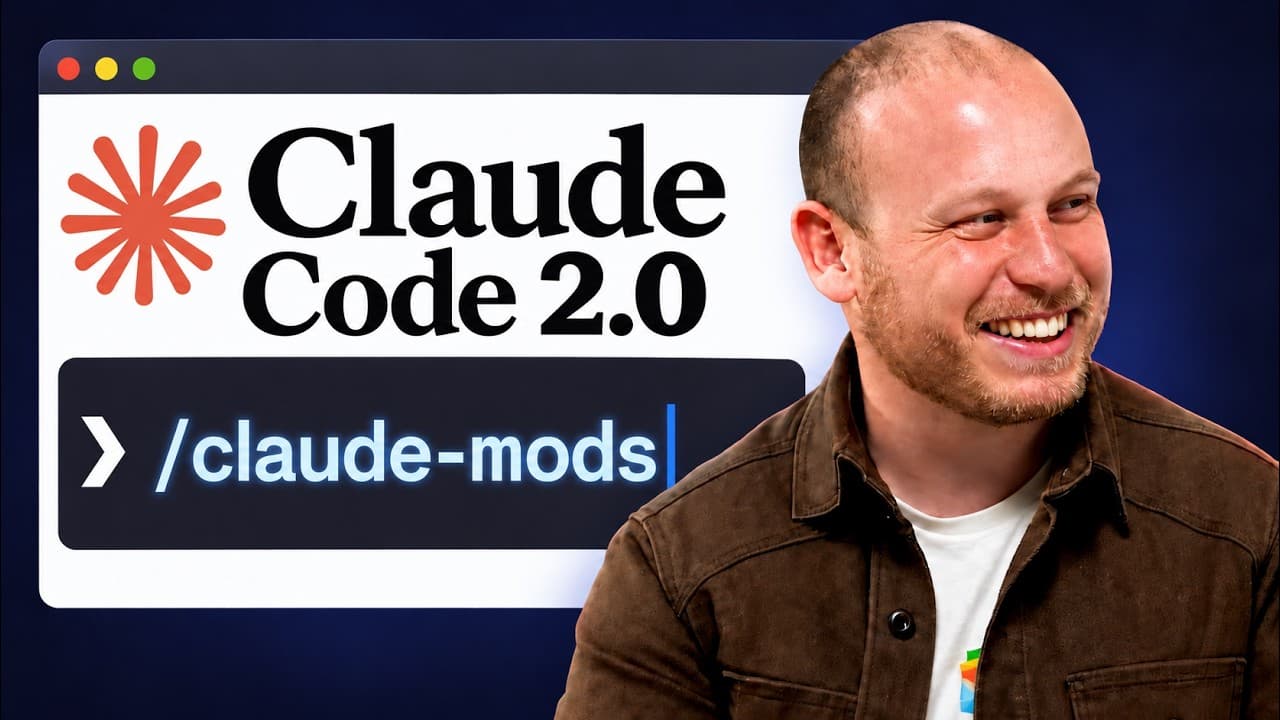
Claude mods let you alter Claude Code behavior by inserting before, during, or after hooks, enabling custom features and UI changes. The video walks through practical mod examples, an audit workflow to generate new mods, and steps to install and manage mods in Claude Code. It also highlights how mods can automate tasks and improve workflows.
Transcript
So, Anthropic just gave us one of the biggest upgrades to Claude Code we have ever seen with the release of Claude mods because we can now control and edit and customize Claude Code itself in a way we've never been able to before. In a move that makes you think of Deep Seek Harness, we are starting to move into the territory of everything is a plug... Read More
Key Insights
- Mods change Claude's behavior at the point of action by intercepting before the event, altering the event itself, or adjusting after effects, enabling flexible control over Claude Code operations.
- A single mod can cover multiple actions by combining before and after hooks, illustrating the modular and composable design of Claude Code mods.
- Mods can improve safety and traceability by adding receipts, backups, or undo functionality for critical actions like deleting files, reducing risk and improving recoverability.
- Mods are installed as plug ins and can be toggled on or off via natural language, making management intuitive without deep technical knowledge.
- An audit prompt can automatically generate a prioritized list of five mod ideas by analyzing recent Claude Code usage, guiding users to practical enhancements.
- The user interface can be extended with mods that create custom panes, status lines, or pre loaded prompts, improving workflow visibility and efficiency.
- Mods can be used to optimize costs by caching conversation history and providing compacting tools to reduce token usage and server load.
- The speaker predicts a growing ecosystem where Claude Code mods are shared and evolved by users, similar to a skills based ecosystem, expanding capabilities over time.
Install to Summarize YouTube Videos and Get Transcripts
Explore YouTube Video Summarizer or Get YouTube Transcript Extractor
Questions & Answers
Q: How do Claude Code mods actually change behavior at runtime
Claude Code mods work by inserting hooks around Claude actions, allowing a mod to execute code before an action, replace the action entirely, or run code after the action completes. This enables real time customization, like showing a preview of files before deletion or backing up data first, and makes behavior predictable and auditable.
Q: What is the practical benefit of a next steps mod in Claude Code
A next steps mod provides a pre loaded set of actionable options after a task like building a habit tracker. It reduces decision fatigue by presenting curated next moves, speeds up workflow, and can be customized to fit your own project types. It acts as a proactive guidance tool.
Q: How can mods affect the user interface in Claude Code
Mods can add custom panes, status lines, and panels within the Claude Code UI, allowing you to display context, progress, or suggested actions without changing core code. These UI augmentations work across desktop and terminal environments, providing a consistent experience.
Q: What is the role of an audit in creating Claude Code mods
The audit prompt analyzes recent Claude Code usage to identify repetitive patterns and pain points. It then generates five mod ideas that address those issues, guiding the user to practical, implementable enhancements and ensuring mods are tailored to actual workflows.
Q: Can Claude Code mods handle irreversible actions safely
Yes, mods can wrap irreversible actions with safety checks, backups, or confirmations, for example by backing up files before deletion or by sending deletions to a recycle bin. This adds a safety net and makes destructive operations reversible.
Q: How do you install and activate a Claude Code mod
Mods install as plugins in Claude Code and can be activated through the plugin manager or via natural language commands. After installation, you may need to reload plugins for changes to take effect, and you can disable or remove mods as needed.
Q: What future developments are anticipated for Claude Code mods
The speaker envisions a growing ecosystem of Claude Code mods, with a community driven flow akin to a skills ecosystem. Expect more pre built mods, shared templates, and extensions on platforms like GitHub, enabling rapid customization and collaboration.
Q: What is the difference between a mod and a traditional feature
A mod is a user defined extension that changes behavior without modifying core code, allowing rapid experimentation and customization. Traditional features are built into the system, while mods are optional, composable, and can be added or removed to suit workflow needs.
Summary & Key Takeaways
-
Mods for Claude Code let you change how Claude behaves at key events, enabling a customizable development environment. The video demonstrates practical uses like live progress bars, a custom UI pane, and cache management to reduce costs. It also explains how to audit your usage to generate relevant mods.
-
The presenter shows a step by step approach to building mods, from discovering ideas to implementing them as plugins that reload automatically. A modular design lets you wrap behaviors and undo actions, offering flexible control over Claude Code.
-
A forward looking takeaway is that an ecosystem around Claude Code mods will grow similar to the skills ecosystem, with community driven extensions and GitHub sharing to expand possibilities.
Read in Other Languages (beta)
Share This Summary 📚
Summarize YouTube Videos and Get Video Transcripts with 1-Click
Try YouTube Summary with ChatGPT & Claude or YouTube Transcript Generator
Explore More Summaries from Chase AI 📚
Summarize YouTube Videos and Get Video Transcripts with 1-Click
Try YouTube Summary with ChatGPT & Claude or YouTube Transcript Generator