How Does ChatGPT's New Reference Chat History Work?
TL;DR
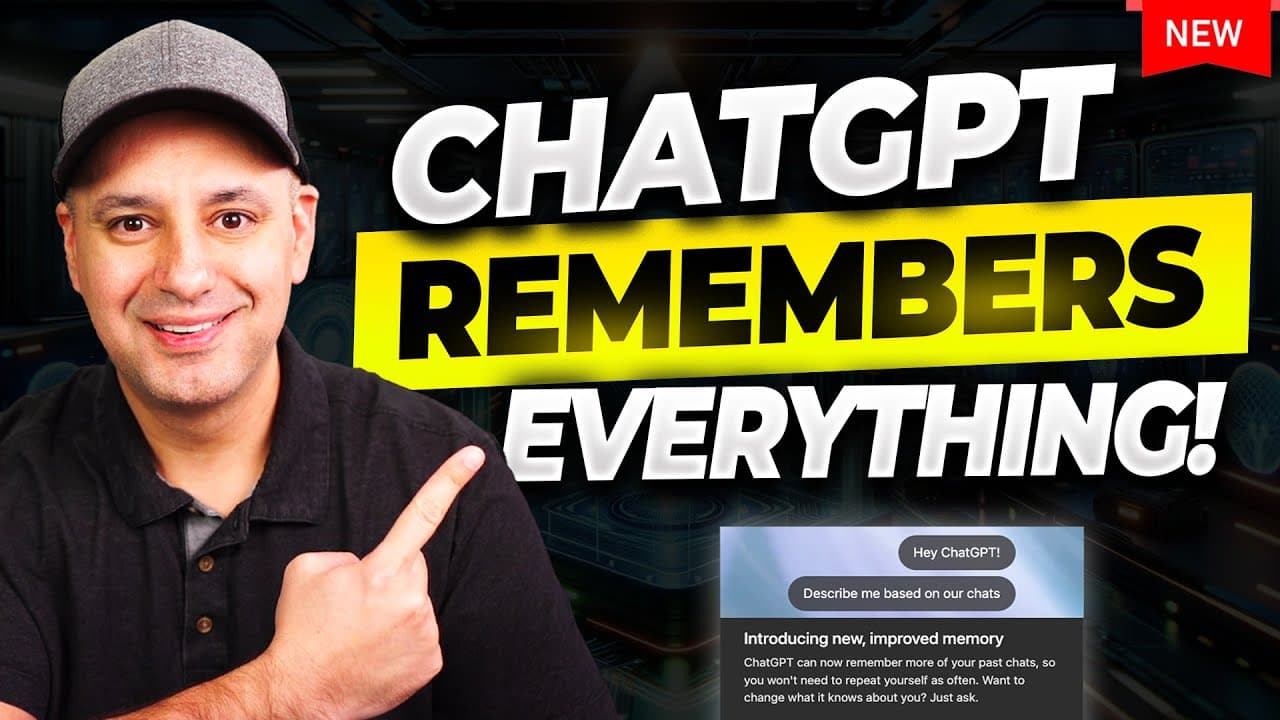
ChatGPT can now reference all your previous chats to give personalized responses, with no storage limit on chat history. This works alongside the older saved memory feature, which stores specific facts you ask it to remember but has a size limit. Both settings are on by default and can be toggled independently under personalization.
Transcript
Chat GPT just released one of its most important updates of all time. The ability to reference all your previous chat. So, it could give you personalized responses. This is a whole new way that is going to give chat GPT memory and make it a whole lot more practical. Okay, I'm going to show you exactly how this works with some prompts that you could... Read More
Key Insights
- Reference chat history is ChatGPT's new ability to reference all your previous conversations when responding, and it has no storage limit as long as the option is turned on in settings.
- Saved memory is the older feature where ChatGPT remembers specific facts you ask it to keep, but it still has a limitation on how much it can save and often fills up, requiring manual management.
- The two memory types are stored separately, so deleting a chat does not remove saved memories, but details pulled from past chats must be cleared by deleting that individual chat history.
- Saved memories persist until you delete them, while details from past chats can change over time as ChatGPT updates what it finds most helpful to remember.
- A good starter prompt is 'what do you remember about me?' so you can review what it stores and say 'forget this part' to clean up anything it got wrong.
- The update rolled out to Pro and Plus accounts first, was not yet in Teams accounts (expected in a couple of weeks), and a free-account version is anticipated later.
- Temporary chats let you have a conversation that is not saved to history, does not train the model, and keeps memory turned off, useful for anything you don't want remembered.
- With chat history referencing, custom instructions and heavy prompting techniques become less necessary because ChatGPT already carries context about you into new conversations.
Install to Summarize YouTube Videos and Get Transcripts
Explore YouTube Video Summarizer or Get YouTube Transcript Extractor
Questions & Answers
Q: What is ChatGPT's new reference chat history feature?
Reference chat history is a new ability that lets ChatGPT reference all your previous conversations when responding, giving you personalized responses without repeating yourself. Unlike the older saved memory, it is not like a notepad with a context limitation. There is no limit to how much it can reference, and it happens automatically by default as long as the option is turned on in the settings. It builds on top of the old memory ChatGPT already had.
Q: How is saved memory different from reference chat history?
Saved memory is the older feature where ChatGPT, on its own or when you say 'remember this about me,' stores specific facts like your name or favorite colors, shown as items with a trash can next to each. It still has a limitation on how much it can save and often fills up, requiring manual management. Reference chat history, by contrast, references all your past conversations automatically with no storage limit and does not require you to manage it.
Q: Is there a storage limit for reference chat history?
No, there is no limitation on reference chat history. As long as that option is turned on in the settings, ChatGPT will do its best all the time. When an old chat comes in handy in a new conversation, it will just have that context about you. This is different from saved memory, which still has a limit on how much it can store, causing it to get full and need manual management.
Q: How do you make ChatGPT forget something it remembers about you?
You can ask ChatGPT to forget anything it remembers by simply saying 'forget this part of it' in the chat, so it cleans up its own memory. You can also go to the settings menu, then the personalization tab under memory, open manage memory, and press the trash can to delete any individual saved memory or delete all saved memories. For details pulled from past chats, you must delete that individual previous chat instead.
Q: How do you delete information ChatGPT pulled from a past conversation?
Details referenced from past chats are not stored in the memory section, so you cannot remove them with the trash can. Instead you have to clear it by deleting that individual previous chat history. You can use the search box inside ChatGPT to find that chat, press the three dots, and delete it. Once deleted, ChatGPT won't be able to pull anything from that conversation into any future conversation.
Q: Which ChatGPT accounts have access to the new memory update?
As the video was recorded, the reference chat history option was released in the presenter's Pro and Plus accounts. It was not yet inside the ChatGPT Teams account, which the presenter uses more often, and that was expected to take another couple of weeks. The presenter is sure some version will eventually come to free accounts as well, though it was not available there at the time.
Q: How can you keep a ChatGPT conversation private or unremembered?
Use the temporary chat option at the top. When you use temporary chat, it is not saved in your history, it does not train the model, and memory is turned off. This is useful for a quick chat you don't want remembered, or if you don't want to taint your history or memory. To exit temporary mode, just press new chat and it takes you back to your regular ChatGPT.
Q: Should you store sensitive information in ChatGPT memory?
Memory raises important privacy and safety considerations, especially around what type of information should be remembered and how it is used. Many people use ChatGPT like a therapist, and those may be things you don't want remembered. The guidance is that if memory is enabled, you should avoid entering information you wouldn't want remembered. For sensitive quick chats, the temporary chat option keeps memory off so nothing is retained.
Summary & Key Takeaways
-
ChatGPT released a major update letting it reference all your previous chats for personalized responses, described as an infinite way to draw on chat history. It works on top of the older, limited saved memory, so you repeat yourself less. The feature launched in Pro and Plus accounts first.
-
There are two systems in the personalization settings: reference saved memory (the old notepad-style memory with a trash can per item and a size limit) and reference chat history (the new, limitless referencing of past conversations). Both are on by default and can be independently toggled on or off.
-
You can prompt ChatGPT to remember things like your core product pitch or track marketing experiments, saving them to memory so you never rewrite them. Saved memories persist until deleted, while past-chat details can shift over time, and temporary chats plus deleting individual chats give you privacy control.
Read in Other Languages (beta)
Share This Summary 📚
Summarize YouTube Videos and Get Video Transcripts with 1-Click
Try YouTube Summary with ChatGPT & Claude or YouTube Transcript Generator
Explore More Summaries from Skill Leap AI 📚






Summarize YouTube Videos and Get Video Transcripts with 1-Click
Try YouTube Summary with ChatGPT & Claude or YouTube Transcript Generator