How to Edit a YouTube Video That Grows Your Channel
TL;DR
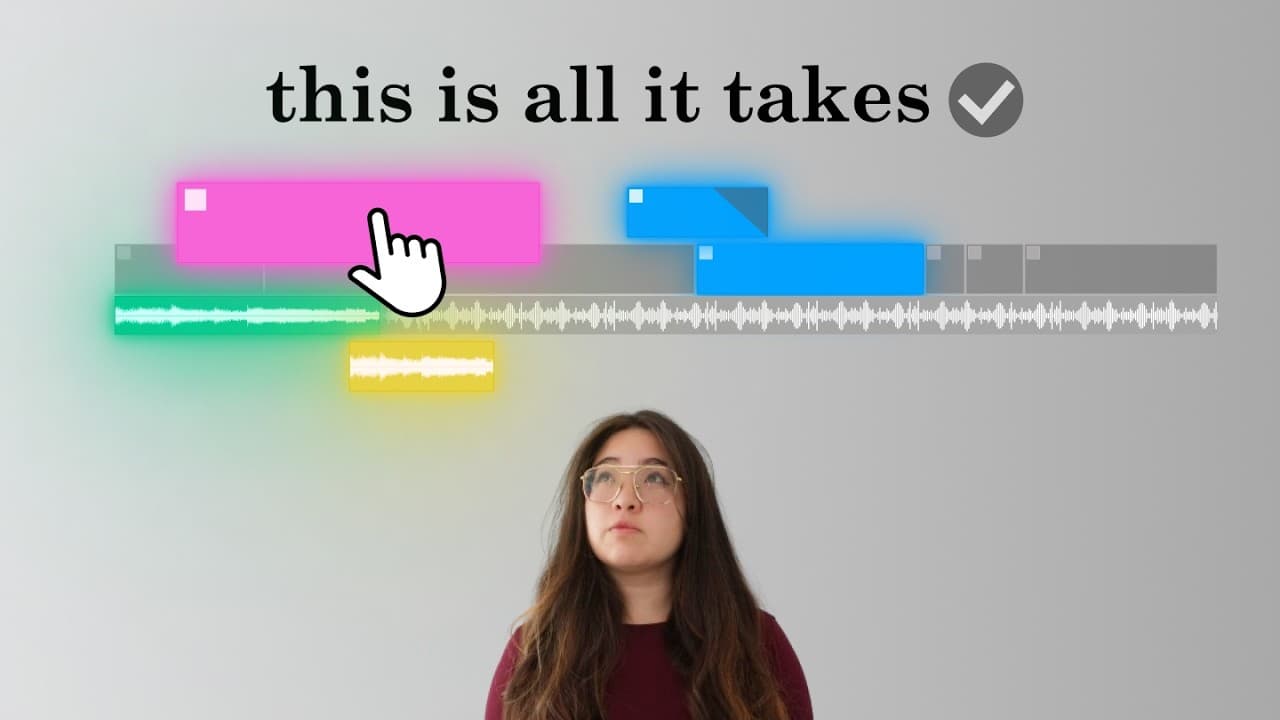
Great YouTube edits follow a five-part formula that starts with knowing exactly who you are editing for, not with fast cuts or effects. Every video breaks into setup, progress, and payoff, and top editors map that skeleton before touching the timeline. Visuals are then chosen for content, clarity, and continuity so viewers always know where to look.
Transcript
this is how to edit a killer YouTube video to blow up your Channel watch closely because even the best script with most stunning footage can be ruined with a bad edit but what exactly makes a good YouTube edit what do the top YouTube editors know that we don't to find out I spent the last 42 days pouring over interviews listening to talks and analy... Read More
Key Insights
- The best YouTube edits follow a five-part formula regardless of niche or video type: knowing who you edit for, telling the story, showing the story, evoking feeling, and final checks. Fancy effects and expensive software are not what separates strong edits from weak ones.
- Understanding your audience is the first and most critical component of any edit. YouTube strategist Paddy Galloway advises young editors to really understand who they are editing for, because a video edited for the wrong audience is jarring at best and unwatchable at worst.
- Fast editing is not automatically good editing. Mr Beast's primarily young male audience expects fast-paced videos packed with non-stop dopamine hits, but that same style applied to an educational video about early retirement would clash with an older audience's expectations for clarity and trustworthiness.
- Every story breaks down into three elements: setup, progress, and payoff. Payoffs are the main beats that deliver the value the audience came for, setups provide purpose, context, and tone, and progress builds tension and curiosity while delivering what the viewer needs to experience the payoff.
- The storytelling framework applies to every video type, from a high-stakes challenge to a cinematic vlog to a technical tutorial. Without the right setup, payoffs feel unimportant or confusing; without progress, they feel rushed or unearned.
- Top editors map the skeleton of a video before touching the timeline, writing out the eight or so scenes or progressions in the script first. The skeleton makes missing setups, progressions, or payoffs easy to spot and unnecessary tangents easy to cut.
- Killing your darlings means cutting any clip that does not serve a setup, progression, or payoff, even if it took forever to film or was expensive to make. The result is a tighter story, a more compelling edit, and a better video overall.
- The three C's of YouTube visuals are content, clarity, and continuity. Editor Hayden Hillier-Smith argues storytelling is the wrong word and that creators should be story showing, turning a passive viewer into an engaged one by imparting value visually.
Install to Summarize YouTube Videos and Get Transcripts
Explore YouTube Video Summarizer or Get YouTube Transcript Extractor
Questions & Answers
Q: What are the five parts of a killer YouTube edit?
According to the video's structure, the five parts are: part one, knowing who to edit for; part two, telling the story; part three, showing the story, which covers content, clarity, and continuity; part four, evoking feeling; and part five, final checks. The creator arrived at this formula after spending 42 days poring over interviews, listening to talks, and analyzing timelines from the most successful creators in the world, producing 131 pages of notes. The conclusion was that great edits do not depend on fancy effects or expensive software, and that this formula holds regardless of niche or video type.
Q: Why is fast editing not the same as good editing?
Because some of the biggest YouTubers make fast cuts, creators assume they must do the same to keep viewers watching, but this assumption neglects the single most critical component of any edit: the audience. Mr Beast's primarily young male audience expects fast-paced videos packed with non-stop dopamine hits, so his editing reflects that. Applying the same style to an educational video about early retirement would clash completely with an older audience's expectations for clarity and trustworthiness. If editing choices do not align with who the audience is, what they want, and what they expect, clean cuts and beautiful transitions will not save the video.
Q: How do you structure a story in a YouTube video?
Every story breaks down into three key elements: setup, progress, and payoff. Payoffs are the main beats or points of the video, the moments that deliver the value the audience came for and make the video feel worth watching. Each payoff has its own setup that provides purpose, context, and tone for the upcoming section and primes the audience to care about what is coming next. Progress is anything that takes you from the setup to the payoff, building tension and curiosity while delivering everything the viewer needs to experience the payoff. The video states that the best performing videos on YouTube all have these three elements.
Q: What is a video skeleton and how do you make one?
The skeleton is a map of what happens in a video, written down before an editor touches the timeline. The method described is to write the entire script, then go to the top and identify the roughly eight progressions or scenes in the video. This skeleton makes it easier to spot any missing setups, progressions, or payoffs, cut out unnecessary tangents, and confirm the base story is sound. Once the skeleton is mapped and excess clips are trimmed, you have a starting point: a version of the video that tells a clear and cohesive story, ready to be shown visually rather than merely told.
Q: What does killing your darlings mean in video editing?
Killing your darlings is what top editors call cutting a clip that does not serve the story. If a clip or segment does not fit into a setup, a progression, or a payoff, it probably does not belong in the video. This holds even if you love the clip, even if it took forever to film, and even if it was expensive to make. The video acknowledges the choice feels painful in the moment but argues it results in a tighter story, a more compelling edit, and a better video overall. The skeleton makes these unnecessary tangents easier to identify before you commit editing time to them.
Q: What is the difference between A-roll and B-roll?
A-roll is footage where someone speaks directly to the camera. That direct-to-viewer presentation creates a unique connection between speaker and viewer, making the spoken words feel more personal by showing the emotion and delivery behind them. B-roll is supplementary footage that shows the viewer what you are talking about instead of just telling them. B-roll often falls into five main shot types: wide shots that establish location and set the scene, medium shots that give the subject and environment equal focus, close-ups that highlight details, extreme wide shots that create a sense of scale or awe, and extreme close-ups that emphasize micro details for dramatic effect. Together they form the visual foundation of most edits.
Q: How do you create motion graphics without advanced skills?
Most effects you want can be achieved with just three key frames: position to move elements across the screen, scale to make elements larger or smaller, and opacity to fade elements in or out. Combining these basic key frames with simple cropping and layering lets you create professional-looking visuals that add dimension and polish to a video. Motion graphics themselves serve to illustrate key points, often explaining complex ideas or seamlessly transitioning between sections. The video notes that motion graphics can feel intimidating, but the underlying toolkit is small, so the barrier is lower than most editors assume.
Q: How do you guide where viewers look in a frame?
Visual clarity comes down to one question: where do you want viewers to look. Every frame has a focal point, the single most important detail in that moment, whether that is you speaking to camera, a reaction, or a specific detail in B-roll. The simplest guidance tool is positioning, either centering the focal point or following the rule of thirds by aligning it on the left or right third. If the background or competing elements pull attention, you can mask the focal point and create separation through brightness by darkening everything else, color by muting surrounding tones, or blur by adding a depth of field effect. Motion such as a quick zoom or cut-in draws the eye, and a highlight circle or arrow works in a pinch.
Summary & Key Takeaways
-
The creator spent 42 days studying interviews, talks, and timelines from the world's most successful creators, filling 131 pages of notes. The conclusion was that great YouTube edits are not about fancy effects or expensive software but about a five-part formula that works across every niche and video type.
-
Part one is knowing who the edit is for. A common misconception equates good editing with fast editing because big YouTubers use fast cuts, but copying that style neglects audience fit. Only after being roughly 90% confident about your audience's wants and needs should you move on to the next part.
-
Part two is building the story out of setup, progress, and payoff. Editors write the skeleton of the video before opening the timeline, listing the scenes or progressions in the script. Clips that do not fit one of the three roles get cut, a practice top editors call killing your darlings.
-
Part three is showing the story through the three C's: content, clarity, and continuity. Content covers A-roll of someone speaking to camera and B-roll in five shot types: wide, medium, close-up, extreme wide, and extreme close-up, plus text, screen recordings, images and icons, external clips, and motion graphics.
-
Motion graphics need only three key frames to cover most effects: position to move elements, scale to resize them, and opacity to fade them in or out. Combined with simple cropping and layering, these produce professional-looking visuals without intimidating software skills.
-
Clarity answers one question: where do you want viewers to look. Every frame has a focal point, and editors guide attention through centered positioning or the rule of thirds, masking with brightness, color, or blur separation, motion such as quick zooms and cut-ins, and highlight circles or arrows as a fallback.
Read in Other Languages (beta)
Share This Summary 📚
Summarize YouTube Videos and Get Video Transcripts with 1-Click
Try YouTube Summary with ChatGPT & Claude or YouTube Transcript Generator
Explore More Summaries from Aprilynne Alter 📚
Summarize YouTube Videos and Get Video Transcripts with 1-Click
Try YouTube Summary with ChatGPT & Claude or YouTube Transcript Generator