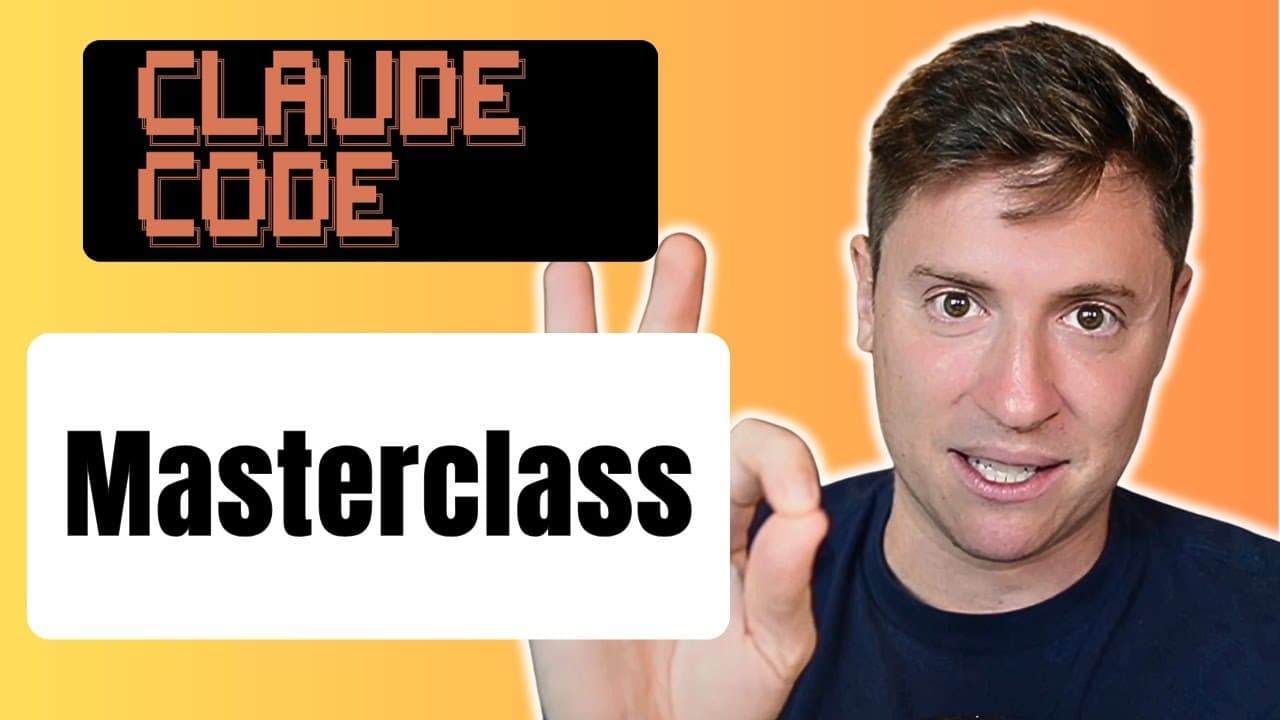
How to Master Claude Code in 33 Minutes
TL;DR
Claude Code can be mastered by combining a simple Cursor installation with plan mode, slash commands, debugging, subagents, output styles, and precise prompting. The masterclass walks through building and launching an entire application, even for someone without programming experience, and explains options ranging from the $20 plan to the $100 and $200 versions. Read on for practical setup steps and advanced ways to improve app development.
Transcript
If you just started using Claude Code, or even if you've been using it for a while, you're probably only getting about 10% of what Claude Code has to offer. They've released a tremendous amount of features and functionality in the last 6 months. And in this video, I'm going to cover it all. Whether you've never used Claude Code before or you've bee... Read More
Key Insights
- Claude Code is a versatile AI tool for building applications without extensive programming knowledge.
- Installation involves integrating Claude Code into Cursor for enhanced functionality.
- Plan mode is essential for outlining and confirming tasks before execution, ensuring accuracy.
- Debugging is simplified with Claude Code, allowing users to address errors efficiently.
- Subagents can be created to perform specialized tasks, enhancing app development efficiency.
- Output styles customize how Claude Code interacts with users, providing explanatory or direct communication.
- AI functionality can be integrated into apps using API keys, enabling features like text generation and summarization.
- Prompting techniques, including specificity and context, are crucial for effective AI interaction and app development.
Install to Summarize YouTube Videos and Get Transcripts
Explore YouTube Video Summarizer or Get YouTube Transcript Extractor
Questions & Answers
Q: How do you install Claude Code in Cursor?
Download the free version of Cursor from cursor.com, open a new project, and create a folder. Open Cursor’s terminal, paste the Claude Code installation command provided with the video, and press Enter. After installation, type “claude” and press Enter to open Claude Code.
Q: Do you need programming experience to use Claude Code?
No programming experience is required for the workflow demonstrated in the masterclass. You give Claude Code commands such as building, changing, debugging, or launching something, and it handles the technical work while creating the project files.
Q: What is plan mode in Claude Code?
Plan mode lets you discuss and refine a task with the AI without allowing it to begin coding. Press Shift-Tab until plan mode appears, then use the back-and-forth planning process to confirm what should be built before execution.
Q: Which Claude Code model should beginners choose?
The presenter recommends Sonnet for users starting with the $20 version. For users on the $100 or $200 version, the recommended selection is Opus plan mode, which uses Opus for planning and Sonnet for execution.
Q: How do slash commands work in Claude Code?
Slash commands control much of Claude Code’s configuration. For example, entering “/model” opens the available model choices, which depend on the user’s plan.
Q: How does Claude Code help with debugging?
Claude Code can analyze an error after the user copies and pastes the error message into its interface. It then proposes a solution, simplifying debugging for users who may not be programming experts.
Q: What are subagents in Claude Code?
Subagents are specialized AI agents created for focused tasks such as code review or optimization. Each can work with its own context, helping divide app-development responsibilities and reduce the workload on the primary agent.
Q: What are output styles in Claude Code?
Output styles customize how Claude Code communicates with the user. Users can choose predefined styles such as explanatory and learning or create a custom style that better matches how they want responses delivered.
Summary & Key Takeaways
-
Claude Code simplifies app development with its powerful AI-driven features. Users can install it within Cursor and leverage plan mode for structured task execution. Debugging is efficient, and subagents enhance task specialization, making Claude Code a versatile tool for developers.
-
AI functionality in Claude Code is accessible through API integration, enabling features like text summarization and generation. Output styles and custom slash commands allow personalized interactions, while prompting techniques ensure precise AI responses.
-
The video provides a comprehensive guide to mastering Claude Code, from installation to advanced features like subagents and output styles. Users can build robust applications with AI capabilities, benefiting from Claude Code's intuitive and efficient development process.
Read in Other Languages (beta)
Share This Summary 📚
Summarize YouTube Videos and Get Video Transcripts with 1-Click
Try YouTube Summary with ChatGPT & Claude or YouTube Transcript Generator
Explore More Summaries from Alex Finn 📚



Summarize YouTube Videos and Get Video Transcripts with 1-Click
Try YouTube Summary with ChatGPT & Claude or YouTube Transcript Generator