How Do Grok Bots Work as an Autonomous Team?
TL;DR
Grok Bots deliver value by assigning each bot one specific job, a clear description, individual memory, and access to shared tools and files. Bots can collaborate through an organization-like structure, operate browsers and terminals, reuse templates, and access local files, while automatic context compaction preserves useful working information during long-running conversations.
Transcript
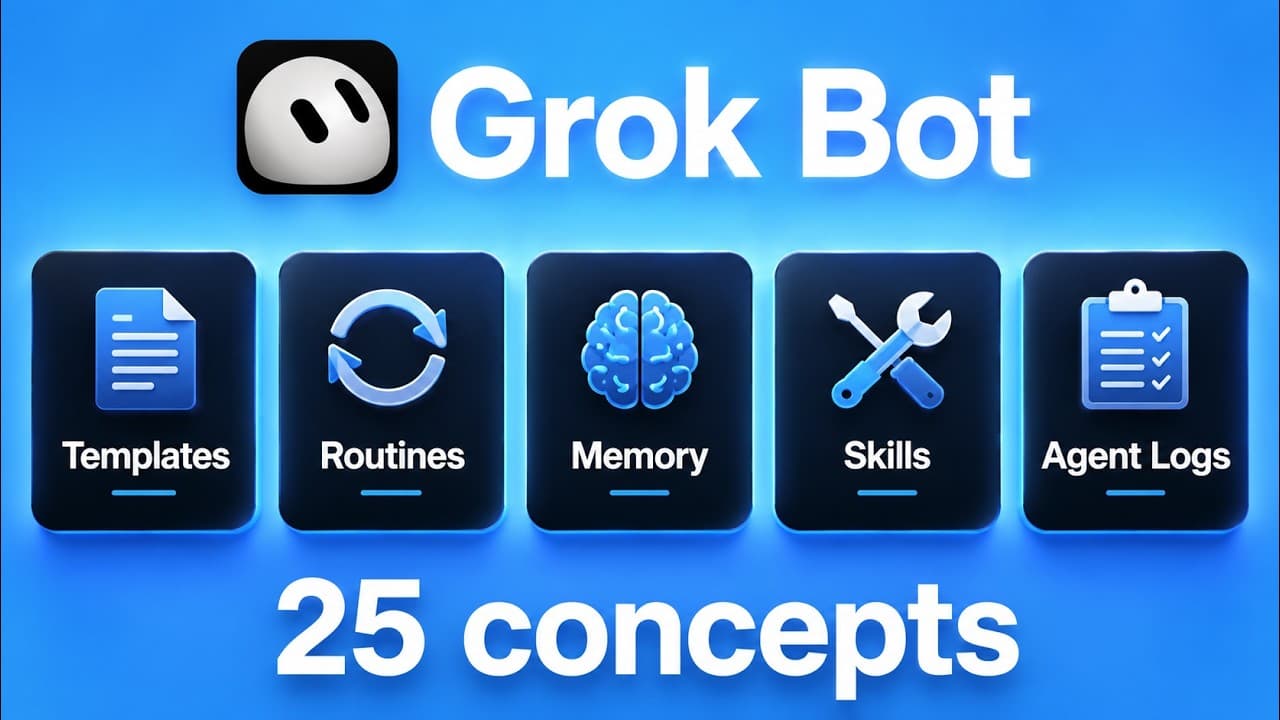
I'm about to break down every single Grockbot concept that you have to understand in order to start getting immediate value out of your Grockbots. So, let's not waste any time and just get straight into today's video. So, in today's video, I've got 25 concepts for you guys, and they're split across five parts. So, part one is what the bot is. So, a... Read More
Key Insights
- A Grok Bot is a single specialized agent with its own name, label, description, skills, processes, and conversation history. The demonstrated setup uses separate bots for focused responsibilities such as animation, AI news research, factual research, and creative production.
- Bot descriptions are operational routing information, not merely labels. Clear descriptions help collaborating bots determine which specialist should receive delegated work, such as sending research to the research bot or motion graphics tasks to the animator.
- A scalable bot ecosystem can resemble an organizational chart. Instead of communicating directly with every specialist, the user can work through a smaller group of executive bots that understand their teams, including the roles, strengths, and weaknesses of subordinate bots.
- Bot templates are reusable packages containing assets such as instructions, memories, and skills. A shared template can create a configured bot in another person's ecosystem, but personal service connections do not transfer and must be connected by the recipient.
- Memory is divided into global knowledge and bot-specific knowledge. Global memory contains information available to every bot, while individual memory records information learned through one bot's specialized conversations. Users can explicitly request that information be added to either memory store.
- Compaction automatically summarizes long conversation histories to manage each bot's context window. Users cannot control or precisely observe when it happens, but retained memories and summarized recent context allow a bot to continue working without keeping every original message visible.
- Every Grok Bot has access to an agent computer with a controllable browser. Browser sessions can preserve logins after the user authenticates, allowing a bot to perform future tasks within services such as a community platform, GitHub, or LinkedIn.
- Bots share the same cloud workspace even though each bot can display its own computer screen. They can inspect common files, run terminal commands, create scripts, and use provided local file paths to analyze, rename, and move files on the user's computer.
Install to Summarize YouTube Videos and Get Transcripts
Explore YouTube Video Summarizer or Get YouTube Transcript Extractor
Questions & Answers
Q: What is a Grok Bot and how is each bot organized?
A Grok Bot is one individual agent configured with a name, job title, label, description, skills, processes, and its own conversation history. Each bot should perform one specific job well. Examples in the demonstration include an animator that creates motion graphics, a news miner that tracks AI developments, and a research bot that gathers credible sources and forms fact-based opinions.
Q: Why are clear Grok Bot descriptions important?
Clear descriptions tell both the user and other bots what each specialist does. When bots collaborate, those descriptions help them route work to the appropriate agent. A research assignment can be delegated to the bot described as a research specialist, while an animation assignment can go to the bot described as creating motion graphics and transitions for YouTube videos.
Q: How should a large team of Grok Bots be structured?
A large collection of bots can be structured like an organizational chart rather than a flat group in which the user talks to every bot. The user communicates with a smaller number of executive bots, and those executives understand which bots belong to their teams. They can use each bot's description, strengths, and weaknesses to choose the right specialist for delegated work.
Q: How do Grok Bot templates work?
A bot owner can ask a bot to create a shareable template and publish the resulting link. Another person can open that link and add the bot to their own ecosystem. The imported bot can include its name, label, description, instructions, memories, and skills. Personal integrations are excluded, so the recipient must configure connections such as their own ClickUp account.
Q: What is the difference between global and individual Grok Bot memory?
Global memory is a shared store of information about the user that every bot can access. Individual memory contains knowledge developed through conversations with one particular bot and is available specifically to that agent. Users should understand which agents know which information, and they can explicitly tell a bot to save new information either to its individual memory or to global memory.
Q: How does automatic context compaction work in Grok Bots?
Each bot has its own conversation history and context window, and the system automatically compacts that history through summarization. The user cannot control the process or know exactly when it occurs. In a very long conversation, early messages may no longer appear directly, but saved memories, ongoing objectives, and a summarized portion of recent messages can remain available to support continued work.
Q: What can Grok Bots do with browsers and saved logins?
Each Grok Bot can operate a browser inside its agent computer, using websites in a way similar to a person using a standard browser. After the user opens a service and enters the username and password, the login can remain saved. The bot can then work inside services demonstrated or mentioned in the source, including a community platform, GitHub, and LinkedIn.
Q: Can Grok Bots access shared and local files?
Grok Bots share the same cloud workspace, so files visible through one bot's file explorer are also available to the others. They can inspect those files and use a terminal to run commands or create scripts. A user can also provide a path to a local file, then ask a bot to analyze its contents, rename it, and move it into another folder.
Summary & Key Takeaways
-
A Grok Bot is an individual agent with its own name, job title, description, skills, processes, conversation history, and context window. Giving each bot one specific responsibility helps distinguish its role and allows other bots to identify the appropriate specialist when work needs to be delegated across a growing agent ecosystem.
-
Bot templates package reusable instructions, memories, and skills into links that other people can import. Personal connections do not transfer automatically, so recipients must configure services such as ClickUp themselves. Each bot also uses both globally shared memory and individual memory developed through its specialized conversations and work.
-
Every bot can operate a computer with a browser, terminal, and file explorer. Browser sessions can retain logins, while bots share the same cloud workspace and files. Bots can also receive paths to local files, inspect their contents, rename them, and move them into other folders when instructed.
Read in Other Languages (beta)
Share This Summary 📚
Summarize YouTube Videos and Get Video Transcripts with 1-Click
Try YouTube Summary with ChatGPT & Claude or YouTube Transcript Generator
Explore More Summaries from Nate Herk | AI Automation 📚






Summarize YouTube Videos and Get Video Transcripts with 1-Click
Try YouTube Summary with ChatGPT & Claude or YouTube Transcript Generator