How Does Microsoft Weaken Its Tech Rivals?
TL;DR
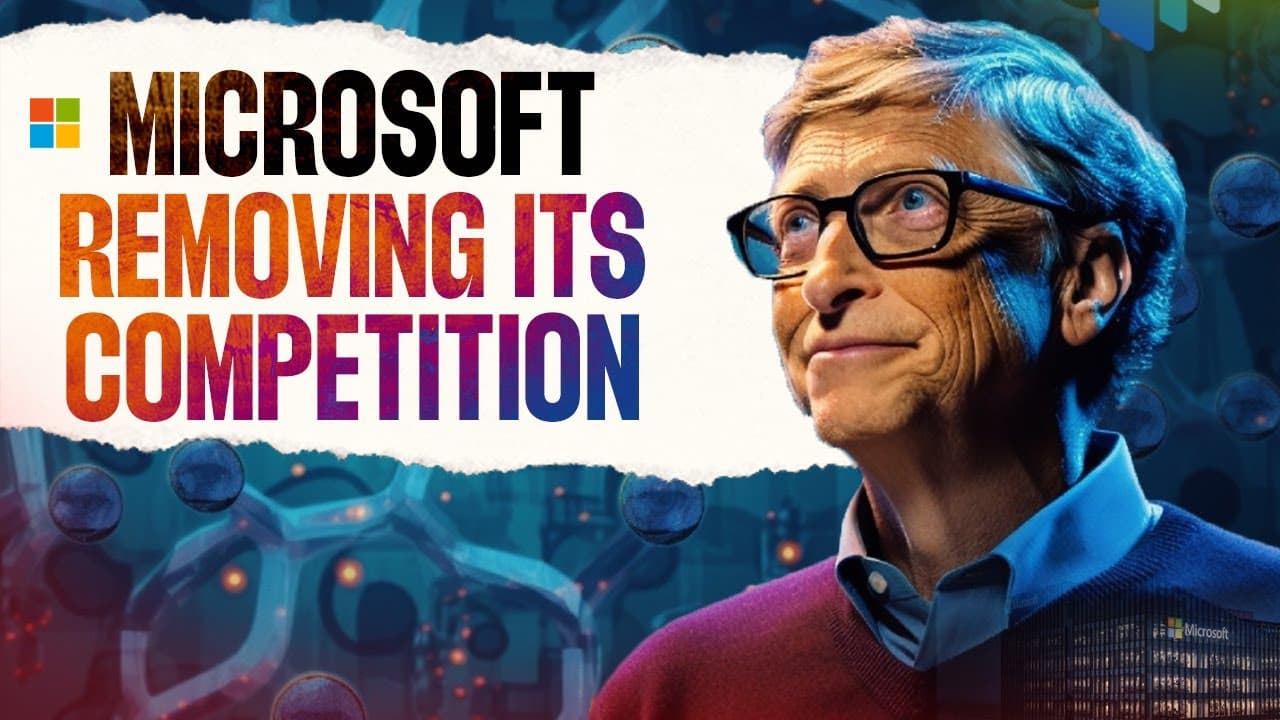
Microsoft weakens rivals by bundling competing products into Windows, offering them free, and extending common standards with proprietary features that reduce compatibility. The transcript calls this strategy “embrace, extend and exterminate,” illustrating it through Internet Explorer against Netscape, MSN Messenger against AIM, and the emerging competition between Microsoft Teams and Zoom.
Transcript
On 18th of May in 1998, the US Department of Justice and the Attorney General's of 20 US states sued Microsoft for being a monopoly and illegally killing its competition in the computer market. And what followed next was one of the most historic cases in tech history, which lasted for two decades. And fast forward to 23 years later, even today, Mic... Read More
Key Insights
- Microsoft’s platform power came from controlling the operating system used by nearly 90% of PCs. That reach allowed the company to distribute new applications directly to a massive installed base instead of relying only on users to discover, download, and select them independently.
- Netscape Navigator captured up to 80% of the browser market despite costing $49. Its document streaming, simultaneous downloads, and JPEG support made it a leading browser as internet access became an increasingly important reason for people to use computers.
- The “embrace, extend and exterminate” strategy begins by entering a promising product category. Microsoft then adds proprietary features, uses its dominant platform to favor its own offering, and reduces the convenience or practical necessity of choosing a competing product.
- Internet Explorer gained an immediate distribution advantage by being included with Windows 95 and placed on the home screen as the default browser. Microsoft also made it free and removed it from the add-and-remove interface, limiting the ability of consumers and manufacturers to delete it.
- ActiveX controls weakened Netscape’s position by making online file use, especially for Microsoft Office files, more difficult through competing browsers. Because the transcript says 90% of computers used MS Office, compatibility with Microsoft’s ecosystem strongly influenced browser choice.
- Internet Explorer reached 95% browser market share by 2000. That dominance established a practical industry standard, requiring software developers who wanted broad access to users to ensure that their products worked with Microsoft’s browser.
- MSN Messenger followed the same competitive pattern against AIM. Microsoft bundled its messenger with PCs, offered it free, and extended instant messaging through proprietary additions that introduced features while breaking compatibility with software from America Online.
- Microsoft Teams gained users partly through automatic installation with Windows updates, according to the audience responses cited in the transcript. Teams grew by 456% since 2020 and reached 145 million active users one year after Zoom reported 300 million daily active users in April 2020.
Install to Summarize YouTube Videos and Get Transcripts
Explore YouTube Video Summarizer or Get YouTube Transcript Extractor
Questions & Answers
Q: How did Microsoft use Windows to compete with Netscape?
Microsoft included Internet Explorer with Windows 95, made it the default browser, and placed it directly on the computer’s home screen. It also offered the browser free and removed it from the add-and-remove interface, preventing consumers and manufacturers from easily deleting it. These choices used Windows distribution to reduce the need for users to seek out Netscape Navigator.
Q: What is the “embrace, extend and exterminate” strategy?
“Embrace, extend and exterminate” describes a three-stage competitive strategy attributed to Microsoft in the transcript. A company first enters and supports an emerging product category, then extends common standards with proprietary features that do not fully support competing products. Finally, it uses platform dominance and distribution advantages to promote its own offering until rival products become less necessary.
Q: Why was Netscape Navigator initially successful?
Netscape Navigator was successful because it offered browser capabilities that were described as far ahead of competing products. Users could view documents while they were still downloading, run multiple downloads simultaneously, and display JPEG images. Even with a $49 subscription cost, Netscape captured up to 80% of the browser market and reached a $2.2 billion market capitalization after going public.
Q: How did ActiveX controls affect competing browsers?
ActiveX controls extended Microsoft’s browser technology in a way that made downloading or using internet files, especially Microsoft Office files, more difficult through Netscape and other browsers. The transcript says 90% of computers used MS Office, so convenient compatibility with those files mattered greatly. This strengthened Internet Explorer while weakening important features and use cases associated with Netscape.
Q: Why was Microsoft’s operating system dominance important?
Microsoft operating systems ran on nearly 90% of PCs according to the transcript, giving the company exceptional control over how software reached users. By bundling applications with Windows, Microsoft could place its products on computers automatically and make them the default choice. This distribution power helped Internet Explorer and MSN Messenger compete without depending entirely on deliberate user installation.
Q: How did Microsoft compete with AOL Instant Messenger?
Microsoft entered instant messaging with MSN Messenger and installed it on PCs by default. It then added proprietary Microsoft features that expanded the service but broke compatibility with software from America Online, the company behind AIM. Microsoft also provided MSN Messenger free, repeating the same embrace, proprietary extension, and platform-based distribution pattern described in the Netscape case.
Q: How does the transcript compare Microsoft Teams with Zoom?
The transcript argues that Teams may be following Microsoft’s earlier competitive pattern because many users reported that it arrived automatically through computer updates rather than through deliberate installation. Teams experienced 456% growth since 2020 and reached 145 million active users one year after Zoom reported 300 million daily active users in April 2020. It also predicts stronger Office file-sharing integration.
Q: What business lessons come from Microsoft’s competition strategy?
The case shows that control over a widely used platform can provide powerful advantages in distribution, default placement, pricing, and compatibility. However, eliminating one rival does not guarantee permanent leadership. The transcript notes that Chrome later surpassed Internet Explorer, while Facebook and WhatsApp became winners in social media despite Microsoft’s earlier success against AOL through MSN Messenger.
Summary & Key Takeaways
-
Microsoft became a dominant computer company through MS-DOS licensing, Office applications, and Windows. Windows 3.0 made graphical computing accessible beyond technical users, sold one million copies per month in 1993, and helped Microsoft operating systems reach nearly 90% of PCs, giving the company substantial control over software distribution.
-
Netscape Navigator captured up to 80% of the browser market after launching in 1994, but Microsoft responded by including Internet Explorer with Windows 95. Microsoft made its browser the default, offered it free, restricted its removal, and introduced features that made competing browsers less convenient for accessing widely used Office files.
-
The transcript characterizes Microsoft’s recurring strategy as embracing a growing category, extending it through proprietary additions, and using platform dominance to reduce demand for rivals. It applies this pattern to Netscape and AIM, then argues that Microsoft Teams could similarly gain users from Zoom through automatic installation and Office integration.
Read in Other Languages (beta)
Share This Summary 📚
Summarize YouTube Videos and Get Video Transcripts with 1-Click
Try YouTube Summary with ChatGPT & Claude or YouTube Transcript Generator
Explore More Summaries from Think School 📚





Summarize YouTube Videos and Get Video Transcripts with 1-Click
Try YouTube Summary with ChatGPT & Claude or YouTube Transcript Generator