What are the top features of Google Gemini Advanced?
TL;DR
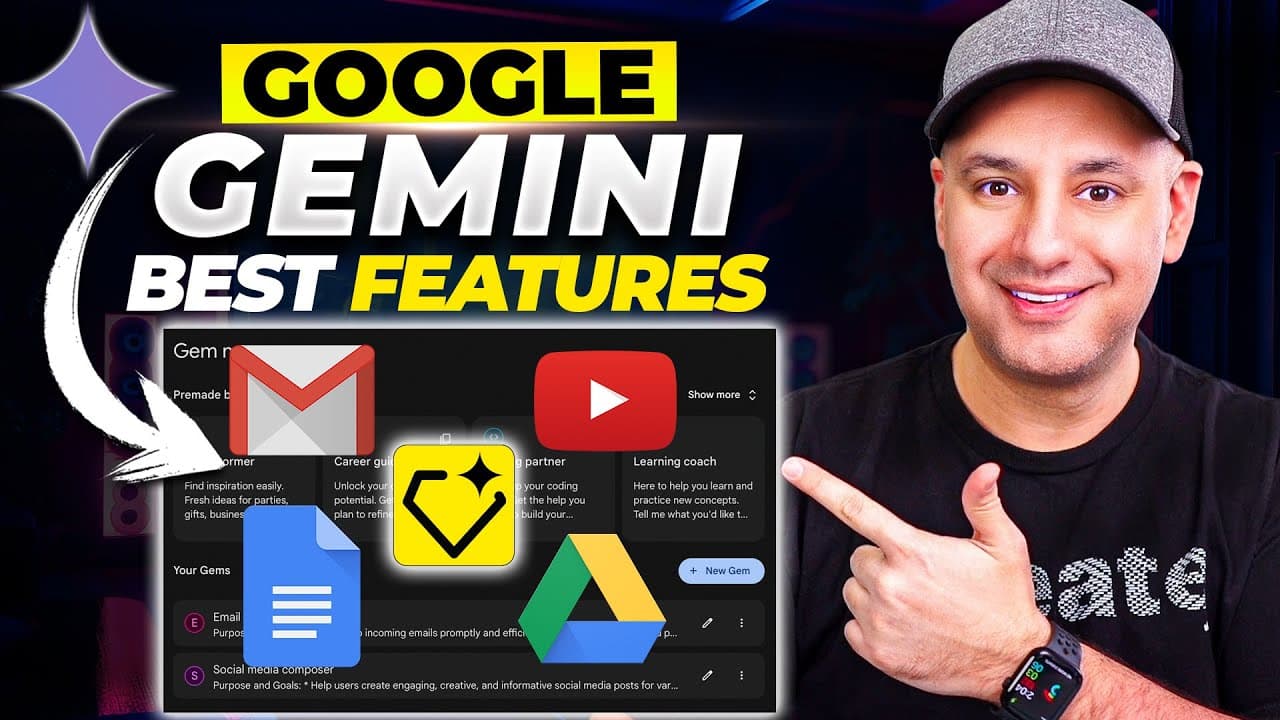
Gemini Advanced runs on Gemini 1.5 Pro and adds a large context window, enabling analysis of very large documents. It also offers two terabytes of storage, plus file and image uploads, plus extensions to integrate with Google apps and YouTube. These features expand capabilities beyond the free version while keeping updates accessible in the UI.
Transcript
Google Gemini has gone through a lot of changes lately a lot of new upgrades and I wanted to make an updated video for my Google Gemini video this time I want to focus on Google Gemini Advance which is their paid version of Google Gemini and he has ton of options that the free version doesn't have and if you use AI on a regular basis I think you'll... Read More
Key Insights
- Gemini Advanced is powered by Gemini 1.5 Pro, representing an upgraded model with broader capabilities.
- The 1 million token context window allows analysis of extensive documents and books within a single session.
- Two terabytes of storage are included, supporting large file storage and collaborative work.
- Users can upload documents and media to be analyzed, significantly expanding use cases.
- Extensions enable direct interaction with Google apps and YouTube from within Gemini chat.
- Gems provide customizable system prompts to tailor Gemini’s behavior for specific tasks.
- Export features include direct drafting to Google Docs and other Google services.
- Updates to Gemini 1.5 Pro are ongoing and may occur without formal announcements.
Install to Summarize YouTube Videos and Get Transcripts
Explore YouTube Video Summarizer or Get YouTube Transcript Extractor
Questions & Answers
Q: What is Gemini Advanced and how does it differ from the free version?
Gemini Advanced is the paid version of Google Gemini, which runs on Gemini 1.5 Pro and includes additional capabilities not available in the free version. It adds a larger context window that can analyze much larger documents, two terabytes of storage, and extended integration options through extensions and gems. These enhancements enable more complex workflows, deeper analysis, and easier collaboration within Google services.
Q: How large is the context window in Gemini Advanced and why is it important?
Gemini Advanced features a context window that supports up to one million tokens, which is significantly larger than typical limits. This enables the model to ingest and analyze very long documents, books, or multi-page reports in a single prompt, reducing the need for splitting content and improving coherence across large analyses.
Q: What storage does Gemini Advanced offer and how does it benefit users?
Gemini Advanced provides two terabytes of storage, which allows users to store large files, documents, and media within the platform. This extra storage supports workflows that require frequent uploading and retrieval of large assets without relying on external services, facilitating smoother collaboration and faster analysis.
Q: Can users upload documents to Gemini Advanced for analysis?
Yes, users can upload documents to Gemini Advanced for analysis. The system can handle large files and perform tasks such as summarization, extraction, and targeted querying within the uploaded content, enabling efficient processing of extensive materials like books or lengthy reports.
Q: What role do extensions play in Gemini Advanced?
Extensions in Gemini Advanced enable interactions with Google apps and YouTube directly from the chat interface. Users can pull in emails, Drive documents, or YouTube content and interact with it using Gemini, enhancing productivity by combining AI analysis with existing Google workflows.
Q: What are gems in Gemini Advanced and how do they work?
Gems are customizable system prompts that define a specific behavior for Gemini. Users can create a gem with a defined purpose, instructions, and tone, then apply it to tasks such as summarizing YouTube videos or analyzing a document. This allows for highly tailored AI responses aligned to particular needs.
Q: Is it possible to export Gemini Advanced work to Google Docs?
Yes, Gemini Advanced supports exporting or drafting content directly into Google Docs. This feature enables seamless transfer of AI-generated summaries, analyses, or drafts into the user’s existing Google Docs workflow, reducing manual copy-paste and saving time during document creation.
Q: How are updates to Gemini Advanced delivered and announced?
Updates to Gemini Advanced are shown within the update page in the interface, where new capabilities are added over time. The presenter notes that updates can occur in the background and may not come with formal announcements, so users should check the update page periodically to keep track of new features and improvements.
Summary & Key Takeaways
-
Gemini Advanced is powered by Gemini 1.5 Pro and includes a larger context window for document analysis and processing. It integrates with Google apps and YouTube through extensions, enabling richer in-chat interactions. The plan also offers substantial storage and document upload capabilities for large files.
-
The feature set includes the ability to upload and analyze large documents and media, with direct export to Google Docs and seamless interaction with Gmail and Drive, enhancing productivity for heavy users.
-
Users can manage extensions and gems to customize workflows, enabling topic specific assistants and streamlined recaps of content across Gmail, Docs, Drive, and YouTube, all within Gemini Advanced.
Read in Other Languages (beta)
Share This Summary 📚
Summarize YouTube Videos and Get Video Transcripts with 1-Click
Try YouTube Summary with ChatGPT & Claude or YouTube Transcript Generator
Explore More Summaries from Skill Leap AI 📚






Summarize YouTube Videos and Get Video Transcripts with 1-Click
Try YouTube Summary with ChatGPT & Claude or YouTube Transcript Generator