What are the 7 AI agents with built-in AI agents?
TL;DR
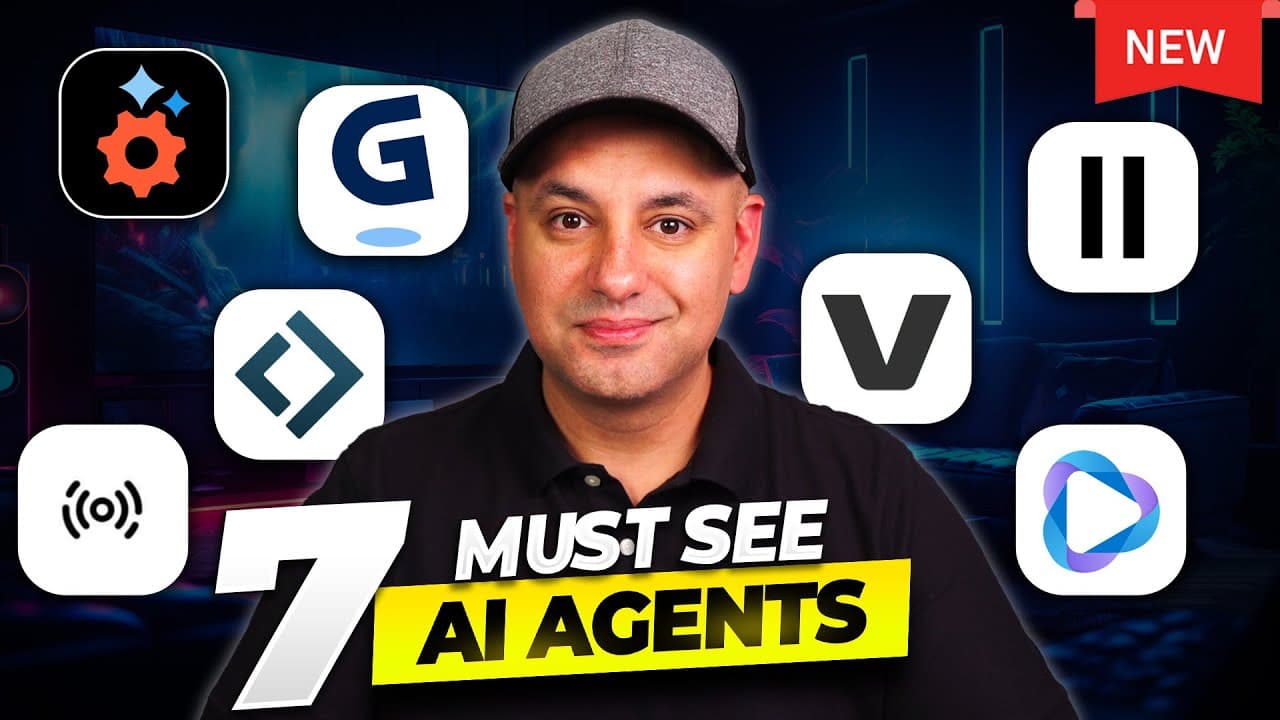
The video highlights seven AI tools that now include AI agents to automate tasks inside their platforms. Gamma lets you change themes and images via an agent, while other tools such as Image Gen AI, Lindy Build, ElevenLabs Agent Test, Veed AI Video Agent, HeyGen Video Agent, and ChatGPT Pulse extend capabilities with agent-driven actions and workflows. These agents enable editing, web search, and app building directly from prompts.
Transcript
Some of the very best AI tools are adding AI agents on top of their AI tools. So instead of just using the AI tool, you just talk to the agent inside of chat and the agent does all the work for you. Let me show you the top seven that recently got AI agents. Okay, the very first one is inside of Gamma. So if you haven't used Gamma before, Gamma turn... Read More
Key Insights
- Gamma now offers an AI agent mode that applies theme changes and image edits across slides in seconds.
- AI image generation and editing are integrated directly within the tool, allowing dynamic adjustments without leaving the platform.
- Lindy Build enables creating fully functioning apps from text prompts, including e commerce features and Stripe integration.
- ElevenLabs introduces agent testing to simulate and verify agent conversations and tool usage before deployment.
- Veed AI Video Agent enables editing videos by typing instructions, streamlining video production tasks.
- HeyGen Video Agent creates professional videos from prompts, including scripts and presenters, for streamlined video creation.
- ChatGPT Pulse provides a new AI driven capability in ChatGPT Pro to access real time agent based features on mobile.
- The video emphasizes a move toward in platform automation where prompts trigger end to end actions across tools.
Install to Summarize YouTube Videos and Get Transcripts
Explore YouTube Video Summarizer or Get YouTube Transcript Extractor
Questions & Answers
Q: What is Gamma agent mode used for in the video?
Gamma agent mode is used to modify presentations by following user prompts. It can recommend themes, apply new themes to slides, revert to original designs, and perform element level edits like removing images or adjusting image brightness. The agent works inside the presentation tool to automate these changes quickly without manual slide editing.
Q: How does Image Gen AI relate to agents in the video?
Image Gen AI is presented as an agent powered by Agent.ai that handles image generation and editing inside its workflow. It supports selecting a style, generating new images, and applying revisions with an edit box. This enables users to create visuals directly within the platform and iterate visually without leaving the tool.
Q: What does Lindy Build do according to the video?
Lindy Build lets users create fully functioning apps from simple text prompts. It asks follow up questions about merchandise, brand style, and assets, then builds a complete store with product listings, shopping cart, checkout, and Stripe integration. It emphasizes no code required and iterative refinement via chat.
Q: What is the purpose of ElevenLabs agent testing shown in the video?
The ElevenLabs agent testing feature is for testing next message predictions and tool usage in an agent workflow. It lets you simulate conversations and test how the agent should respond and utilize tools, helping ensure the agent behaves correctly before real world deployment.
Q: What capability does Veed AI Video Agent introduce?
Veed AI Video Agent introduces the ability to edit videos by typing instructions. This agent driven approach allows users to command edits and adjustments within the video editing environment, streamlining the production process and reducing manual editing steps.
Q: How does HeyGen Video Agent improve video production?
HeyGen Video Agent enables creating professional videos from prompts, including scripts and presenters. This supports rapid video creation workflows by generating ready to publish videos based on user input, aligning visuals with scripted content for efficient production.
Q: What is ChatGPT Pulse as described in the video?
ChatGPT Pulse is presented as a feature available in ChatGPT Pro, focusing on agent driven capabilities accessible on mobile. It signals an emphasis on mobile first access to advanced AI agent functions and prompts for regular tasks or workflows.
Q: What is the overarching trend discussed in the video about AI tools?
The video highlights a trend where AI tools add AI agents to automate tasks inside the platform, enabling end to end actions from prompts. This shift reduces manual steps, accelerates workflows, and fosters more dynamic, interactive automation across presentations, images, apps, and videos.
Summary & Key Takeaways
-
The video surveys seven platforms that added AI agents to perform automated tasks inside the tool, reducing manual steps. It demonstrates Gamma’s agent mode for theme changes, image edits, and slide updates, showing how an agent can act on selected elements. The other tools preview agent-driven features such as image generation, code-free app building, and video production workflows.
-
It explains how agents can study content, propose edits, fetch supporting data, and apply changes across a project, illustrating a shift toward prompt-driven automation that minimizes back-and-forth through integrated suggestions and actions.
-
The overview emphasizes practical uses like creating presentations, generating visuals, testing AI agents, and launching video production pipelines, all driven by natural language prompts within each platform.
Read in Other Languages (beta)
Share This Summary 📚
Summarize YouTube Videos and Get Video Transcripts with 1-Click
Try YouTube Summary with ChatGPT & Claude or YouTube Transcript Generator
Explore More Summaries from Skill Leap AI 📚





Summarize YouTube Videos and Get Video Transcripts with 1-Click
Try YouTube Summary with ChatGPT & Claude or YouTube Transcript Generator