How to Recreate Winning Ads from Competitors with AI
TL;DR
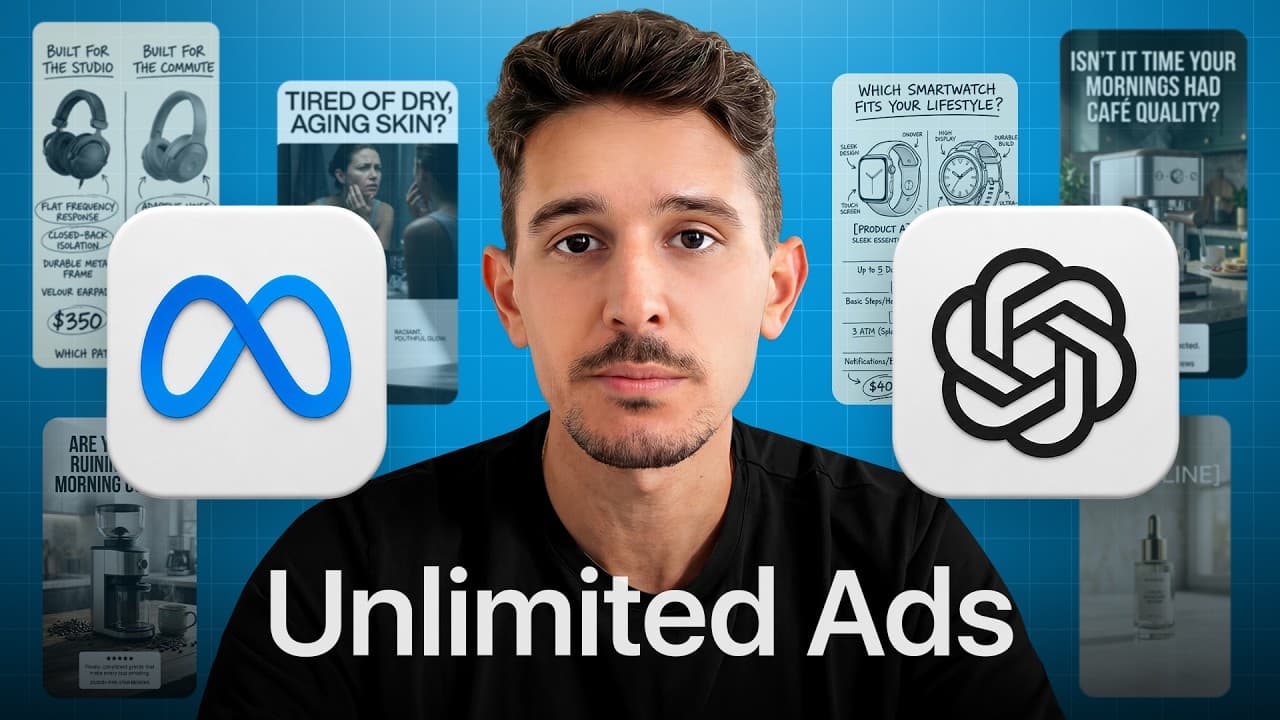
The video shows a two part workflow: first, study competitor ads in the Facebook ads library to identify high performing creatives, then use AI tools to recreate or adapt those ads for your own brand. It also introduces an AI powered trend feature to generate fresh formats quickly, boosting scale.
Transcript
Every single ad that your biggest competitor is running is actively open for you to see in the Facebook ads library. Every image, every piece of copy, every video, the exact time that they launch it, even inactive and active ads are available for you to see 100% for free. The main problem is you can't actually see which of these ads are driving rea... Read More
Key Insights
- Active ads and launches from competitors can be viewed in the Facebook ads library for free, providing a starting point for creative research.
- Protected watermarks on some ads make direct AI reuse difficult, highlighting a limitation when trying to paste visuals into AI tools.
- Two main workflows are presented: manual recreation of proven ads and an AI driven process to automate adaptation and production at scale.
- A competitive research board is available that aggregates top ads from multiple brands, including a repository with around 300 ads for reuse as inspiration.
- An AI based workflow can swap branding and product specifics while generating multiple headlines, saving time in copy testing.
- Trends analysis is used to identify current market patterns such as features into benefits and value stacking, providing fresh creative angles.
- The Add Trends feature compiles broad market signals from hundreds of ads to propose trend based formats suitable for quick replication.
- Account performance tracking is emphasized, with guidance on prioritizing ads that drive significant spend, to optimize which ads to recreate and scale.
Install to Summarize YouTube Videos and Get Transcripts
Explore YouTube Video Summarizer or Get YouTube Transcript Extractor
Questions & Answers
Q: What is the first step to find ideas for new ads from competitors?
The first step is to open the Facebook ads library and search for your number one competitor. Then you sort by all active ads and by impressions from high to low to identify ads that have been active the longest and are likely performing well. This provides a practical starting point for selecting candidates to adapt.
Q: Why can’t you directly reuse some ads from the library in AI tools?
Many ads in the library are marked as protected, which prevents easy extraction of images or other assets by AI tools. This means you may need to redesign or reimage assets rather than simply dropping them into an AI generator, influencing how you approach creative replication.
Q: What are the two main workflows described for creating ads?
The video describes manual recreation of top competitor ads in your own branding and an AI driven workflow that automates the adaptation and production process. The manual path involves copying a chosen ad and swapping branding and copy, while the AI path uses prompts to generate new variants quickly.
Q: What is the purpose of the competitive research board mentioned in the video?
The competitive research board aggregates top ads from multiple brands, offering a centralized library of inspiration. It allows you to quickly access and reuse or adapt successful ad formats, reducing time spent on creative ideation and helping to maintain competitive parity across campaigns.
Q: How does the Add Trends feature help in ad creation?
Add Trends analyzes market wide patterns and identifies trending formats across many advertisers. By surfacing formats like value stacking or moody cinematic lighting, it enables you to reproduce or adapt these proven structures, keeping your creatives aligned with current demand and avoiding fatigued, outdated formats.
Q: What is the recommended way to determine which ads to recreate in your account?
The recommended approach is to sort all ads by total spend and identify those that have driven a substantial portion of campaign value, such as ads contributing around 5 percent of the campaign value. Focusing on these top spenders helps you maximize impact when recreating or iterating creatives.
Q: How does the workflow aim to balance speed and quality in ad production?
The workflow prioritizes speed by using AI to generate on brand variants from a few prompts, while also guiding quality through trend based formats and careful selection of high performing ads to mirror. This combo accelerates production without sacrificing relevance or brand alignment.
Q: What performance metric is highlighted to justify ad recreation decisions?
The video highlights return on ad spend as a key performance signal, along with total spend that indicates which ads are driving meaningful revenue. Using these metrics helps determine which ads are worth recreating and scaling, ensuring resources focus on high impact creations.
Summary & Key Takeaways
-
This video explains how to extract actionable ad ideas from competitor campaigns using the Facebook ads library and sort by impressions to find long running ads. It then demonstrates AI based recreation, branding swaps, and headline variations to tailor the creatives for your own products.
-
A second key part is the use of a trends driven approach, using features like Add Trends in a platform to pull in what formats and styles are currently working across markets, helping stay ahead.
-
Finally, the video shows how to iterate on top performing ads by selecting high spend ads from your account and using AI to tailor and scale them, with a focus on faster production and relevance.
Read in Other Languages (beta)
Share This Summary 📚
Summarize YouTube Videos and Get Video Transcripts with 1-Click
Try YouTube Summary with ChatGPT & Claude or YouTube Transcript Generator
Explore More Summaries from Sam Piliero 📚



Summarize YouTube Videos and Get Video Transcripts with 1-Click
Try YouTube Summary with ChatGPT & Claude or YouTube Transcript Generator