How to Use Perplexity Spaces for AI Research
TL;DR
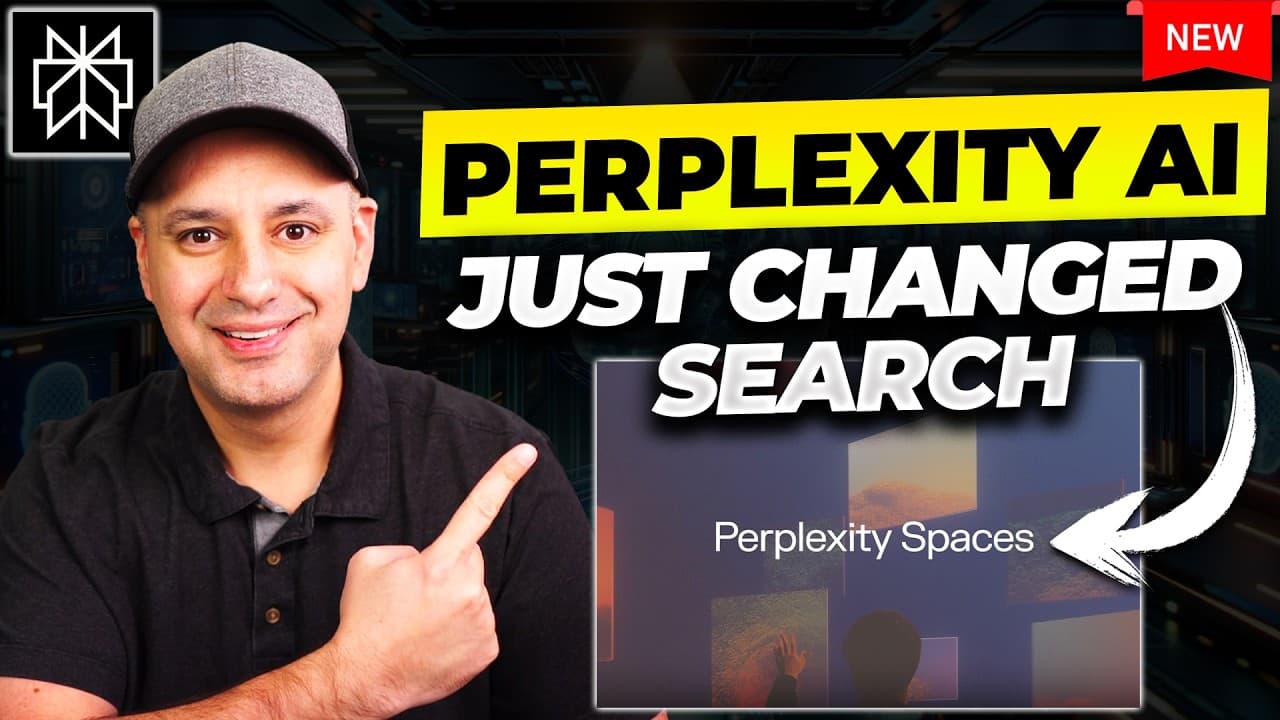
Perplexity Spaces combines web search, uploaded files, custom instructions, and a selected language model in one organized research workspace. Paid users can upload up to 50 text documents, while both free and paid users can create shareable spaces. The tool can analyze private materials alongside web sources, suggest follow-up questions, support collaboration, and convert research into a public Perplexity Page.
Transcript
perplexity AI just released a brand new update it's called spaces and it's one of the most practical AI updates I've seen in a very long time okay I'm going to show you these perplexity spaces in full detail with practical prompts and everything you need to know in order to use them the best way possible but what they are briefly they are AI powere... Read More
Key Insights
- Perplexity Spaces is an AI research workspace that combines web search, uploaded files, custom instructions, and organized conversations. It gathers information from multiple sources and presents a focused response, reducing the need to open and review separate search links manually.
- Paid Spaces supports up to 50 uploaded files, and each text document can be as large as 25 megabytes. Supported examples in the demonstration include PDFs, Word documents, and other text-based materials that become reusable sources within the research workspace.
- Model selection is available through the Pro plan, with demonstrated options including GPT-4o, Claude 3.5 Sonnet, Claude 3 Opus, and Sonar models. Free users receive the default model rather than the broader selection shown in the paid interface.
- Custom instructions define how a Space should conduct research and communicate its results. Instructions can specify goals, tone, grammar, and style, although adding them is optional and a simple instruction can still provide useful guidance for the workspace.
- Source controls determine whether an answer uses the web and uploaded files together or relies only on private files. This flexibility supports tasks such as improving an existing course script with current web research or asking questions strictly about supplied documents.
- Pro Search provides a more in-depth research process for paid users. In the course-development example, it examined existing scripts, consulted multiple web pages, summarized its findings, recommended structural and teaching improvements, and displayed numbered citations connected to the underlying sources.
- Spaces are shareable research environments that can provide access to as many as 10 collaborators. Sharing is also available in the free version, allowing teams to organize web-based research around common instructions even when file uploading and advanced model selection are unavailable.
- Perplexity Pages can convert completed research into a public blog-style page with a single action. Spaces also supports related follow-up questions, image and video searches, and image generation, extending a research conversation beyond its initial written response.
Install to Summarize YouTube Videos and Get Transcripts
Explore YouTube Video Summarizer or Get YouTube Transcript Extractor
Questions & Answers
Q: What is Perplexity Spaces and how does it work?
Perplexity Spaces is an organized AI research workspace that can combine web searches, uploaded documents, custom instructions, and conversations. A user creates a topic, optionally adds a description and instructions, chooses an available language model, and submits research questions. The system searches selected sources, synthesizes the findings, and displays citations that connect statements with the materials used.
Q: How do you create a research workspace in Perplexity Spaces?
To create a workspace, select the option to create a Space, enter a topic, and add a description when other collaborators may need context. Paid users can choose an available language model, while free users use the default model. Custom instructions can then specify the research goal, preferred tone, grammar, or style before the Space is created and used.
Q: How can Perplexity Spaces search files and the web together?
After uploading documents, a user can choose a source setting that searches both the web and the supplied files. Perplexity can first examine existing material, conduct additional searches, and combine both sets of information in its response. The demonstration uses this process to review course scripts, gather outside material, summarize findings, and suggest improvements supported by numbered source citations.
Q: What file limits are described for Perplexity Spaces?
The paid version is described as supporting up to 50 different files, with each text document limited to 25 megabytes. The demonstration uploads several PDFs and also identifies Word documents and other text documents as possible sources. Once uploaded, those files remain attached to the Space, and additional files can be added later through the source controls.
Q: What is available in free and paid Perplexity Spaces?
Both free and paid users can create Spaces, add custom instructions, conduct web searches, organize research, and share their spaces. The free version uses the default model and does not provide the demonstrated file-upload capability. Paid users receive the larger upgrade, including uploaded sources, a choice among displayed language models, and Pro Search for more in-depth research.
Q: Which AI models can paid users select in Perplexity Spaces?
The paid interface shown in the demonstration includes GPT-4o, Claude 3.5 Sonnet, Claude 3 Opus, and Sonar options. Sonar models are described as being designed for AI-powered search and fine-tuned by Perplexity. Selecting GPT-4o or a Claude model allows a Space to use that model while following custom instructions and working with the chosen research sources.
Q: How can teams collaborate with Perplexity Spaces?
A Space can be shared with as many as 10 collaborators, giving multiple people access to an organized research topic. Adding a clear description helps collaborators understand its purpose, while shared custom instructions keep responses aligned with the intended goal and communication style. Sharing is available for free spaces as well as the more capable paid spaces described in the demonstration.
Q: How can research from Perplexity Spaces become a public page?
Research created in a Space can connect with Perplexity Pages and be published as a public blog-style page with a single action. Before publishing, users can continue the research through automatically suggested related questions, search for images or videos, and generate images. These features help expand the original answer into a broader resource intended for public viewing.
Summary & Key Takeaways
-
Perplexity Spaces organizes research by topic and combines AI-powered web search with custom instructions. Users can select a language model, describe the purpose of a space, and guide its tone or response style. The resulting workspace keeps searches, source material, instructions, and related conversations together for continued research.
-
Paid users can upload up to 50 files, with a stated limit of 25 megabytes per text document. A space can search uploaded materials and the web together, or work only with the supplied files. This makes it useful for comparing existing documents with newly gathered information and cited sources.
-
Spaces can be shared with up to 10 collaborators, including spaces created with the free version. Perplexity also proposes related follow-up questions based on the ongoing conversation and available documentation. Completed research can be turned into a public blog-style resource through its connection with Perplexity Pages.
Read in Other Languages (beta)
Share This Summary 📚
Summarize YouTube Videos and Get Video Transcripts with 1-Click
Try YouTube Summary with ChatGPT & Claude or YouTube Transcript Generator
Explore More Summaries from Skill Leap AI 📚





Summarize YouTube Videos and Get Video Transcripts with 1-Click
Try YouTube Summary with ChatGPT & Claude or YouTube Transcript Generator