How to use ChatGPT memory to improve writing
TL;DR
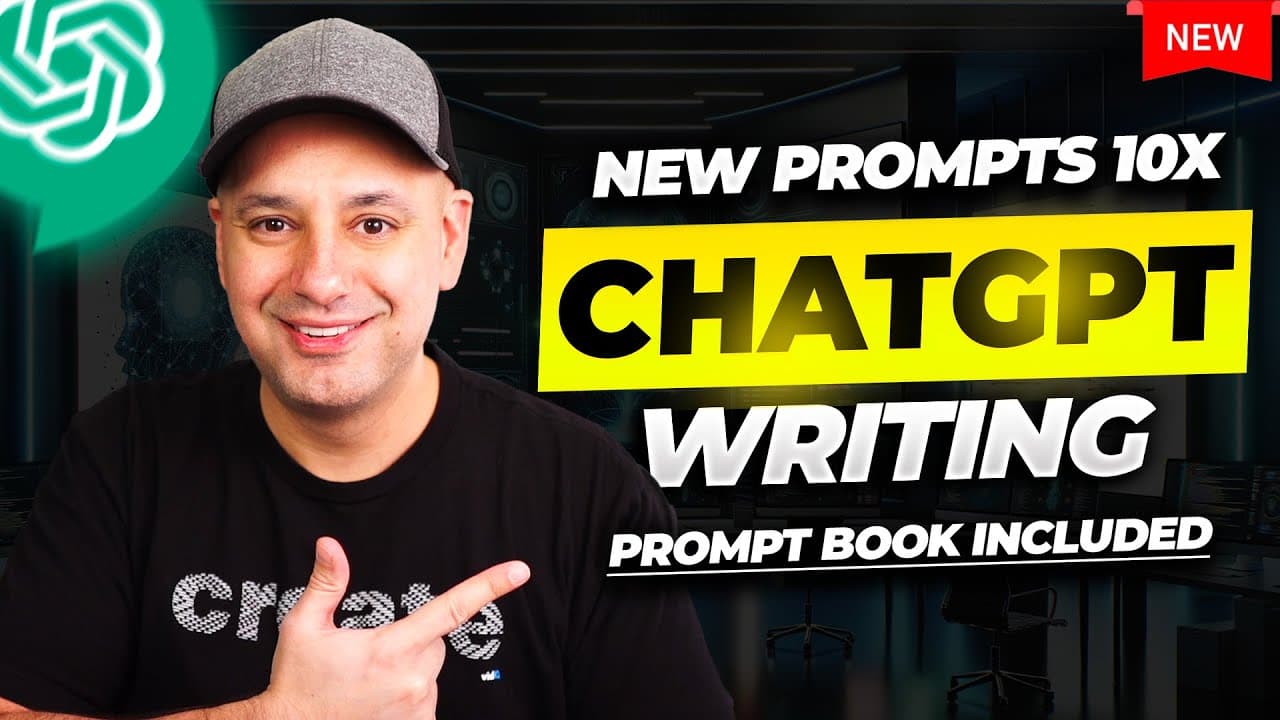
The video shows a three-step workflow to enable ChatGPT memory for writing improvements. Step 1 analyzes a sample writing style and commits it to memory so it applies automatically in future chats. Step 2 bans specific words, and Step 3 creates length shortcuts to tailor responses. It emphasizes a one-time setup that persists across conversations.
Transcript
I want to share with you a brand new workflow to improve chat gpt's writing style a whole lot and this is going to use the brand new Option inside of chat GPT the memory option so you only have to do this once this is a simple workflow it's going to use three different prompts across three different steps it's going to take less than 10 minutes and... Read More
Key Insights
- Memory (the assistant) can store a user writing style across chats for consistent outputs.
- The analysis step focuses on tone, voice, sentence structure, and vocabulary usage to mimic writing style.
- A memory commit command is used to save the analysis as a persistent profile.
- Users can ban specific words and phrases to steer the assistant away from unwanted language.
- Memory management allows editing or deleting stored memories to adapt to new styles.
- Step two introduces a list of words to avoid, which can be customized by the user.
- Step three uses shortcuts to control response length, enabling short, medium, or long outputs.
- The shortcuts are activated by special markers and stored memory remains available in new chats.
Install to Summarize YouTube Videos and Get Transcripts
Explore YouTube Video Summarizer or Get YouTube Transcript Extractor
Questions & Answers
Q: How to enable memory in ChatGPT according to the video
The video explains a one-time setup that enables memory across chats. You analyze a sample of your own writing style and commit it to memory, so future prompts draw from this stored memory automatically. You can verify memory status under personalization settings, and manage or delete memories as needed.
Q: What is the purpose of analyzing a writing sample
Analyzing a writing sample helps identify tone, voice, sentence structure, and vocabulary usage so the assistant can imitate the style consistently. This analysis is stored and used in future responses, ensuring outputs align with the selected writing style without repeated prompting.
Q: How does the memory feature prevent overused words
The video introduces a second step that bans specific words and phrases. By listing terms to avoid, the assistant is instructed to not include them in responses, helping refine diction and prevent repetition of common fillers or clichés.
Q: What is the function of the memory commit command
Commit This to Memory is used to save the current analysis or restrictions as an active memory profile. Once committed, the prompts in future chats automatically apply the stored style and restrictions, eliminating the need to repeat setup steps in new conversations.
Q: How are the length preferences controlled
Length preferences are controlled with a three-tier shortcut system. Short produces two sentences; Medium yields a paragraph or two; Long provides a detailed explanation. These rules are activated by special markers that trigger the desired length, while memory remains active across chats.
Q: Can memory be edited after it is saved
Yes, memory can be edited. You can access the memory management screen to update, add, or delete stored memories and adjust the prompts or banned words. This allows you to refine the writing style over time as needs change.
Q: Does memory apply to new chats as well
Yes, memory persists across new chats. Once you commit a writing style to memory, it is available in subsequent conversations without redoing the analysis, provided the memory feature is enabled on the account.
Q: What are the three steps summarized
The three steps are: analyze a sample writing style and commit it to memory, ban specific words or phrases to refine language, and customize response length with shortcuts. Together, these steps create a reusable, controlled writing profile that improves output consistency across prompts and chats.
Summary & Key Takeaways
-
The video demonstrates a three-step method to enhance writing with ChatGPT memory, starting with analyzing and storing a writing style. It then teaches banning overused words to refine diction and creates length shortcuts to control response size. The approach is designed to work across new conversations without repeating prompts.
-
The process uses a transcript or sample text to analyze tone, voice, sentence structure, and vocabulary, and stores these preferences in memory for consistent outputs. It also introduces a memory management workflow to edit or delete memories as needed.
-
Finally, the video provides guidance on how to trigger different response lengths using simple shortcuts, enabling quick, tailored replies in any chat session with memory enabled.
Read in Other Languages (beta)
Share This Summary 📚
Summarize YouTube Videos and Get Video Transcripts with 1-Click
Try YouTube Summary with ChatGPT & Claude or YouTube Transcript Generator
Explore More Summaries from Skill Leap AI 📚





Summarize YouTube Videos and Get Video Transcripts with 1-Click
Try YouTube Summary with ChatGPT & Claude or YouTube Transcript Generator