How to Integrate an AI Chatbot with WhatsApp
TL;DR
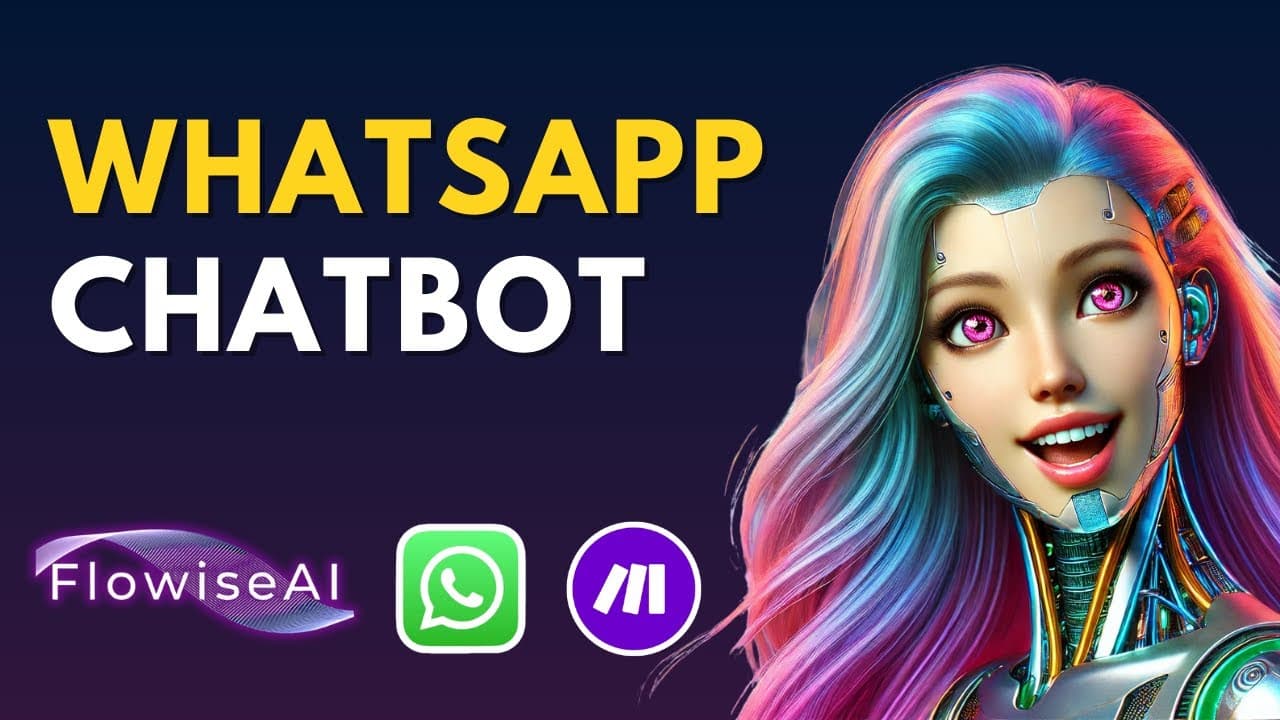
Learn to create a no-code AI chatbot using Flowise and integrate it with WhatsApp for seamless communication. The video covers setting up Flowise, creating a chatbot, integrating with WhatsApp via Meta, and using Make.com for automation. The final chatbot can recall conversation history and fetch information from a knowledge base.
Transcript
Are you ready to bring your AI chatbot directly into WhatsApp? In this video, I'll show you how to build a no-code chatbot with Flowwise and seamlessly integrate it into WhatsApp for instant access. Today we're taking chatbot development to the next level by integrating it directly into WhatsApp. Whether you need a single conversational bot or an a... Read More
Key Insights
- Flowise is a no-code platform for creating AI chatbots, allowing users to build advanced applications without programming knowledge.
- The integration of Flowise with WhatsApp enables direct communication through the messaging app, enhancing accessibility and user interaction.
- Creating a chatbot in Flowise involves setting up chat models, memory nodes, and retriever tools to handle conversations and access information.
- Flowise supports the use of OpenAI models, allowing for sophisticated AI-driven responses and conversation memory capabilities.
- Make.com is used to automate processes, acting as a bridge between Flowise and WhatsApp for seamless message handling.
- A unique session ID, such as the user's phone number, is used to maintain conversation history, enabling the chatbot to remember past interactions.
- Meta's API setup is required for WhatsApp integration, involving the creation of a business portfolio and app configuration.
- The video provides step-by-step instructions for setting up the entire system, from Flowise chatbot creation to WhatsApp integration using Make.com.
Install to Summarize YouTube Videos and Get Transcripts
Explore YouTube Video Summarizer or Get YouTube Transcript Extractor
Questions & Answers
Q: How to integrate an AI chatbot with WhatsApp?
To integrate an AI chatbot with WhatsApp, use Flowise to create the chatbot and configure it with OpenAI models for advanced responses. Then, set up a Meta app and business portfolio for WhatsApp API access. Use Make.com to automate message handling between Flowise and WhatsApp.
Q: What is Flowise?
Flowise is a no-code platform that allows users to create AI chatbots without programming knowledge. It supports the integration of advanced AI models, such as OpenAI, for sophisticated conversational capabilities. Flowise can be used to build applications ranging from simple chatbots to complex multi-agent systems.
Q: How does Flowise support AI chatbots?
Flowise supports AI chatbots by providing a no-code environment where users can set up chat models, memory nodes, and retriever tools. It supports OpenAI models, enabling chatbots to deliver advanced AI-driven responses and maintain conversation memory, allowing for more interactive user experiences.
Q: Why use Make.com for chatbot integration?
Make.com is used for chatbot integration to automate processes and serve as a bridge between Flowise and WhatsApp. It handles message passing, enabling the chatbot to respond to WhatsApp messages without manual intervention, ensuring seamless communication and efficient operation of the chatbot system.
Q: What is the role of Meta's API in WhatsApp integration?
Meta's API plays a crucial role in WhatsApp integration by providing the necessary infrastructure for app creation and configuration. Users need to set up a business portfolio and app within Meta's platform to gain access to WhatsApp's messaging capabilities, enabling the chatbot to communicate with users through WhatsApp.
Q: How does the chatbot remember past interactions?
The chatbot remembers past interactions by using a session ID, typically the user's phone number, to maintain conversation history. This allows the chatbot to recall previous messages and respond to follow-up questions, creating a more personalized and interactive experience for the user.
Q: What are the benefits of integrating a chatbot with WhatsApp?
Integrating a chatbot with WhatsApp offers several benefits, including enhanced accessibility, real-time communication, and a familiar interface for users. It allows businesses to provide instant support and information through a popular messaging platform, improving customer engagement and satisfaction.
Q: How to set up a chatbot in Flowise?
To set up a chatbot in Flowise, start by creating a new chatflow and adding nodes for chat models, memory, and retriever tools. Configure the OpenAI model for responses and set up a knowledge base for information retrieval. Finally, integrate the chatbot with WhatsApp using Make.com for automated message handling.
Summary & Key Takeaways
-
Learn to create a no-code AI chatbot with Flowise and integrate it with WhatsApp for seamless interaction. The tutorial covers setting up Flowise, creating a chatbot, and using Make.com for automation. The chatbot can recall conversation history and access a knowledge base, enhancing user interaction.
-
Flowise allows users to build AI chatbots without coding, supporting OpenAI models for advanced responses. Integration with WhatsApp involves setting up Meta's API and using Make.com to automate message handling, ensuring smooth communication between the chatbot and users.
-
The video provides a comprehensive guide on integrating an AI chatbot with WhatsApp, covering everything from creating a chatbot in Flowise to configuring Meta's API for WhatsApp integration. The chatbot can remember past interactions and fetch information from a knowledge base.
Read in Other Languages (beta)
Share This Summary 📚
Summarize YouTube Videos and Get Video Transcripts with 1-Click
Try YouTube Summary with ChatGPT & Claude or YouTube Transcript Generator
Explore More Summaries from Leon van Zyl 📚


Summarize YouTube Videos and Get Video Transcripts with 1-Click
Try YouTube Summary with ChatGPT & Claude or YouTube Transcript Generator