How to Set Up Mistral OCR in n8n to Extract Document Text
TL;DR
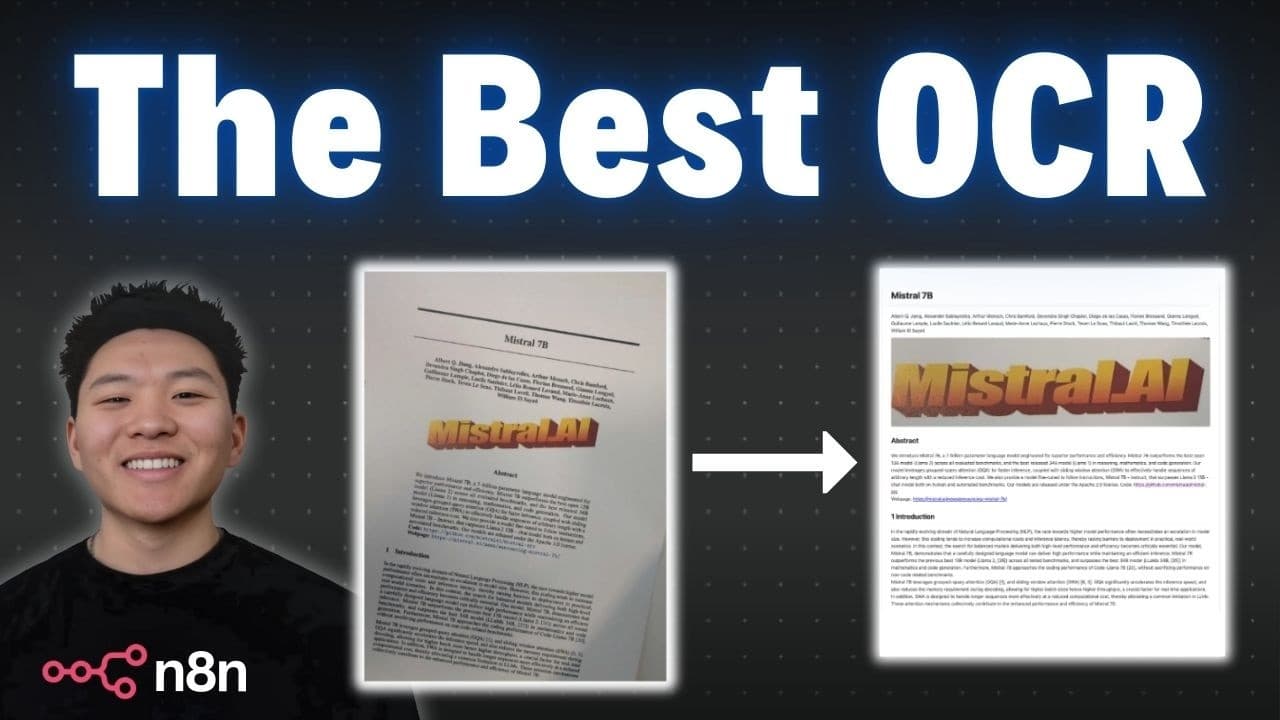
Mistral OCR extracts text from PDFs, images, and scanned documents in n8n using three chained HTTP requests: upload the binary file to Mistral, request a signed URL for that document, then feed the URL into the OCR endpoint. Unlike n8n's built-in Extract from PDF node, which returned only field labels, this returns the full accurate document content as markdown.
Transcript
today I'm going to be showing you guys how to set up mystal ocr's API within nadn to understand any of the documents you may have so here is the mystal OCR homepage introducing the world's best document understanding API we're not going to spend too much time here I'll link this in the description if you want to take a look but I just wanted to sho... Read More
Key Insights
- Mistral OCR is a document understanding API that returns accurate text from tables, figures, math equations, multiple languages like Hindi, and scanned documents such as invoices, receipts, and textbook photos, all output as markdown.
- The n8n workflow uses a three-step approach: get a binary file into n8n, upload it to Mistral, pull back a URL from Mistral, then feed that URL into the OCR endpoint to get the text result back.
- n8n's built-in Extract from PDF node failed on the sample invoice, returning only field names like forwarding agent, date, invoice number, and tracking number, but none of the actual values, showing why dedicated OCR is needed.
- Getting a Mistral API key requires creating an account and selecting a subscription plan, but the free experiment plan needs only phone verification, no billing information, to generate a key.
- API keys can only be copied once at creation, so they must be stored immediately, and a newly created key may take 5 to 10 minutes to warm up before requests succeed.
- n8n's Import cURL feature auto-populates an HTTP request node from Mistral's documentation cURL commands, filling in the method, URL, and authorization so only the API key and file field need configuring.
- The file upload request must reference the actual binary field name from the input (in this case 'invoice'), not the default 'data' field, or n8n throws a no-binary-field error.
- Saving authorization as a predefined Header Auth generic credential (name 'authorization', value 'Bearer' plus a space plus the API key) avoids re-entering the key across all three HTTP requests.
Install to Summarize YouTube Videos and Get Transcripts
Explore YouTube Video Summarizer or Get YouTube Transcript Extractor
Questions & Answers
Q: How do you set up Mistral OCR in n8n?
You use a three-step approach with three HTTP requests. First, get a binary file into n8n (for example via a form trigger), then upload that file to Mistral. Second, request Mistral to return a signed URL for the uploaded document using its ID. Third, feed that URL into the OCR endpoint to run optical character recognition and get the text back. Each request is populated in n8n using the Import cURL feature from Mistral's documentation.
Q: Why doesn't n8n's built-in Extract from PDF node work for invoices?
In the video, using n8n's Extract from PDF node on a sample invoice returned only the field names, such as forwarding agent, date, invoice number, tracking number, paid by, and order ID, but none of the actual values behind those headers. Because it only pulled back labels and not the real data, straight PDF extraction was not usable, which is why a dedicated OCR service like Mistral is needed to get accurate content.
Q: How do you get a Mistral OCR API key for free?
Go to the Mistral OCR site and click Try the API, which prompts you to create an account and log in. Before you can get a key you need a subscription plan, but you can select the experiment plan, which is free and requires no billing information, only phone number verification. Then go to the API key section, create a new key, and copy and store it immediately because you will not be able to grab it again later.
Q: What is Mistral OCR and what can it do?
Mistral OCR is described as a document understanding API. In the demonstration it accurately reads tables and figures, math equations, and multiple languages including Hindi, which can be recognized and translated. It also handles scanned documents like scanned invoices and pictures of textbooks, returning the content clearly. The output comes back as markdown containing everything in the document, and the presenter validated the invoice result as accurate.
Q: How accurate is Mistral OCR on a real document?
The presenter uploaded an invoice, ran it through the workflow, and validated the OCR output. All the numbers came back accurate. The only mistake was that instead of saying forwarding agent, it read form marting agent, mixing up the W and the M. Aside from that single character error, the extracted markdown contained everything in the document correctly, demonstrating strong accuracy on a real invoice.
Q: Why do you need to save authorization as a credential in n8n?
Because the workflow requires three separate HTTP requests, saving the authorization as a predefined credential means you do not have to re-enter it each time. In n8n you choose a generic credential type of Header Auth, set the name to authorization and the value as an expression of Bearer, a space, and your API key. Once saved, you can turn off sending headers manually on each node and reuse the stored credential across all three requests.
Q: What binary field name should you reference when uploading to Mistral in n8n?
You must use the actual binary field name from the input, not the default. In the video the form field was named invoice, so the binary field is called invoice, not data. When the Extract from PDF node defaulted to a field called data, n8n threw an error saying there was no binary field called data. Copying the correct field name, invoice, into the file parameter allowed the upload request to reference the right binary file.
Q: Why might your first Mistral OCR request fail after creating an account?
If you just created your Mistral account and generated your API key, the first request may error because the key takes time to warm up. The presenter notes this can take about 5 to 10 minutes. If you see an error right after setup, it does not necessarily mean you configured something wrong; you probably set it up correctly and just need to wait for the key to become active before it works.
Summary & Key Takeaways
-
The video demonstrates setting up Mistral OCR inside n8n to extract text from any document. A quick demo shows a form submission uploading an invoice, which runs through three steps: uploading to Mistral, getting a URL back, and returning accurate OCR markdown results in seconds.
-
To get access, users click Try the API on Mistral's site, create an account, and select the free experiment plan, which requires only phone verification and no billing info. They then generate an API key, copy it immediately since it cannot be viewed again, and open the OCR documentation.
-
The build sets up a form trigger for one required invoice file, then three HTTP requests configured via Import cURL: upload the binary file to Mistral, request a signed URL for the document, and feed that URL into the OCR endpoint. A saved Header Auth credential holds the Bearer API key across all requests.
Read in Other Languages (beta)
Share This Summary 📚
Summarize YouTube Videos and Get Video Transcripts with 1-Click
Try YouTube Summary with ChatGPT & Claude or YouTube Transcript Generator
Explore More Summaries from Nate Herk | AI Automation 📚






Summarize YouTube Videos and Get Video Transcripts with 1-Click
Try YouTube Summary with ChatGPT & Claude or YouTube Transcript Generator