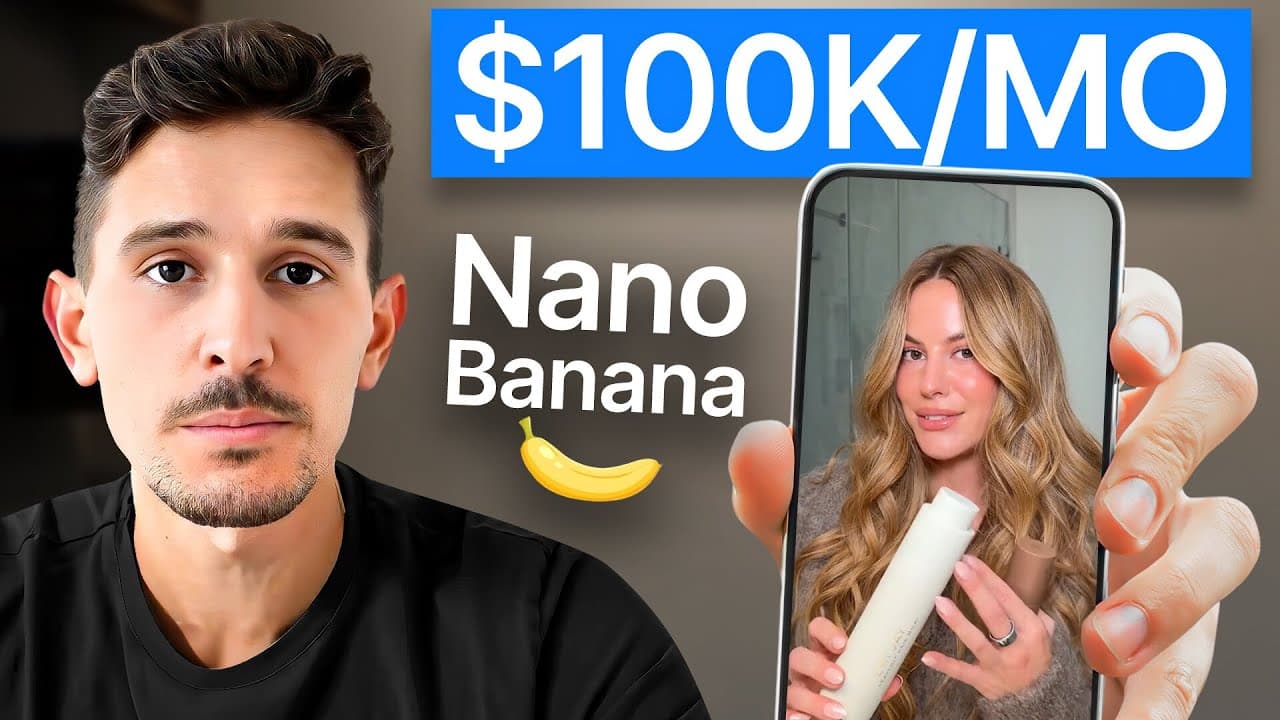
How to Make 10x More Ads With Nano Banana AI
TL;DR
To scale ad creative with Nano Banana AI, upload a proven ad to Gemini as the base, add a product reference, and prompt it to replace selected elements while preserving the composition. Choose seed ads by incremental ROAS: the example favors an ad with 2.58 incremental ROAS over one with 1.6. Read on for the exact workflow, corrective prompts, and aspect-ratio tips.
Transcript
In this video, I'll be showing you how to 10x the amount of ads that you can create using Google's new AI, Nano Banana. This allows you to create and test creatives faster and cheaper than ever before. I'm talking hundreds of iterations in just a few minutes. And I'm going to show you exactly how. First things first, jump into gemini.google.com. An... Read More
Key Insights
- Nano Banana is accessible through Gemini by entering an image-generation request or selecting Create images from the tools menu. The Nano Banana logo appears near the prompt when the image creation tool is active, giving users a direct starting point for producing ad variations.
- Incremental ROAS is the recommended metric for choosing which prospecting ads deserve more iterations. In the example, one ad produced a regular ROAS of 4.3 and an incremental ROAS of 2.58, outperforming another ad with a 4.79 regular ROAS but only 1.6 incrementally.
- A proven advertisement is most useful as a seed image because its core format already has evidence of performance. The workflow preserves that base composition while replacing a meaningful variable, such as product color, so marketers can test differences without rebuilding the entire creative concept.
- Product replacement works by supplying a base advertisement and a separate reference photograph, then explicitly identifying which object should be substituted. The Ridge example replaces a green wallet with carbon fiber and multicolored versions while retaining the surrounding advertisement closely enough to create rapid variations.
- Follow-up prompting is necessary when an output contains framing errors or incomplete substitutions. Asking Gemini to zoom out can restore cropped details and provide enough space for square or story crops, while a precise correction can require the system to replace every relevant apparel item.
- Input image dimensions influence the delivered image dimensions. Square references tend to produce square outputs, while long, vertical references can encourage story-style results. Users can also request specific aspect ratios, making framing decisions an important part of preparing variations for different advertising placements.
- Complex apparel edits can preserve the central design while changing several connected visual elements. In the Talentless example, Nano Banana needed a correction after replacing only one pair of sweatpants, but a follow-up request produced a more complete color replacement across the advertisement.
- Pose changes can create a new ad unit while maintaining core elements from the seed creative. After confirming a satisfactory result with the word "perfect," the demonstration asks Gemini to place the model on stairs, then suggests further instructions or cropping when realism and framing remain imperfect.
Install to Summarize YouTube Videos and Get Transcripts
Explore YouTube Video Summarizer or Get YouTube Transcript Extractor
Questions & Answers
Q: How do you make 10x more ads with Nano Banana AI?
Open Gemini, activate Create images, and upload a proven advertisement as the base image. Add a reference image and ask Nano Banana to replace a specific product, color, model, or pose while retaining the original composition. Repeat the process with different references to create many controlled variations.
Q: How do you access Nano Banana in Gemini?
Go to gemini.google.com and either prompt Gemini to create an image or open the tools box and select Create images. The first method triggers Nano Banana automatically, while the second displays its logo beside the prompt.
Q: How should marketers choose ads for Nano Banana variations?
In Ads Manager, select prospecting-only campaigns, open the column settings, choose Compare attribution settings, and enable incremental attribution. Prioritize ads with the strongest incremental ROAS because the workflow identifies them as the most impactful formats to iterate.
Q: Why use incremental ROAS instead of regular ROAS to select ads?
Incremental ROAS can reverse the ranking suggested by regular ROAS. In the example, ad four has a regular ROAS of 4.79 versus 4.3 for ad one, but ad one leads incrementally with 2.58 versus 1.6. The workflow therefore selects ad one for further variations.
Q: How do you replace a product in an existing advertisement?
Upload the existing advertisement first and the replacement product photo second. Tell Gemini to use the first image as the base and replace the original product with the item in the second image. The Ridge example swaps a green wallet for a carbon-fiber version while keeping the surrounding ad composition.
Q: How can you fix cropped logos or edges in a Nano Banana ad?
Prompt Gemini to zoom out, repeating or refining the instruction if necessary. In the demonstration, several prompts were needed before the logo and sufficient surrounding space appeared. The wider result provided room for a square crop or a potential story-format crop.
Q: How do input aspect ratios affect Nano Banana outputs?
The dimensions of the supplied images are likely to influence the generated deliverable. Square inputs tend to retain a square format, while long vertical inputs can produce story-style images. You can also request a specific aspect ratio for the intended ad placement.
Q: Can Nano Banana handle complex clothing, model, and pose changes?
Yes, the demonstrated workflow changes apparel colors, people, and poses while retaining important text, products, shadows, and visual structure. Complex edits may require follow-up prompts: when only one pair of sweatpants changed, an explicit request to replace every pair produced a more complete result. Framing instructions such as keeping the model visible from the neck down can further correct the output.
Summary & Key Takeaways
-
Nano Banana can produce many variations of an existing static ad by changing selected elements while retaining the original layout. In Gemini, users can trigger it by requesting an image or selecting Create images. The demonstrated workflow uses a successful advertisement as the base and separate product photographs as replacement references.
-
Creative selection should begin with business impact rather than surface-level performance. The recommended Ads Manager workflow filters for prospecting campaigns, compares attribution settings, and examines incremental attribution. In the example, an ad with lower regular ROAS delivered substantially higher incremental ROAS, making it the stronger candidate for producing and testing additional variations.
-
More complex edits can replace apparel colors, people, and poses while retaining important text, products, shadows, and visual structure. Results may require several corrective prompts, such as replacing every pair of sweatpants or keeping the model framed from the neck down. Aspect ratio and zoom instructions help prepare outputs for placements.
Read in Other Languages (beta)
Share This Summary 📚
Summarize YouTube Videos and Get Video Transcripts with 1-Click
Try YouTube Summary with ChatGPT & Claude or YouTube Transcript Generator
Explore More Summaries from Sam Piliero 📚


Summarize YouTube Videos and Get Video Transcripts with 1-Click
Try YouTube Summary with ChatGPT & Claude or YouTube Transcript Generator