How to Create Engaging Videos with InShot
TL;DR
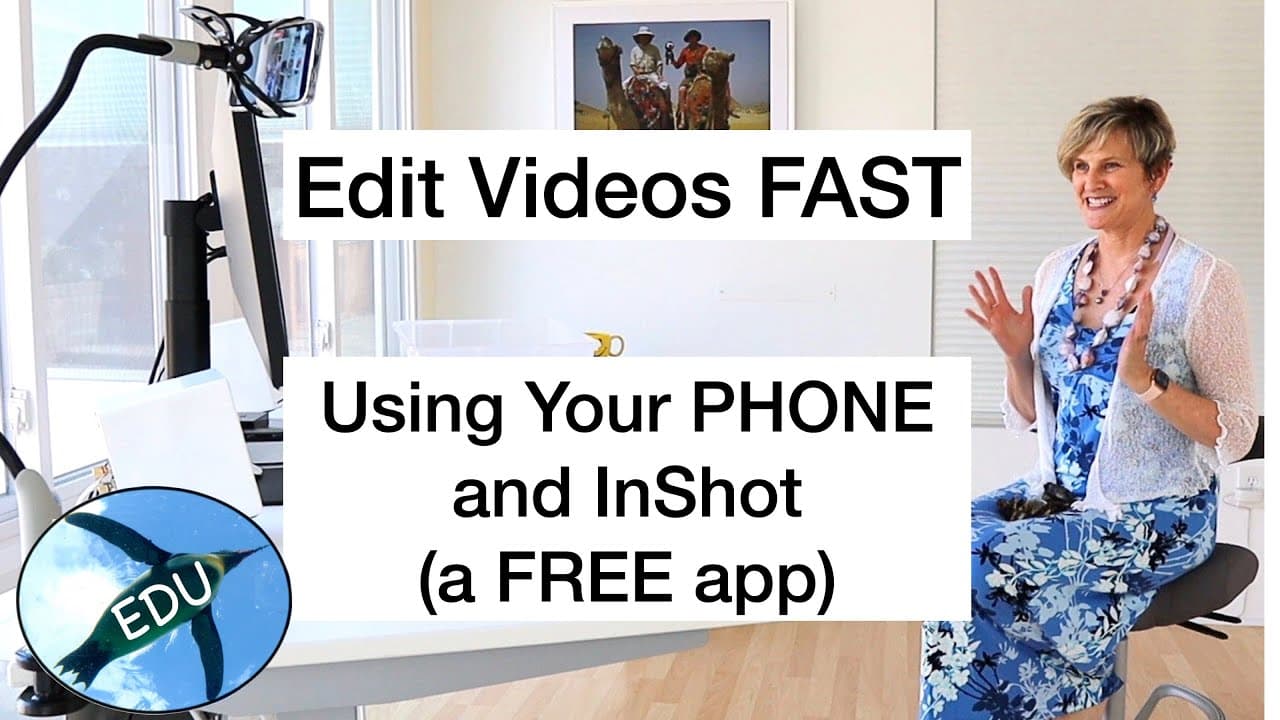
InShot enables users to create professional-quality videos directly from their phones. With features like media importing, text addition, and easy transitions, it streamlines the video editing process. Whether using the free or paid version, InShot's intuitive interface makes it perfect for educators looking to enhance their instructional content.
Transcript
Hello, and welcome to the Penguin Prof Channel, I'm Valerie Pennington. I've got a quick bite today. I want to show you an amazing app and how you can make great videos for your classes using your phone. And the app I want to demo is called InShot. And I just want to say that I'm going to show you the free version. If you want to unlock more featur... Read More
Key Insights
- 😀 InShot is an app that allows users to create high-quality videos using their phones.
- 🥶 The app offers both free and paid versions, with the free version providing many features.
- 🤣 Users can easily import media from their camera roll and adjust the aspect ratio of the project.
- 🖐️ Trimming clips and making edits is intuitive and can be done with simple finger gestures.
- 🎮 Adding text and captions is a common practice in educational videos, and InShot offers various text customization options.
- 🖼️ Transitions and picture in picture effects can enhance the visual appeal of the video.
- 🤯 Stability while shooting and considering legibility on mobile devices are crucial factors to keep in mind.
Install to Summarize YouTube Videos and Get Transcripts
Explore YouTube Video Summarizer or Get YouTube Transcript Extractor
Questions & Answers
Q: What is the InShot app and how can it be useful for educational videos?
The InShot app is a video editing app that allows users to create professional-looking videos. It is useful for educational videos as it provides various features like adding text and picture in picture to enhance the learning experience.
Q: Can I use the InShot app for free or do I need to purchase a paid version?
The InShot app has a free version that offers many features. However, there are also paid versions available with additional features. It is recommended to consider supporting the developers if you find the app useful.
Q: How can I ensure steady footage while shooting with my phone?
To ensure steady footage, you can use a tripod or a clamp to hold your phone in place. Stability is important for creating professional-looking videos.
Q: Are there options for adjusting the aspect ratio of the video?
Yes, the InShot app provides various aspect ratio options to choose from. The standard aspect ratio for videos is 16:9, but you can select different ratios based on your preference and needs.
Summary & Key Takeaways
-
The content introduces the InShot app, a video editing app that allows users to create videos for classes.
-
Various features of the app are highlighted, such as adding media, changing aspect ratio, adding text, picture in picture, and applying transitions.
-
The video provides tips for shooting steady footage and trimming clips, along with recommendations for legible text and simple transitions.
Read in Other Languages (beta)
Share This Summary 📚
Summarize YouTube Videos and Get Video Transcripts with 1-Click
Try YouTube Summary with ChatGPT & Claude or YouTube Transcript Generator
Explore More Summaries from ThePenguinProf 📚


Summarize YouTube Videos and Get Video Transcripts with 1-Click
Try YouTube Summary with ChatGPT & Claude or YouTube Transcript Generator