PHP Full Course for Free: How Do You Start Building Dynamic Websites?
TL;DR
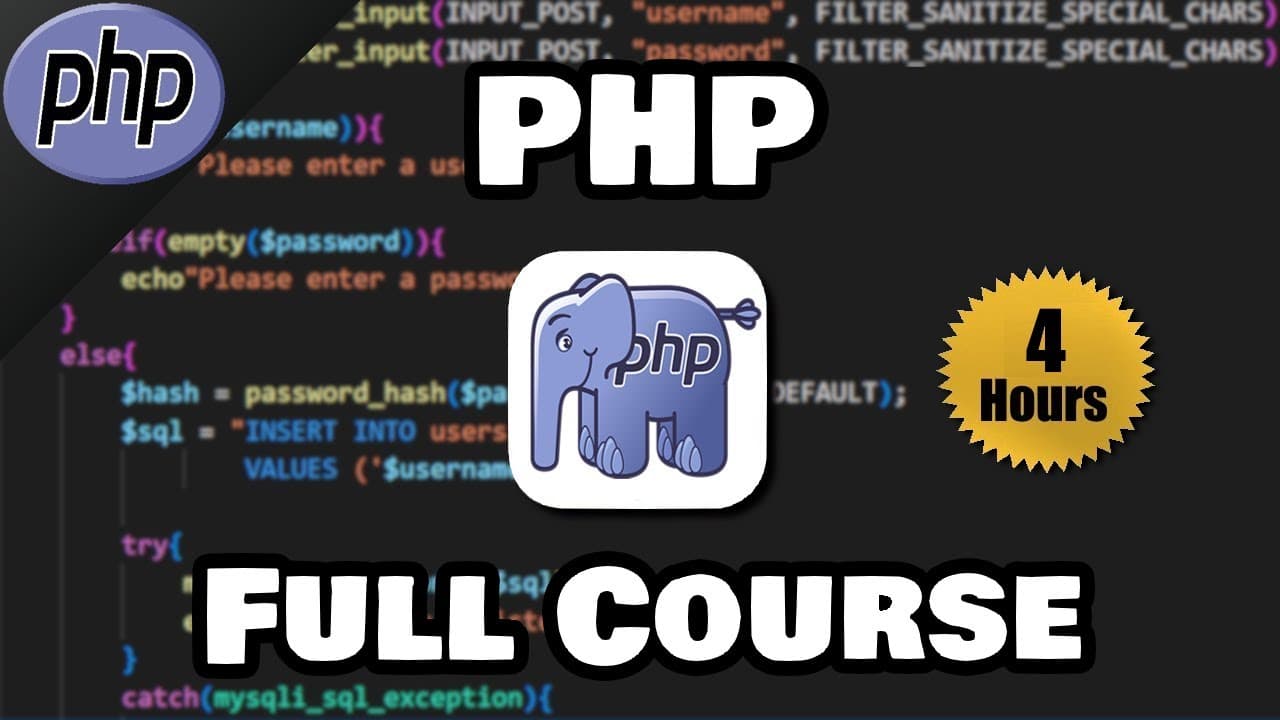
To start building dynamic websites with PHP, install XAMPP and Visual Studio Code, create index.php inside XAMPP’s htdocs directory, start Apache, and open the project through localhost. The full course advances from PHP syntax, variables, forms, loops, arrays, and functions to cookies, sessions, password hashing, MySQL operations, and a registration form, so read on for the setup steps and course roadmap.
Transcript
hey everybody it's your bro hope you're doing well and in today's video I'm going to teach you guys everything you need to know to get started working with PHP so sit back relax and enjoy the show if you would like to be notified if I release new courses in the future be sure to subscribe because I kind of release them randomly that is all PHP is a... Read More
Key Insights
- PHP is a server-side scripting language used to build dynamic web pages. It executes on a server rather than inside the user's browser, processes browser requests, and returns HTML that the browser can display.
- PHP works through a request and response process. A browser sends a request to a server, PHP processes that request on the server, and the server returns HTML, with database communication available between processing and the final browser response.
- XAMPP is the recommended local server environment in the course. It provides an Apache server, MySQL, and PHP, allowing PHP files to execute locally instead of being opened and run directly by a web browser.
- The project folder belongs inside XAMPP's htdocs directory. Creating a website folder there and adding index.php establishes the default home page, which can then be accessed by entering localhost followed by the folder name in a browser.
- A PHP script begins with the PHP opening syntax and ends with its closing syntax. Output is produced with echo, statements end with semicolons, and HTML tags such as a break tag can be included in output strings.
- PHP files can combine multiple web technologies. The demonstrated index.php file contains PHP alongside ordinary HTML, and the course states that PHP files can also include CSS and JavaScript within the same project.
- Comments provide notes without becoming visible page output. Two forward slashes create a single-line comment, while a forward slash and asterisk begin a multi-line comment that ends with an asterisk and forward slash.
- The course progresses from beginner syntax to database-backed form handling. Its lessons cover variables, operators, forms, control flow, arrays, functions, validation, cookies, sessions, password hashing, MySQL connections, database inserts and queries, and a registration form.
Install to Summarize YouTube Videos and Get Transcripts
Explore YouTube Video Summarizer or Get YouTube Transcript Extractor
Questions & Answers
Q: How do you start building dynamic websites with PHP?
Install XAMPP as the local server environment and use Visual Studio Code to write the code. Create a website folder under XAMPP’s htdocs directory, add index.php, start Apache, and open localhost followed by the folder name in a browser.
Q: What is PHP, and how does it create dynamic web pages?
PHP is a server-side scripting language used to build dynamic web pages. A browser sends a request to a server, PHP processes it there, and the server returns HTML for the browser to display.
Q: How do you set up XAMPP for PHP development?
Download the relevant XAMPP version from apachefriends.org and complete the installation with PHP, MySQL, and phpMyAdmin available. Open the XAMPP control panel and start Apache; start MySQL as well when working with databases. A green Apache module means it is running, while red log text indicates an error.
Q: How do you create and open a PHP project with XAMPP?
Open the XAMPP installation folder, enter htdocs, and create a folder for the website. Open that folder in Visual Studio Code and create index.php, which serves as the default home page. With Apache running, visit localhost followed by the website folder name.
Q: How do you configure the PHP executable path in Visual Studio Code?
If Visual Studio Code says it cannot validate because PHP was not found, open the PHP validation executable-path setting in the settings JSON file. Locate the executable in XAMPP’s PHP folder, copy its path, append php.exe, and use forward slashes if needed. Save the settings file.
Q: How does PHP work with HTML and databases?
PHP can be written alongside HTML, and PHP files can also contain CSS and JavaScript. During request processing, PHP can communicate with relational databases such as MySQL, Postgres, and Oracle before the server returns HTML to the browser.
Q: What topics are included in this PHP full course?
The course begins with scripts, echo statements, comments, variables, data types, arithmetic, forms, conditions, logical operators, loops, arrays, and functions. It later covers sanitization, validation, includes, cookies, sessions, server information, password hashing, MySQL connections, table creation, inserts, queries, and a registration form.
Q: When do you need to restart XAMPP services?
The XAMPP control panel continues running behind the scenes when its visible window is closed. After shutting down the computer, open the control panel again and restart the required services. Apache serves and executes the PHP project, while MySQL is needed for database work.
Summary & Key Takeaways
-
PHP is presented as a server-side scripting language for building dynamic web pages. A browser sends a request to a server, PHP processes it, and the server returns HTML. PHP can also communicate with relational databases such as MySQL, Postgres, and Oracle, while PHP files can contain HTML, CSS, and JavaScript.
-
The development environment uses XAMPP as a cross-platform software stack containing Apache, MySQL, and PHP, with Visual Studio Code as the text editor. The project is created under XAMPP's htdocs directory, the PHP executable path is configured in VS Code, and the website is opened through a localhost address.
-
The course begins with PHP scripts, echo statements, comments, variables, data types, arithmetic, forms, conditions, logical operators, loops, arrays, and functions. Later lessons cover input sanitization and validation, includes, cookies, sessions, server information, password hashing, MySQL connections, table creation, inserts, queries, and a registration form.
Read in Other Languages (beta)
Share This Summary 📚
Summarize YouTube Videos and Get Video Transcripts with 1-Click
Try YouTube Summary with ChatGPT & Claude or YouTube Transcript Generator
Explore More Summaries from Bro Code 📚
Summarize YouTube Videos and Get Video Transcripts with 1-Click
Try YouTube Summary with ChatGPT & Claude or YouTube Transcript Generator