How to Use MySQL and SQL from Beginner Level
TL;DR
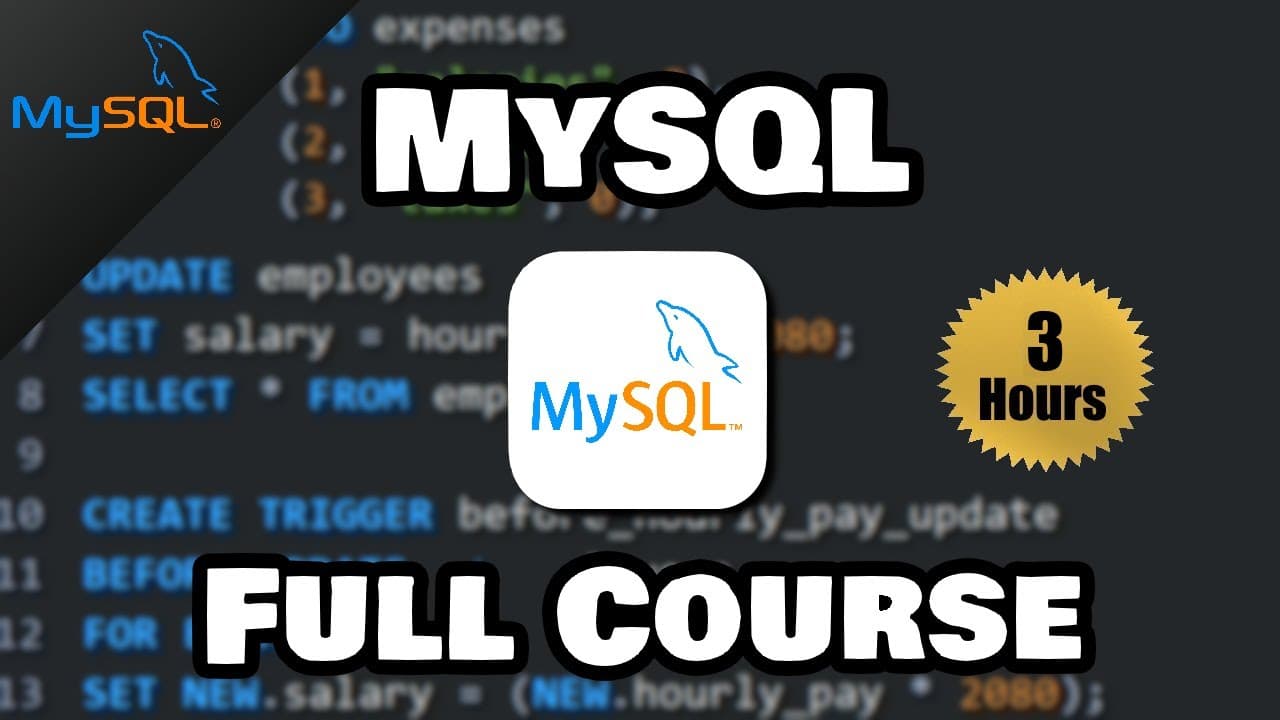
SQL lets you create, retrieve, update, and delete data stored in relational databases. To begin with MySQL, install MySQL Server and Workbench, connect through standard TCP/IP at 127.0.0.1 on port 3306, and practice statements for databases, tables, rows, constraints, joins, functions, views, indexes, subqueries, stored procedures, and triggers.
Transcript
hey what's going on everybody it's your bro hope you're doing well and in this video I'm going to show you how we can start writing SQL using the MySQL workbench so sit back relax and enjoy the show all right let's get started everybody SQL it's an acronym meaning structured query language SQL is used to create retrieve update and delete data from ... Read More
Key Insights
- SQL is the language used to create, retrieve, update, and delete data in a relational database. It replaces manual record tracking with electronic storage and provides statements for managing both database structures and the information stored inside them.
- A relational database is organized into tables that resemble spreadsheets, with information arranged in rows and columns. Tables can form relationships with one another through keys, which distinguish relational storage from non-relational formats such as JSON, key-value pairs, and graph structures.
- A database management system is software that provides a workspace for writing SQL statements and working with databases. MySQL, Microsoft SQL Server, Oracle, and PostgreSQL all use SQL, although the transcript notes subtle differences in their syntax.
- MySQL setup requires both the server and MySQL Workbench. The server manages the database, while Workbench supplies the interface used to establish a connection, access the server, write SQL statements, execute them, and review whether an action succeeded.
- A local MySQL connection is configured with standard TCP/IP, hostname 127.0.0.1, and port 3306. Access also requires the password established during server installation, and Workbench can save that password when connecting to the local server instance.
- A database acts as a container for tables, much like a folder holds files. CREATE DATABASE makes the container, USE selects it, DROP DATABASE removes it, and each demonstrated SQL statement ends with a semicolon to mark its completion.
- ALTER DATABASE can change database settings such as read-only mode. Setting READ ONLY to 1 prevents modifications while still allowing access to stored data, and setting it to 0 restores the ability to modify or drop the database.
- The course covers a progression from foundational data operations to advanced MySQL features. Listed subjects include constraints, primary and foreign keys, joins, functions, views, indexes, subqueries, grouping, rollup, stored procedures, triggers, and deletion behavior.
Install to Summarize YouTube Videos and Get Transcripts
Explore YouTube Video Summarizer or Get YouTube Transcript Extractor
Questions & Answers
Q: What is SQL used for in a relational database?
SQL stands for structured query language and is used to create, retrieve, update, and delete data in a relational database. It allows records to be stored and managed electronically instead of tracked manually. The course applies SQL through MySQL and demonstrates database creation before progressing through tables, rows, queries, constraints, relationships, and other listed features.
Q: What is the difference between relational and non-relational databases?
A relational database stores data in tables made of rows and columns, similar to an Excel spreadsheet. Its tables can form relationships through keys. A non-relational database organizes data in formats other than tables, including JSON files, key-value pairs, and graph data structures. The course focuses on SQL and relational databases rather than non-relational database work.
Q: What is a database management system in SQL?
A database management system, commonly shortened to DBMS, is the software workspace used to write SQL statements and work with a database. Examples named in the transcript include MySQL, Microsoft SQL Server, Oracle, and PostgreSQL. They all use SQL, but their syntax has subtle differences, so moving between them may require small adjustments.
Q: How do you install MySQL for this SQL course?
Install both MySQL Server and MySQL Workbench. On Windows, choose a custom MySQL installation and add the most recent server and Workbench packages. On macOS, download and install the server first, then download Workbench and move it into Applications. Ensure the MySQL server is running before attempting to access it through Workbench.
Q: How do you connect MySQL Workbench to a local server?
Create a connection in MySQL Workbench, give it a connection name, and select standard TCP/IP as the connection method. Set the hostname to 127.0.0.1 and the port to 3306. Open the connection and enter the server password selected during installation. Workbench can save that password if desired for later local connections.
Q: How do you create, select, and delete a MySQL database?
Create a database with CREATE DATABASE followed by a unique database name and a semicolon. Select it either by using the USE statement or by right-clicking the schema and choosing it as the default. Remove it with DROP DATABASE followed by its name. Refreshing the schemas panel displays newly created databases in MySQL Workbench.
Q: How does read-only mode work for a MySQL database?
Read-only mode is enabled with ALTER DATABASE, the database name, and READ ONLY set to 1. While that setting is active, stored data remains accessible, but modifications are blocked, including an attempted database drop shown in the lesson. Set READ ONLY to 0 when modifications or deletion need to be allowed again.
Q: What topics are covered after the introductory MySQL setup?
The listed curriculum covers databases, tables, inserted rows, SELECT, UPDATE, DELETE, autocommit, commit, rollback, current date and time functions, and constraints including UNIQUE, NOT NULL, CHECK, and DEFAULT. It then covers keys, joins, functions, logical operators, wildcards, sorting, limits, unions, views, indexes, subqueries, grouping, rollup, stored procedures, and triggers.
Summary & Key Takeaways
-
SQL is a structured query language for creating, retrieving, updating, and deleting data in relational databases. Relational data is organized into tables containing rows and columns, while keys create relationships between tables. Non-relational databases organize information in formats such as JSON files, key-value pairs, and graph data structures.
-
The setup process requires MySQL Server and MySQL Workbench on Windows or macOS. A local connection uses standard TCP/IP, the hostname 127.0.0.1, and port 3306. Users enter the root password selected during server installation, then open the connection to write and execute statements in the Workbench query window.
-
The course progresses from databases, tables, row insertion, selection, updates, deletion, and transaction controls to constraints and relationships. Later subjects include joins, functions, logical operators, wildcards, sorting, limits, unions, self joins, views, indexes, subqueries, grouping, rollup, deletion behavior, stored procedures, and triggers.
Read in Other Languages (beta)
Share This Summary 📚
Summarize YouTube Videos and Get Video Transcripts with 1-Click
Try YouTube Summary with ChatGPT & Claude or YouTube Transcript Generator
Explore More Summaries from Bro Code 📚
Summarize YouTube Videos and Get Video Transcripts with 1-Click
Try YouTube Summary with ChatGPT & Claude or YouTube Transcript Generator