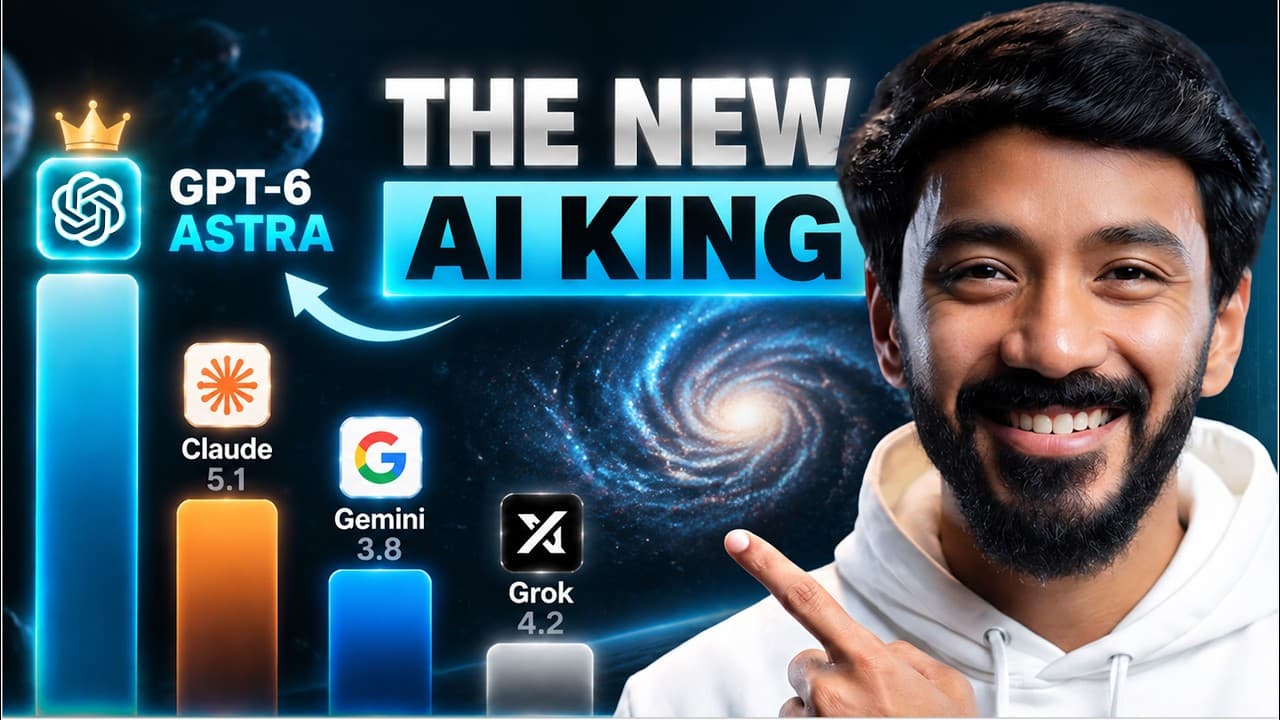
How to build an AI employee with GPT-6 Astra
TL;DR
Astra can act as an AI employee by connecting to tools, data, and computers to perform complex tasks, not just answer questions. The video showcases 10 practical use cases across robotics, design, analytics, and workflow automation, and invites viewers to a live workshop to build their own Astra setup from scratch.
Transcript
I thought GPT6 Astra would just be another smarter chatbot. Then I watched it use my computer for more than an hour without me touching anything. It opened apps, moved through software, and kept working until the task was done. So my team and I started testing how far we could actually take it. In this video, you'll see 10 things you can do with As... Read More
Key Insights
- Astra can connect to data tools and physical devices, enabling tasks that go beyond traditional chat interactions.
- The 10 use cases demonstrate practical integration with 3D models, Blender, Figma, Google Sheets, and web automation to perform complex workflows.
- Choosing the right Astra mode based on task complexity helps balance planning and execution, reducing unnecessary overhead.
- Design tasks can be automated by having Astra study your channel or assets to create tailored thumbnails and polished decks.
- Astra can perform repetitive steps on apps like Uber via an iOS simulator, while leaving critical decisions to the user.
- The workflow approach emphasizes research first, then action, to minimize guesswork in 3D environments and game development.
- Connecting Astra to tools like Vid IQ and Metricool enables data driven content strategy rather than guesswork.
- A live workshop format provides hands on learning and a concrete deliverable, making the concepts more accessible to developers and creators.
Install to Summarize YouTube Videos and Get Transcripts
Explore YouTube Video Summarizer or Get YouTube Transcript Extractor
Questions & Answers
Q: How can GPT-6 Astra act as a real AI employee for tasks I would normally do manually
GPT-6 Astra can act as an AI employee by connecting to tools, files, and computer interfaces and completing complex tasks rather than just explaining what to do. The video demonstrates ten use cases where Astra analyzes data, operates software, builds designs, and automates workflows. Viewers learn to set up a workflow, assign permissions, and include a stop and ask rule so the system returns to the human for final decisions on critical actions.
Q: What are the first steps to start using Astra for a project
To start using Astra, choose the right mode for the task, begin with light or high depending on the complexity, and prepare the data or assets the task will use. Then connect Astra to the necessary tools and permissions, define the steps it should follow, and establish a stop rule to ensure you retain control over important decisions. The video outlines how to structure these steps and test progress.
Q: Can Astra redesign a deck or visual material without rebuilding content
Yes, Astra can redesign a deck by keeping the content intact while improving layout, typography, colors, spacing, and hierarchy. It allows uploading the original deck, then generating a polished PDF with enhanced visuals and coherent messaging. The approach can also apply to sales decks, proposals, or reports where design needs an update without changing core information.
Q: How does Astra help with creating 3D or visual content
Astra supports 3D and visual content by allowing the user to connect to tools like Blender or Figma and instructing it to recreate or build visuals from reference material. It can perform tasks like turning a photo into a brush painting in Figma with a large number of brush strokes and provide a replay of the creation process, enabling thorough inspection and iteration.
Q: What is the live workshop mentioned in the video about
The live workshop invites viewers to build their own AI employee with Astra from scratch. Participants choose Astra’s job, connect tools, set permissions, outline the steps to follow, and add a stop and ask rule. The goal is for attendees to leave with one running Astra instance, plus access to the Astra power playbook detailing prompts and workflows used in the video.
Q: What example uses does the video showcase for interacting with the real world
The video shows Astra operating in the real world by interacting with an iOS simulator to open Uber, navigate to the website, enter locations, and fetch ride options with prices. It demonstrates how Astra can autonomously carry out repetitive steps while leaving final decisions to the user, especially when money or sensitive permissions are involved.
Q: How does Astra approach learning from existing content to create new visuals
Astra first studies existing content such as thumbnails and channel history to understand patterns. It builds a mood board and analyzes factors like faces, composition, colors, and copy, then generates thumbnail directions tailored to the channel. It can iteratively improve copy and select official logos to align with branding and audience expectations.
Q: What is the scope of the use cases demonstrated, and what tools are involved
The video covers ten use cases spanning wearable data integration with 3D models, interactive anatomy visualization, robotic painting, deck redesign, Figma based image recreation, thumbnail analysis, web automation, Blender environments, Google Sheets organization, and channel analytics through Vid IQ and Metricool. The examples emphasize practical integration of Astra with software and data to automate end to end tasks.
Summary & Key Takeaways
-
Astra demonstrates practical, tool powered automation across multiple domains, showing how connecting to data and devices extends beyond a chat interface.
-
The video provides a step by step approach to selecting modes, defining tasks, and building workflows that include permission handling and stop rules for safe operation.
-
A live workshop offer accompanies the tutorial, promising a hands on build and a downloadable power playbook with prompts and workflows used in the video.
Read in Other Languages (beta)
Share This Summary 📚
Summarize YouTube Videos and Get Video Transcripts with 1-Click
Try YouTube Summary with ChatGPT & Claude or YouTube Transcript Generator
Explore More Summaries from Vaibhav Sisinty 📚



Summarize YouTube Videos and Get Video Transcripts with 1-Click
Try YouTube Summary with ChatGPT & Claude or YouTube Transcript Generator