How to Use ChatGPT Dots AI Workers for Teams
TL;DR
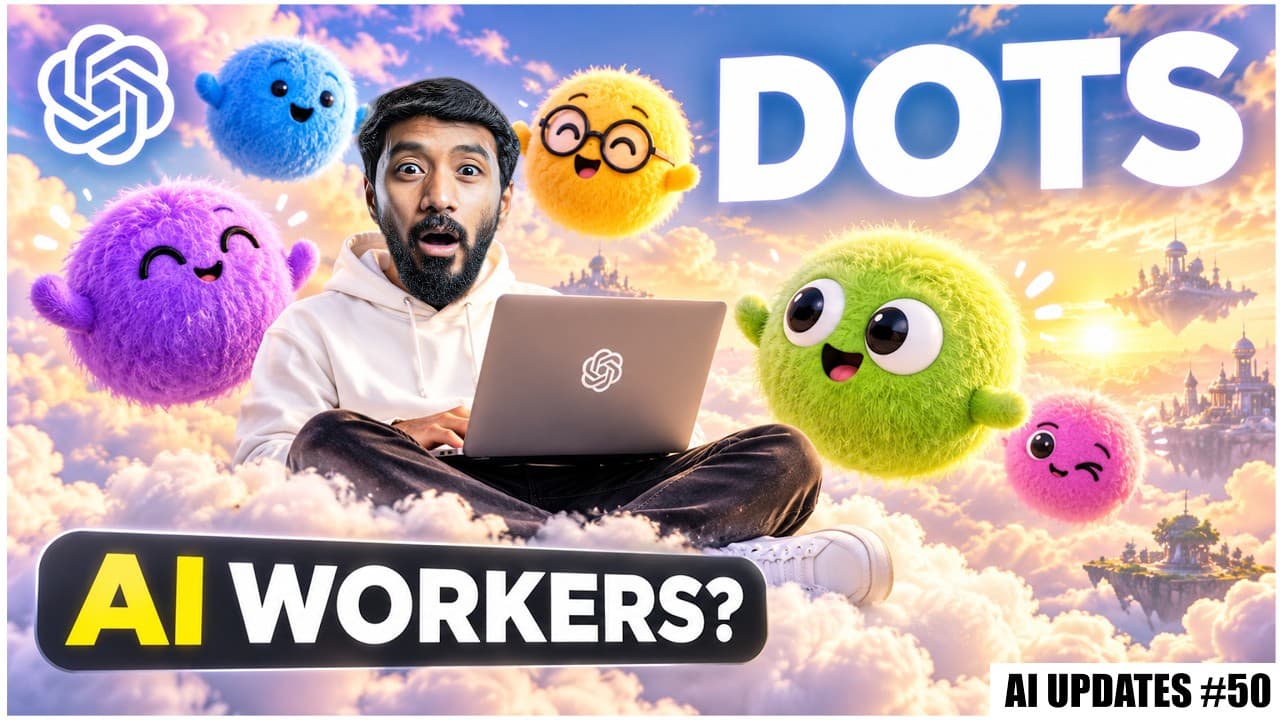
Dots are AI workers inside ChatGPT that continue working without prompts and can be called back for summaries. Space provides a shared workspace for teams, ChatGPT, and dots, while Pages enables AI-native documents. Codeex and plugins expand capabilities, enabling cloud running, automation, and deeper integration across tools. This shift moves toward persistent AI labor across workflows.
Transcript
So, I was at OpenAI Dev Day in San Francisco sitting in the same room as Sam Altman when they launched what's basically your first AI employee. It's called Dots. And the crazy part is it doesn't wait for your next prompt. It just keeps working even after you close the app. And soon you'll be able to have a whole team of them. And I also did a full ... Read More
Key Insights
- Dots are AI workers inside ChatGPT that keep working even after you stop prompting, enabling continuous task progress and automatic follow ups.
- Each Dot runs on GPT6 Astra with its own cloud computer and can connect to thousands of apps via ChatGPT plugins, allowing a single AI agent to handle ongoing responsibilities.
- ChatGPT Space creates a shared workspace for teams, ChatGPT, the Dots, and other tools, while Pages offers AI native documents for research, charting, and visualization.
- Codeex can run entirely in the cloud, letting coding jobs start on a phone and finish later, enabling remote collaboration and scalable task execution.
- Codeex Security Cloud monitors GitHub repos, scans for vulnerabilities, and suggests fixes, adding an important layer of safety for AI assisted development.
- Plugins get larger with interactive interfaces inside ChatGPT, allowing editors, dashboards, calendars, and file viewers to be used without leaving the chat context.
- Automation through MCP events lets ChatGPT act when something changes in connected apps, creating proactive task planning and automatic weekly updates.
- Astra UltraST and Sol offer different speed and cost profiles to balance fast generation with cost efficiency, enabling faster responses in coding, voice, robotics, and gaming tasks.
Install to Summarize YouTube Videos and Get Transcripts
Explore YouTube Video Summarizer or Get YouTube Transcript Extractor
Questions & Answers
Q: A real search query question about the video (e.g. 'How to...', 'What is...', 'Why does...', 'When should...'). Question 1
Dots are AI workers inside ChatGPT that continue to work after prompts are paused or ended, making it possible to have ongoing tasks managed by AI without constant input. They run on GPT6 Astra, have cloud based machines, and can connect to thousands of apps through plugins, enabling a new mode of autonomous AI assisted workflow.
Q: Question 2
Space is a shared workspace where teams, ChatGPT, Dots, and other tools can collaborate from the same information source. Pages are AI native documents that let ChatGPT research, create charts, generate images, and visualize data directly in the same workspace, reducing context switching and speeding up collaborative work.
Q: Question 3
Codeex now supports cloud based execution of coding tasks, so you can start a project on a phone and have it continue in the cloud until you review it later. This enables remote work at scale, with large teams contributing simultaneously while maintaining a single source of truth for the task.
Q: Question 4
Codeex Security Cloud scans GitHub repositories, monitors new commits, finds vulnerabilities, and proposes fixes, adding a security auditing layer to AI assisted development workflows and helping teams maintain safer codebases without manual checks.
Q: Question 5
Plugins inside ChatGPT can offer interactive interfaces such as editors, dashboards, calendars, or file viewers within the chat, reducing the need to switch between apps and enabling more seamless AI assisted work flows for teams.
Q: Question 6
Automation via MCP events lets ChatGPT start tasks the moment something changes in connected apps, and teams can assign recurring responsibilities so updates and project reports are generated automatically, improving consistency and freeing time for higher value work.
Q: Question 7
Astra Ultra fast is designed for speed sensitive tasks like coding, voice assistance, robotics, and games, offering rapid generation while Citations suggest this profile is aimed at high throughput scenarios where latency matters and frequent interactions occur.
Q: Question 8
Claude Sonnet 5.5 is highlighted as a practical model for everyday work, delivering faster performance and lower token costs for tasks such as bug fixes, document creation, information analysis, and polished designs, making it appealing for regular productivity use.
Summary & Key Takeaways
-
Dots enable continuous background work and can be summoned for updates or task changes, reducing manual prompting and speeding up routine tasks across a team.
-
ChatGPT Space consolidates team work, documentation, and agent collaboration in one shared workspace, while Pages provides AI enhanced documents with data visualization and chart generation.
-
Codeex and plugins extend the model harness with cloud execution, security tools, and deeper integration into existing development and collaboration workflows across multiple apps.
Read in Other Languages (beta)
Share This Summary 📚
Summarize YouTube Videos and Get Video Transcripts with 1-Click
Try YouTube Summary with ChatGPT & Claude or YouTube Transcript Generator
Explore More Summaries from Vaibhav Sisinty 📚



Summarize YouTube Videos and Get Video Transcripts with 1-Click
Try YouTube Summary with ChatGPT & Claude or YouTube Transcript Generator