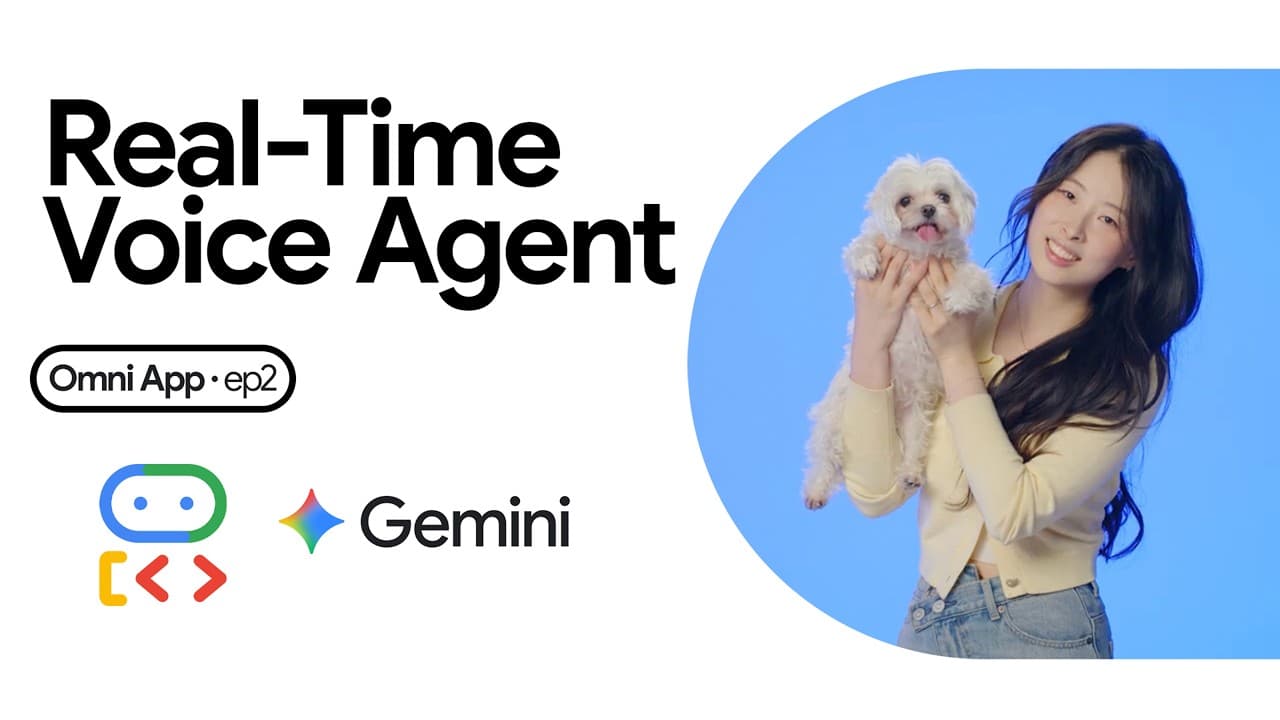
How to build a real time voice agent with ADK
TL;DR
The real time voice agent uses a single open connection with two streaming directions, removing the typical STT to TTS pipeline delay. The architecture relies on a live request queue to decouple browser input from back end processing, enabling uninterrupted audio in and out while maintaining in memory session state for responsiveness.
Transcript
Hi, I'm Annie. Today, we're building a live voice agent with Google ADK. One you can actually talk to, one you can interrupt mid-sentence, and one you can ask to do things. Here's the agent we're building. This is a video DJ that can hold a real conversation and take requests. Hey Mira. >> Mhm, hey. Welcome. What's on your mind tonight? >> Can you ... Read More
Key Insights
- Live voice uses one open line with streams in both directions, not a five step pipeline.
- An ADK Agent is defined by a model, a personality, and abilities, and can gain new abilities by adding Python tools.
- The Runner is the entity that executes the life call from open to close and returns events.
- The Session is kept in memory to avoid network round trips and preserve conversation state.
- The LiveRequestQueue acts as a belt that decouples browser input from downstream processing.
- Send_realtime should be used for continuous microphone audio with no clear boundary.
- Send_content is used for discrete, completed input when the user hits send or a similar action.
- Live voice requires reacting to events back from Gemini Live, such as captions, tool requests, or interruptions.
Install to Summarize YouTube Videos and Get Transcripts
Explore YouTube Video Summarizer or Get YouTube Transcript Extractor
Questions & Answers
Q: How does the described architecture differ from a traditional speech to text pipeline?
The architecture replaces the sequential pipeline with a single open line where audio flows in both directions simultaneously. This eliminates waiting times between steps and enables immediate responses, making the interaction feel like a natural two way conversation. A persistent connection between browser and backend is essential.
Q: What are the three parts of the agent development framework mentioned?
The three parts are the Agent which defines the model, personality and tools; the Runner which actually runs the life call from start to finish and emits events; and the Session which stores conversation state in memory to avoid network delays. Together they support real time interaction.
Q: Why is keeping the session in memory important for live voice?
Keeping the session in memory avoids network round trips for every audio chunk, which would introduce delays and cause the user experience to feel laggy. In memory state ensures instant access to conversation context, enabling faster responses and smoother interruptions during live interactions.
Q: What is the role of the LiveRequestQueue in the live voice setup?
The LiveRequestQueue decouples the two directions of audio flow so neither direction blocks the other. It acts like a belt that continuously moves input toward processing while responses flow back, enabling a fully duplex conversation where microphone input and audio output happen in real time.
Q: When should you use send_realtime versus send_content?
Use send_realtime for continuous streams such as microphone audio where there is no clear message boundary. Use send_content for discrete, completed input such as typed messages or completed commands where the user has indicated end of input. This distinction helps manage timing and boundaries in live conversations.
Q: How does the system handle interruptions during a live session?
Interruptions are handled by the event stream that returns because of the live loop. When the user talks over the agent, an interrupted event stops the current audio and allows new input to be processed immediately. The runner reacts to these events to update playback and captions in real time.
Q: What is the practical outcome of running a live voice agent with ADK as described?
The practical outcome is a conversational agent that can be controlled in real time with natural turn taking, continuous audio streaming, and immediate visual and audio feedback. It can respond to requests, show captions, and perform actions while maintaining a fluid conversation without buffering delays.
Q: What needs to be established between the browser and backend to enable live voice?
A persistent two way connection via a web socket is required, along with a backend that can feed the LiveRequestQueue and Gemini Live. The browser streams microphone audio and receives real time audio and captions, while the backend coordinates the agent life cycle and tool executions through the runner and session.
Summary & Key Takeaways
-
The video explains a live voice architecture where audio flows in both directions on one open connection, avoiding a traditional pipeline. It emphasizes the need for a continuous, non blocking loop and explains why real time interaction feels natural.
-
The ADK building blocks are defined as an Agent with model, personality and tools, a Runner that executes the life cycle, and a Session kept in memory for fast access during live interactions.
-
The live loop uses a single queue to decouple input and response, with rules for send_realtime for continuous input and send_content for discrete actions, enabling a responsive, natural conversation flow.
Read in Other Languages (beta)
Share This Summary 📚
Summarize YouTube Videos and Get Video Transcripts with 1-Click
Try YouTube Summary with ChatGPT & Claude or YouTube Transcript Generator
Explore More Summaries from Google Cloud Tech 📚

Summarize YouTube Videos and Get Video Transcripts with 1-Click
Try YouTube Summary with ChatGPT & Claude or YouTube Transcript Generator