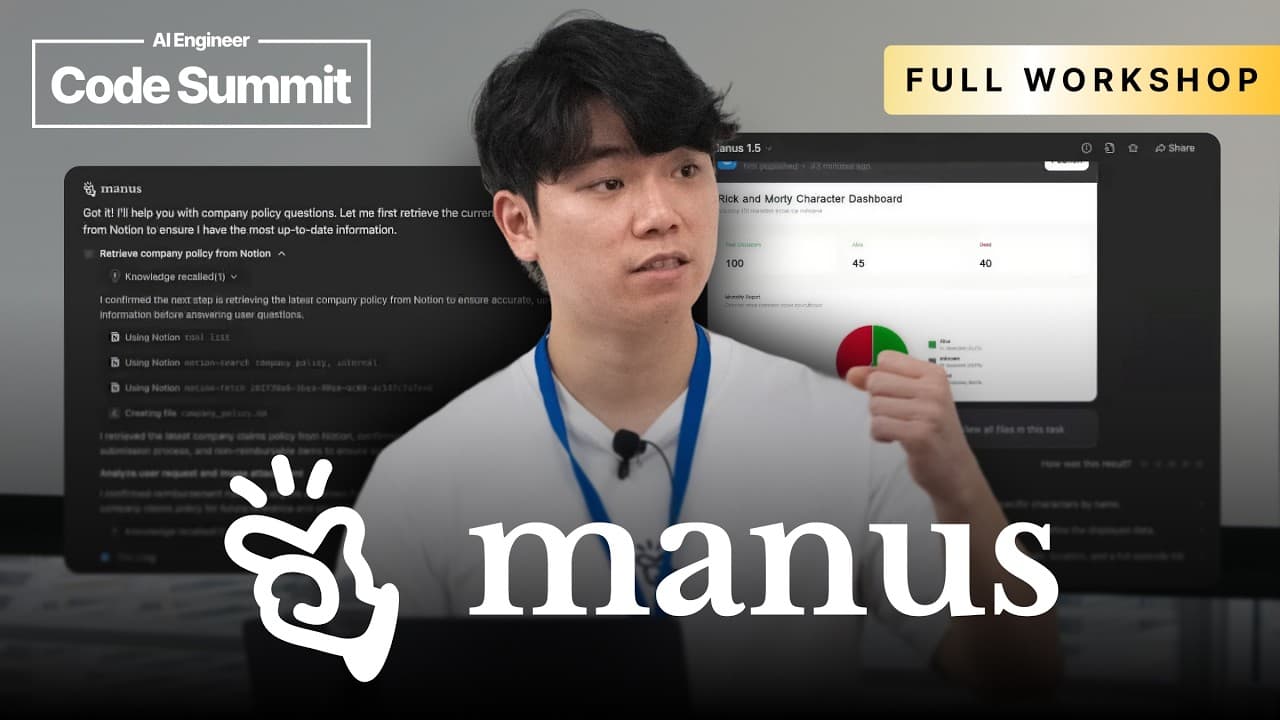
How to build intelligent research agents with Manus API
TL;DR
The Manus API enables dispatching asynchronous tasks and connecting to private data sources to synthesize complex information into a custom report. It demonstrates building a research agent that can access internal data, run tasks, and deliver insights, using a web app, Slack integration, and browser and Office 365 connectors.
Transcript
Yeah, I think I can just start. Um so the way this workshop will just be run is we'll show a few demos of what we built with Manis what we have at the moment and then um if you guys have any questions at any point in time feel free to stop me um throughout this whole workshop what we're going to be using is the new manus API and it will go basicall... Read More
Key Insights
- Manus is framed as a general action engine that goes beyond chat to execute tasks and automate workflows.
- The Manus API is designed to integrate with multiple platforms including web app, Slack, browser operator, and Microsoft 365.
- Demos illustrate practical use cases such as language practice, personal task management, and automated web browsing for data gathering.
- The system can tailor outputs by building user profiles and leveraging embeddings with external tools like Chroma and OpenAI.
- A browser operator enables live interactions with authenticated sites by launching browser tabs from the agent, enabling real tasks on user accounts.
- The architecture supports private data connectors, enabling synthesis of information across internal sources into cohesive reports.
- The workflow emphasizes asynchronous task dispatch and orchestration to handle complex multi-step analyses.
- The emphasis is on making intelligent agents that fit user workflows and meet users where they are, from inbox to Slack to private apps.
- More videos from this channel:
- More from this channel: AI Engineer
Install to Summarize YouTube Videos and Get Transcripts
Explore YouTube Video Summarizer or Get YouTube Transcript Extractor
Questions & Answers
Q: What is Manus API and what problem does it solve for teams
The Manus API is described as a final building block to deploy an intelligent agent anywhere in a stack, enabling asynchronous task dispatch, private data connectivity, and synthesis of complex information into actionable insights. It moves beyond chat to automate workflows, turning internal knowledge into usable reports and decisions.
Q: How can the Manus API be used with private data sources
The API connects to private data sources using connectors, allowing agents to access internal databases and documents. This enables the agent to synthesize information from a company’s own systems and generate customized reports, enhancing decision making with data that is not publicly accessible.
Q: What kinds of integrations are demonstrated with Manus
The demonstrations include a web app, Slack integration, browser operator, and Microsoft 365 integration, showing that the agent can work across diverse environments. These integrations illustrate how tasks can be dispatched and executed within familiar tools and platforms.
Q: What is the role of the browser operator in Manus
The browser operator launches a browser session from the agent to interact with real websites, run searches, and perform automated data gathering. It can open tabs on the user’s computer, scrape content, and load results into structured outputs or dashboards for further analysis.
Q: Can Manus perform tasks like scheduling or calendar integration
Yes, examples show the agent scripting actions such as adding events to calendars, and integrating with tools that support event discovery and scheduling. This demonstrates the ability to automate routine operational tasks within the workflow.
Q: What is the significance of asynchronous task management in Manus
Asynchronous task management allows the agent to dispatch work that runs independently and later returns results, enabling complex multi-step analyses. This design helps scale workflows, coordinate multiple data sources, and deliver comprehensive reports without blocking user interaction.
Q: How does Manus personalize the user experience
Manus creates user profiles based on interactions and preferences, such as language practice or task priorities, and uses this context to tailor outputs. Personalization helps generate more relevant corrections, suggestions, and task recommendations within the user’s workflow.
Q: What is the outcome of the workshop
Participants build a functional research agent capable of connecting to private data sources, managing asynchronous tasks, and synthesizing information into a custom report. By the end, attendees have a ready-to-adapt agent tailored to their own data and use cases.
Summary & Key Takeaways
-
The talk introduces Manus 1.5 and the Manus API as a general action engine that can automate workflows and extend human reach, with multiple interfaces including a web app, Slack, and API access.
-
Demos show how the system can practice languages, manage tasks via Mail Manus, and perform web automation such as browser control, data scraping, and event tracking to create practical outputs.
-
The workshop emphasizes connecting to private data sources, asynchronous task management, and building end-to-end workflows that generate actionable reports for internal use.
Read in Other Languages (beta)
Share This Summary 📚
Summarize YouTube Videos and Get Video Transcripts with 1-Click
Try YouTube Summary with ChatGPT & Claude or YouTube Transcript Generator
Explore More Summaries from AI Engineer 📚


Summarize YouTube Videos and Get Video Transcripts with 1-Click
Try YouTube Summary with ChatGPT & Claude or YouTube Transcript Generator