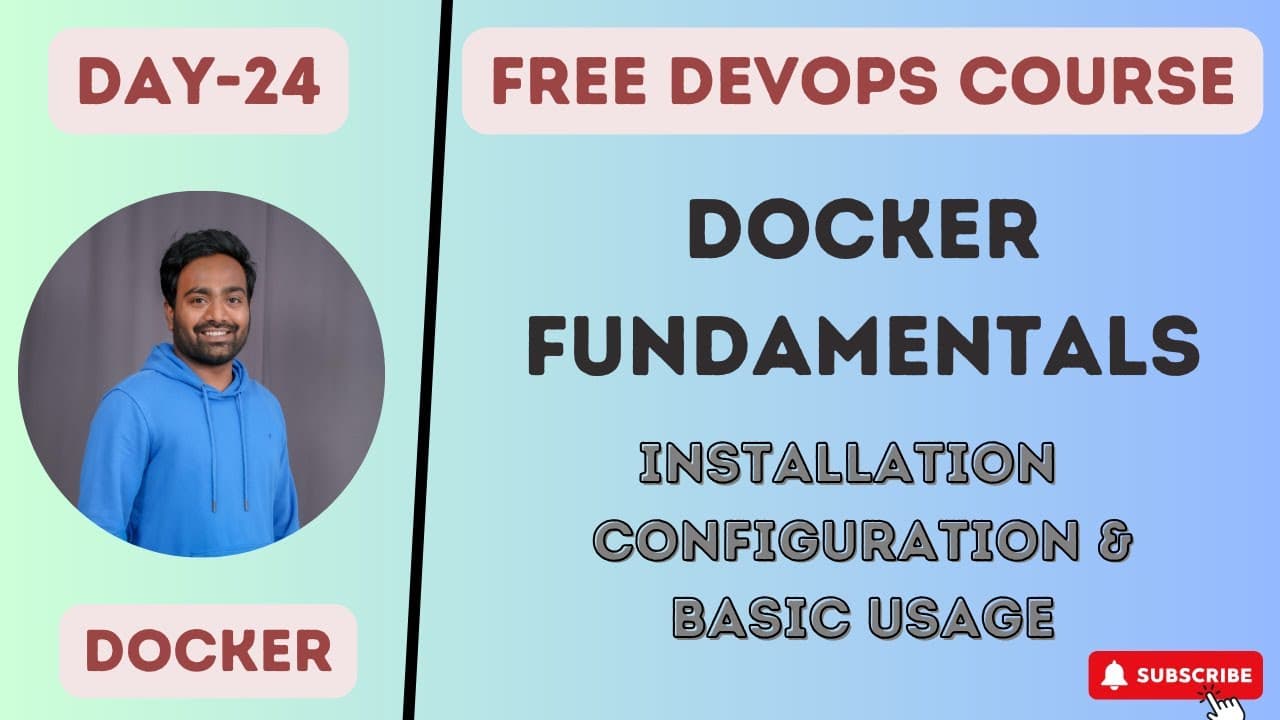
How Docker Terms Work and Why Containers Are Lightweight
TL;DR
Containers are lightweight because they share the host kernel and include only the necessary base dependencies, not a full operating system. The video explains Docker architecture, the lifecycle from Dockerfile to image to container, and key terminology such as daemon, image, file, registry, and desktop, plus how to install Docker and run a basic container.
Transcript
hello everyone my name is Abhishek and welcome back to my channel so today is day 24 of our complete devops course and in this class we'll be talking about Docker 0 To Hero so first of all if you haven't watched the previous video that is day 23 I highly recommend you to watch that video because we covered the basics of containers if somebody wants... Read More
Key Insights
- Containers do not include a full operating system, which keeps them lightweight.
- Containers use the host kernel and only bring in necessary dependencies to isolate from other containers.
- The life cycle of Docker follows a pattern: Dockerfile creates an image, which in turn creates a container.
- Docker architecture involves components that users interact with via the CLI to manage containers.
- Terminology such as Docker daemon, Docker image, Dockerfile, and Docker registry is essential for understanding Docker.
- Installing Docker on a VM involves similar steps as other software deployments and enables practical hands-on practice.
- Common beginner mistakes include misconfiguring daemon access and permissions for the user.
- Pushing an image to a registry allows sharing with others and is a common real world use case.
Install to Summarize YouTube Videos and Get Transcripts
Explore YouTube Video Summarizer or Get YouTube Transcript Extractor
Questions & Answers
Q: A real search query question about the video (e.g. 'How to...', 'What is...', 'Why does...', 'When should...'). Question 1
Containers are lightweight because they do not include a full operating system and instead rely on the host kernel with minimal dependencies. This design enables multiple containers to run on a single host while preserving isolation. The isolation is achieved through the container runtime and base image, ensuring each container only uses what is necessary.
Q: What is the Docker lifecycle explained in the video?
The Docker lifecycle explained in the video starts with writing a Dockerfile, which defines how the image should be built. The Dockerfile is used to build a Docker image, and that image is then used to create a Docker container. This sequence is the core workflow for deploying applications with Docker.
Q: What is a Docker daemon as described in the video?
A Docker daemon is a background service that manages Docker objects such as images, containers, and networks. It listens for Docker API requests and performs actions like building, running, and removing containers. Understanding the daemon is essential for managing resources and permissions in a Docker environment.
Q: What is a Docker image according to the video?
A Docker image is a read only template that contains the instructions for creating a container. It includes the application and its dependencies along with a minimal base layer. Images are built from a Dockerfile and can be pushed to registries for sharing and deployment.
Q: Why is understanding Docker terminology important as per the video?
Understanding Docker terminology is important because it clarifies how different parts of the system interact, such as what constitutes the daemon, image, file, and registry. This vocabulary helps in explaining concepts clearly during interviews and in real world configurations, reducing miscommunication.
Q: What steps are involved to install Docker on a VM as shown in the video?
The video shows installing Docker on a virtual machine by following standard software deployment steps, configuring the daemon for the user, and ensuring that the Docker commands run without elevated privileges. This setup enables creating and running containers directly on the VM.
Q: What is the role of a Docker registry in the video explanation?
A Docker registry stores and distributes Docker images. In the video, pushing an image to a registry allows sharing with external teams or customers, which is essential for real world workflows where containers need to be deployed across multiple environments.
Q: What common mistakes are highlighted for beginners?
The video highlights mistakes such as not configuring the Docker daemon properly, failing to grant the correct permissions to the user, and attempting to run containers without understanding the lifecycle. Recognizing and correcting these issues helps avoid common setup and security problems.
Summary & Key Takeaways
-
The video explains why containers are lightweight by highlighting that they do not ship a full OS and rely on the host kernel for system services, while keeping isolation through minimal base components.
-
It covers the Docker lifecycle and commands needed to go from a Dockerfile to a runnable container, emphasizing practical steps.
-
A focus is placed on Docker terminology and common setups, including installation on a VM and pushing images to registries for sharing with teams.
Read in Other Languages (beta)
Share This Summary 📚
Summarize YouTube Videos and Get Video Transcripts with 1-Click
Try YouTube Summary with ChatGPT & Claude or YouTube Transcript Generator
Explore More Summaries from Abhishek.Veeramalla 📚




Summarize YouTube Videos and Get Video Transcripts with 1-Click
Try YouTube Summary with ChatGPT & Claude or YouTube Transcript Generator