How to Edit Short Videos Using Claude Code
TL;DR
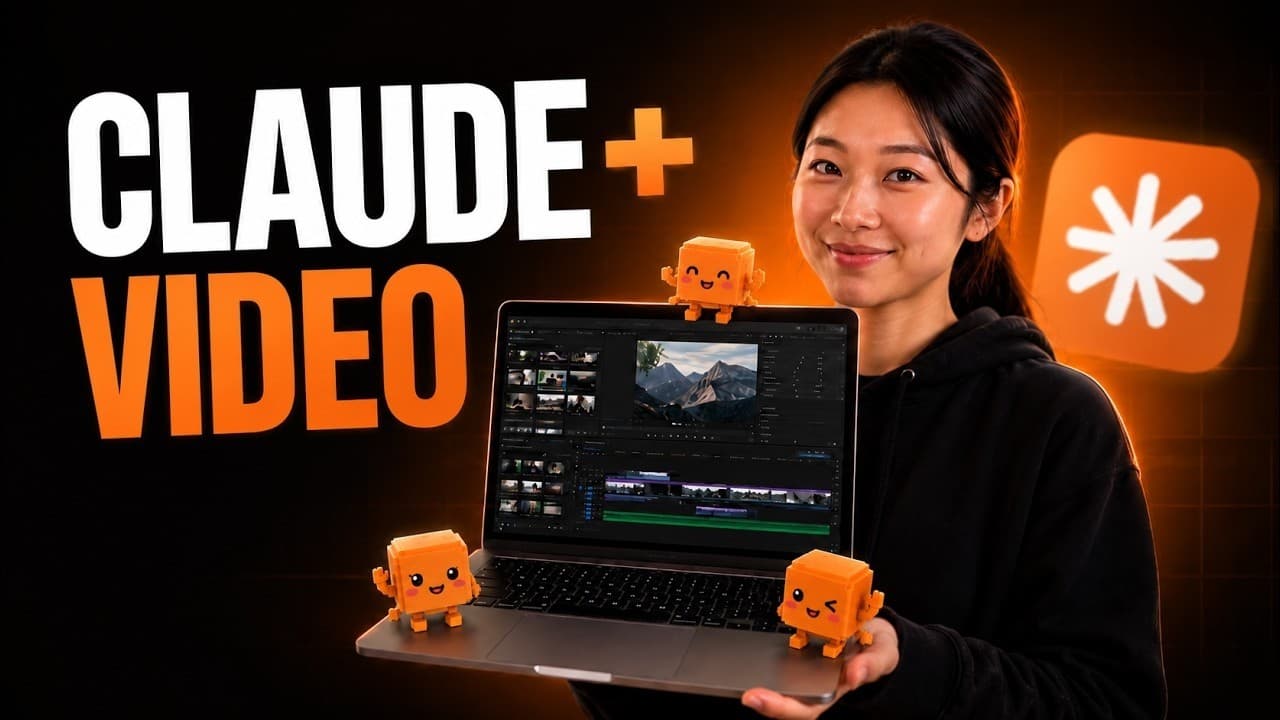
Use Claude Code as the workflow coordinator, Whisper for transcripts, FFmpeg for basic audio enhancement, Hyperframes for motion graphics, and Higgsfield for background swaps, outfit changes, and visual effects. The process still requires creative direction and several prompt iterations, but it can reduce manual editing time and may cost less than hiring an editor.
Transcript
The video you're watching is entirely edited by [music] Cloud Code. And this shorts is also edited by Cloud Code like this. All the cuts adding motion graphics like this is done by this little guy. And he doesn't use generic [music] D- rolls. He hates that. Yeah. Now, if you're worried about the setup or you can change like this. What about your cl... Read More
Key Insights
- Claude Code is the central coordinator in the editing workflow, receiving the creator's strategic and creative direction while using other tools to complete specific tasks. It does not independently replace the human director, and polished edits may require several rounds of prompts and revisions.
- Short-form content is better suited to creators with only about 30 minutes available for content production. It generally takes less time than long-form work and can generate attention quickly, although filming several separate short clips may still require considerable effort.
- Long-form content is better suited to creators with two to three extra hours per day. Scripting, finding ideas, filming, and editing take longer, but the extended format gives creators more room to explain subjects deeply, establish trust, and develop audience relationships.
- Whisper is a free tool used to generate a transcript of recorded footage. The transcript gives Claude Code detailed information about what is being said, allowing the workflow to divide the footage into sections and plan edits that correspond to the spoken content.
- FFmpeg is a free tool used for straightforward audio enhancement in the demonstrated workflow. It is suitable for boosting recorded audio, while the creator recommends Higgsfield's audio features when working with AI avatars, AI influencers, voice changes, voice-overs, or connected generative models.
- Hyperframes is a free motion-graphics tool whose output can look generic when used alone. The creator combines its animations with Higgsfield-generated elements to produce more customized results, including replacing an animated object with a Claude Code representation and improving visual variety.
- Higgsfield MCP lets Claude Code access visual tools without requiring the creator to work directly inside the Higgsfield platform. It is used for background changes, outfit transformations, and visual effects, while offering access to several models mentioned in the walkthrough.
- Short-form reach does not automatically produce immediate conversion. The creator reports growing an Instagram account from 900 to 23,000 followers within two weeks after two videos, but distinguishes rapid attraction from the deeper trust and conversion that long-form content can support.
- More videos from this channel:
- More from this channel: Sandy Lee AI
Install to Summarize YouTube Videos and Get Transcripts
Explore YouTube Video Summarizer or Get YouTube Transcript Extractor
Questions & Answers
Q: How do you edit short videos with Claude Code?
Use Claude Code as the central coordinator and provide it with clear creative direction for cuts, captions, motion graphics, and other effects. Add Whisper so it can work from a transcript, FFmpeg for basic audio enhancement, Hyperframes for animation, and Higgsfield MCP for background swaps, outfit changes, and visual effects. Review the output and refine the prompts over several iterations.
Q: Can Claude Code edit an entire video with one prompt?
Claude Code is unlikely to produce the complete intended edit from a single prompt. The creator describes it as the brain of the workflow but emphasizes that the strategy and creativity still come from the human director. Expect to review its work, explain what should change, and go back and forth several times until the cuts, graphics, and effects match the desired style.
Q: What tools are needed for the Claude Code video workflow?
The demonstrated tool stack includes Claude Code, Whisper, FFmpeg, Hyperframes, and Higgsfield MCP. Claude Code coordinates the workflow, Whisper creates the transcript, FFmpeg enhances basic audio, and Hyperframes builds motion graphics. Higgsfield supplies background swaps, outfit changes, visual effects, audio features, and access to several models that can be used through its MCP connection.
Q: How much does AI-assisted short-form video editing cost?
Whisper, FFmpeg, and Hyperframes are described as free and open source. The creator uses the $100 Claude Code Max plan but recommends beginning with the basic plan at about $20 per month, then upgrading if usage limits are reached too quickly. Higgsfield is the paid generation component, with one SeaDance 2.0 edit estimated at around $7 depending on length and visual requirements.
Q: Should creators choose short-form or long-form content?
Choose short form if time is limited to about 30 minutes and quick audience attention is important. Choose long form if two to three extra hours per day are available and the goal is to explain ideas in depth, build trust, and support conversion. The creator notes that short form can show faster visible results, while long form requires more production time and patience.
Q: What does Whisper do in an AI video editing workflow?
Whisper creates a transcript of the recorded video at no cost. That transcript tells Claude Code what the creator is discussing and helps the system break the footage into meaningful sections. With the spoken content available as text, the editing workflow can plan cuts and visual elements around specific parts of the narration instead of treating the footage as an undifferentiated clip.
Q: When should FFmpeg or Higgsfield audio features be used?
Use FFmpeg when the goal is simply to boost or improve recorded audio, since it is free and sufficient for basic enhancement. Use Higgsfield's audio features when creating an AI avatar or AI influencer, adding a voice-over, changing a voice, or connecting to other models. The creator says that route can provide more natural-sounding voice options for those more complex cases.
Q: How can AI-generated video effects look less generic?
Combine tools and direct them with specific creative decisions instead of accepting their first output. The creator found that Hyperframes or similar animation tools could look too generic when used alone, so Hyperframes motion graphics were mixed with Higgsfield effects. Higgsfield was also used for customized background swaps, outfit changes, and replacing an animated element with a Claude Code representation.
Summary & Key Takeaways
-
Claude Code serves as the central coordinator for short-form editing, but the creator remains responsible for strategy, taste, and creative direction. Producing a polished result is not a one-prompt process. The workflow requires reviewing outputs, refining instructions, and combining specialized tools for transcription, audio enhancement, animation, and visual effects.
-
The demonstrated stack combines Claude Code with Whisper, FFmpeg, Hyperframes, and Higgsfield MCP. Whisper creates transcripts, FFmpeg improves basic audio, Hyperframes produces motion graphics, and Higgsfield handles effects such as background swaps and outfit changes. Mixing tools helps prevent the finished edit from relying entirely on generic-looking AI-generated visuals.
-
Short-form content requires less daily production time and can attract attention quickly, while long-form content supports deeper explanations, trust, and conversion. The creator recommends short form for people with about 30 minutes available and long form for those with two to three extra hours per day who can wait longer for results.
Read in Other Languages (beta)
Share This Summary 📚
Summarize YouTube Videos and Get Video Transcripts with 1-Click
Try YouTube Summary with ChatGPT & Claude or YouTube Transcript Generator
Explore More Summaries from Sandy Lee AI 📚




Summarize YouTube Videos and Get Video Transcripts with 1-Click
Try YouTube Summary with ChatGPT & Claude or YouTube Transcript Generator