How Do You Use Git and GitHub? Crash Course 2025
TL;DR
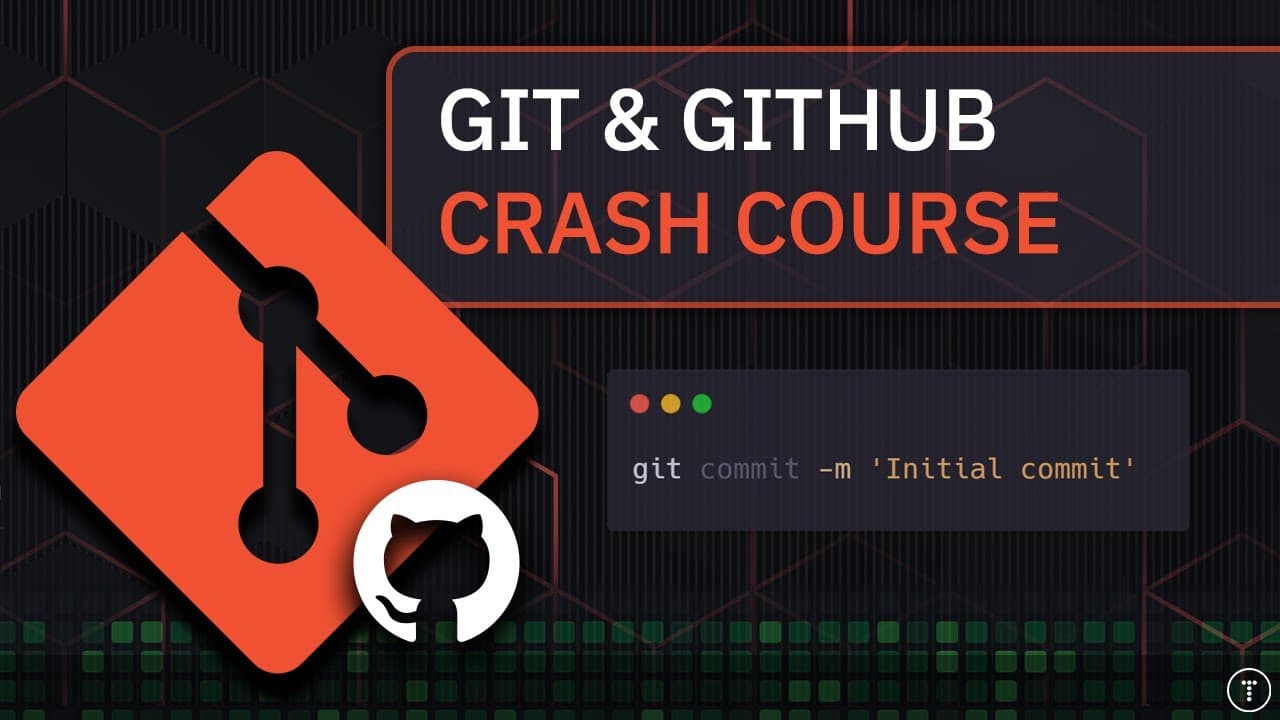
Use Git to track, stage, and commit code changes locally, then use GitHub to host remote repositories and collaborate through branches, pull requests, and merges. This beginner-to-intermediate crash course covers the working directory, staging area, local and remote repositories, plus commands including git init, git status, git add, git commit, git push, git pull, and git clone. Read on for the core workflow and practical distinctions.
Transcript
hey guys welcome to my git and GitHub crash course for 2025 and Beyond so I figured that this would be a good idea for the first crash course of the year because git is something that absolutely every developer needs to know at least the basics of and I do want to stress that this is a crash course meaning that we don't dive super deep into really ... Read More
Key Insights
- Git is a distributed version control system that tracks changes to a codebase, supports multiple project versions, and gives every developer a complete local copy of the repository. This decentralized design allows Git to work without requiring a central server.
- GitHub is a web-based platform that hosts remote Git repositories and provides a graphical interface for managing code. It also supports collaboration through pull requests, issues, bug tracking, feature requests, task management, and project wikis.
- The Git workflow is divided into a working directory, a staging area, a local repository, and an optional remote repository. Changes move between these areas through commands such as git add, git commit, git push, and git pull.
- The staging area is a preparation step between editing files and committing them. Developers use git add to select changes for the next commit, which provides control over exactly what becomes part of the repository's recorded history.
- A Git commit is a saved snapshot in the local repository that includes an explanatory message. Git uses the configured developer name and email address with each commit, so these values should be set during the initial configuration.
- Branching is a way to develop a feature or fix a bug without directly affecting the main codebase. When the branch work is complete, developers can request that its changes be reviewed and merged into the main branch.
- Git clone is used when obtaining a repository for the first time and intending to continue working with it. Git pull is used after a repository already exists locally and the developer needs the latest changes pushed by collaborators.
- Terminal-based Git usage reveals the commands and workflow operating behind graphical tools. Graphical clients and integrated development environment features remain available, but learning commands first can provide a clearer understanding of what Git is doing.
Install to Summarize YouTube Videos and Get Transcripts
Explore YouTube Video Summarizer or Get YouTube Transcript Extractor
Questions & Answers
Q: What is Git, and why do developers use it?
Git is a distributed version control system that tracks code changes, manages multiple project versions, and supports collaboration. Every developer can keep a full repository locally without requiring a central server. Git also lets developers restore previous versions when necessary.
Q: What is the difference between Git and GitHub?
Git is the version control system used locally to create repositories and record changes. GitHub is a web-based platform that hosts remote Git repositories and provides a graphical interface for managing code. It also supports pull requests, issues, bug tracking, feature requests, task management, and project wikis.
Q: How does the basic Git and GitHub workflow work?
Developers change files in the working directory, select changes for the staging area with git add, and save them to the local repository with git commit. After configuring a remote repository, git push sends local commits to GitHub. Git pull retrieves updates from the remote repository.
Q: How do you create and commit a local Git repository?
Run git init inside the project directory to initialize the repository. Use git status to inspect the files, then git add to stage the changes you want to record. Run git commit with an explanatory message to save those staged changes as a snapshot.
Q: What is the Git staging area?
The staging area is a preparation step between editing project files and committing them to the local repository. The git add command places selected changes there. This lets developers control exactly which changes are included in the next commit.
Q: When should you use git clone instead of git pull?
Use git clone when obtaining a repository for the first time and creating a complete local copy connected to its remote source. Use git pull when the repository already exists locally and you need the latest changes pushed by collaborators. Cloning is therefore the initial-copy operation, while pulling updates an existing copy.
Q: How do Git branches and pull requests support collaboration?
A branch provides a separate place to develop a feature or fix a bug without immediately changing the main codebase. Developers commit their work on the branch and open a pull request when it is ready for review. The approved changes can then be merged into the main branch.
Q: What does the Git & GitHub Crash Course 2025 cover?
The course covers creating a local repository, staging and committing changes, pushing to and pulling from a remote GitHub repository, branching, and merging. It is designed for beginners and intermediate developers who know only the basics. It also demonstrates continuous integration and continuous deployment with GitHub and Vercel.
Summary & Key Takeaways
-
Git is a distributed version control system that records changes, preserves previous versions, and supports collaboration without requiring a central server. Each developer can keep a complete repository locally. A repository stores project files and their history, providing a practical way to back up code and restore earlier versions when necessary.
-
The core local workflow begins by initializing a repository with git init. Developers modify files in the working directory, inspect their state with git status, prepare selected changes using git add, and save snapshots with git commit. Commands such as git log then provide access to the recorded commit history.
-
GitHub provides remote repository hosting and browser-based collaboration features. After configuring a remote, developers can push local commits, pull updates, clone repositories, create branches, open pull requests, and merge approved work. The course also connects a GitHub project to Vercel to demonstrate continuous integration and continuous deployment in practice.
Read in Other Languages (beta)
Share This Summary 📚
Summarize YouTube Videos and Get Video Transcripts with 1-Click
Try YouTube Summary with ChatGPT & Claude or YouTube Transcript Generator
Explore More Summaries from Traversy Media 📚
Summarize YouTube Videos and Get Video Transcripts with 1-Click
Try YouTube Summary with ChatGPT & Claude or YouTube Transcript Generator