What Is Cline? The Open-Source AI Coding Agent Explained
TL;DR
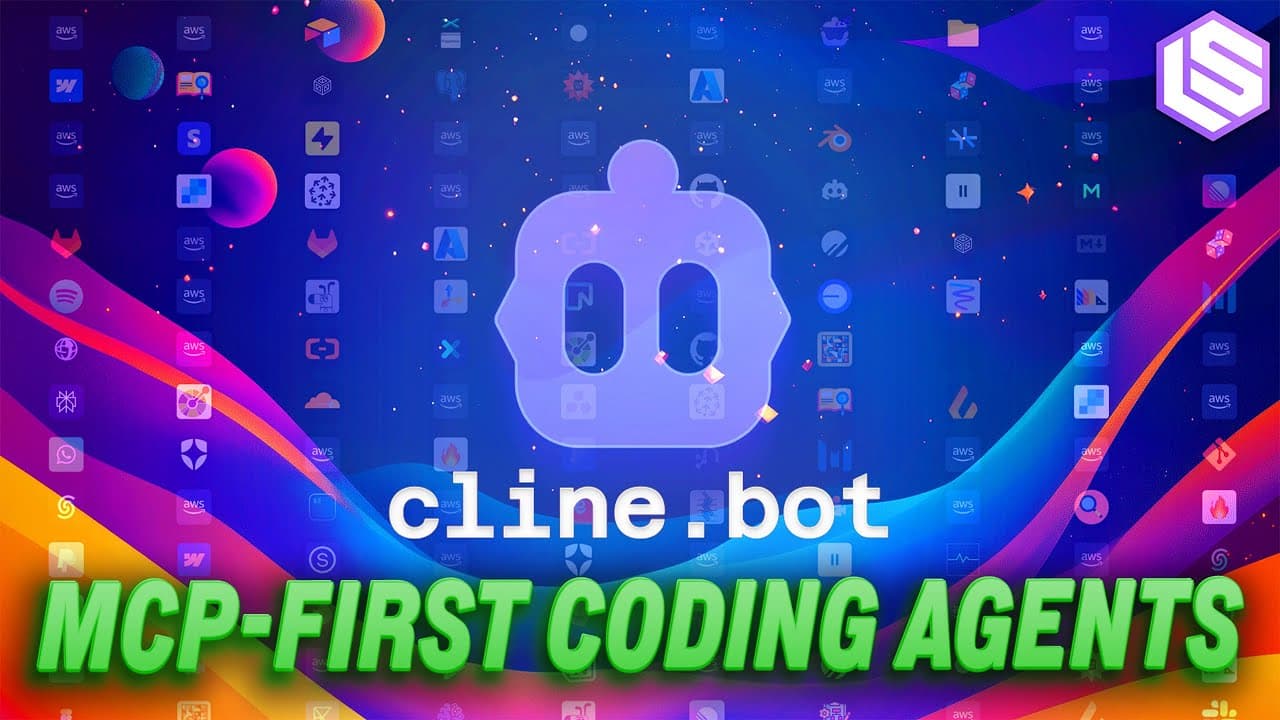
Cline is an open-source coding agent built as a VS Code extension that takes a task and executes it end-to-end, controlling your terminal, editor, and browser while connecting to MCP services. It pioneered a plan-and-act paradigm: an exploratory plan mode for gathering context, then an act mode that runs commands and edits files.
Transcript
Hey everyone, welcome to the Laden Space podcast. This is Allesio, partner and CTO at Desible, and I'm joined by my co-host Wix, founder of Small AI. Welcome. Welcome. And today in the studio, we have a nice uh two guests from Klein Pash and SA. That's right. Yes, you nailed it. Let's go. I think that Klein has a decent fan base, but not everyone h... Read More
Key Insights
- Cline is an open-source coding agent that runs as a VS Code extension, with versions coming to JetBrains, Neovim, and the CLI. You give it a task and it takes over your terminal, editor, and browser to complete your developer workflow.
- The plan-and-act paradigm gives developers two modes: plan mode directs the agent to be exploratory, read files, and fill its context to form a plan, while act mode executes it by running commands and editing files.
- Plan and act emerged organically from users who created markdown files asking the agent to build an architecture or plan before working. Cline turned that self-invented workflow into built-in UI so new users get it without typing out the instructions.
- Most user engagement happens in plan mode, where there is back-and-forth extracting context the user didn't include in the initial prompt. After switching to act mode and enabling auto-approve, users rely on the model and mainly course-correct.
- Cline development began roughly 10 days after Claude 3.5 Sonnet released, prompted by Anthropic's model card addendum describing agentic coding and an internal test where the model ran in a loop calling tools.
- Claude 3.5 Sonnet excelled at needle-in-a-haystack retrieval, picking granular details even when 90% of its 200k context window was filled. Earlier models paid more attention to the beginning or end of context.
- MCP support turns Cline into an everything agent that connects to any service, a side effect of keeping prompts very general rather than limiting them to coding. One team member scrapes Reddit and posts tweets through MCP servers.
- Being a VS Code extension reduces onboarding friction because developers avoid installing a new app or seeking org approval. The marketplace gives distribution, OS and terminal access, and diff views showing changes before and after.
Install to Summarize YouTube Videos and Get Transcripts
Explore YouTube Video Summarizer or Get YouTube Transcript Extractor
Questions & Answers
Q: What is Cline and what can it do?
Cline is an open-source coding agent, currently a VS Code extension with JetBrains, Neovim, and CLI versions on the way. You give Cline a task and it goes off and does it, taking over your terminal, editor, and browser, connecting to all sorts of MCP services, and essentially taking over your entire developer workflow. It becomes a single point of contact for getting your job done. The team also envisions it as a modular infrastructure layer that other open-source agents can be built on top of.
Q: How does the plan and act paradigm work in Cline?
Plan and act gives developers two modes for engaging with the agent. In plan mode, the agent is directed to be more exploratory, read more files, and fill its context with relevant information to form a plan of attack for the task. In act mode, the agent looks at the plan and starts executing, running commands and editing files. Most engagement happens in plan mode, with back-and-forth to extract context, before the user switches to act mode, enables auto-approve, and lets the agent finish.
Q: Why did Cline create the plan and act modes?
Plan and act was a byproduct of talking to users in Cline's Discord and observing their organic workflows. Users would work with the agent to create a markdown file asking it to put together an architecture or plan before doing the work. The team translated that self-invented pattern into the product so it is more intuitive for new users who don't have to pick it up themselves. Essentially, plan and act is a UI shortcut that saves users from typing out instructions like 'ask me questions and put together a plan.'
Q: When did Cline development start and what model inspired it?
Cline development started about 10 days after Claude 3.5 Sonnet came out. The creator was reading Anthropic's model card addendum, which had a section on agentic coding describing how the model was much better at step-by-step task accomplishment and an internal test where the model ran in a loop calling tools. This signaled that Anthropic had an internal application very different from tools at the time like Copilot, Cursor, and Aider, which were suited for Q&A and one-shot prompting rather than step-by-step reasoning.
Q: Why did Cline choose to be a VS Code extension instead of a fork?
Being a VS Code extension reduces onboarding friction because developers don't have to install a new application or jump through internal hoops for organizational approval. The marketplace provides strong distribution and is a good conduit for something needing access to desktop files, the terminal, and code editing, plus VS Code's nice UI including diff views. The creator also said he pities anyone forking VS Code, because Microsoft makes forks notoriously difficult to maintain, with many resources spent keeping the fork synced with VS Code updates.
Q: How can Cline be used beyond coding tasks?
Because Cline has very general prompts and MCP support, it functions as an everything agent. The product marketing person connects it to a Reddit MCP server to scrape content and an X MCP server to post tweets. The creator built an entire conference slide deck using the JavaScript library Slidev by giving Cline style guidelines, an agenda, and stream-of-consciousness thoughts transcribed via an app called Limitless. Cline can also run scripts, do data analysis, and combine outputs into a deck.
Q: What made Claude 3.5 Sonnet especially suited for building Cline?
Claude 3.5 Sonnet was strong at the needle-in-a-haystack test, meaning it could pick out granular details even when its context window was heavily filled, for example when 90% of its 200k context window was occupied. Before Claude 3.5, models paid far more attention to whatever was at the beginning or end of the context. Combined with being better at step-by-step task accomplishment, these nuances let the creator build a product from the ground up that felt different from anything else available at the time.
Q: What were the core design principles behind the first version of Cline?
A core principle was to keep it really simple and let developers feel they could use it however they wanted. The prompts were kept as general as possible so users could invent whatever workflows worked well for them, rather than limiting the product to coding tasks. This generality is why people use Cline for things outside coding, and it is a direct side effect of not constraining the prompts. The plan and act modes and other UI shortcuts grew from continually experimenting and talking to users about what workflows they found useful.
Summary & Key Takeaways
-
Cline is an open-source coding agent delivered as a VS Code extension, with JetBrains, Neovim, and CLI versions coming. You hand it a task and it takes over your terminal, editor, and browser, connecting to MCP services to become a single point of contact for completing your developer workflow.
-
Beyond coding, Cline is envisioned as a modular infrastructure layer for agents. With the rolling-out CLI and SDK, developers can build fully agentic systems for anything. Its general prompts and MCP support let it scrape content, post tweets, run scripts, and build presentation decks.
-
The plan-and-act paradigm, which the team claims to have pioneered, splits work into an exploratory plan mode that gathers context and forms a plan, and an act mode that executes by running commands and editing files. It arose from watching users build their own planning workflows.
Read in Other Languages (beta)
Share This Summary 📚
Summarize YouTube Videos and Get Video Transcripts with 1-Click
Try YouTube Summary with ChatGPT & Claude or YouTube Transcript Generator
Explore More Summaries from Latent Space 📚

![2024 in Post-Transformer Architectures: State Space Models, RWKV [Latent Space LIVE! @ NeurIPS 2024] thumbnail](/_next/image?url=https%3A%2F%2Fi.ytimg.com%2Fvi%2FLPe6iC73lrc%2Fhqdefault.jpg&w=750&q=75)


Summarize YouTube Videos and Get Video Transcripts with 1-Click
Try YouTube Summary with ChatGPT & Claude or YouTube Transcript Generator