How to build a high converting homepage with AI
TL;DR
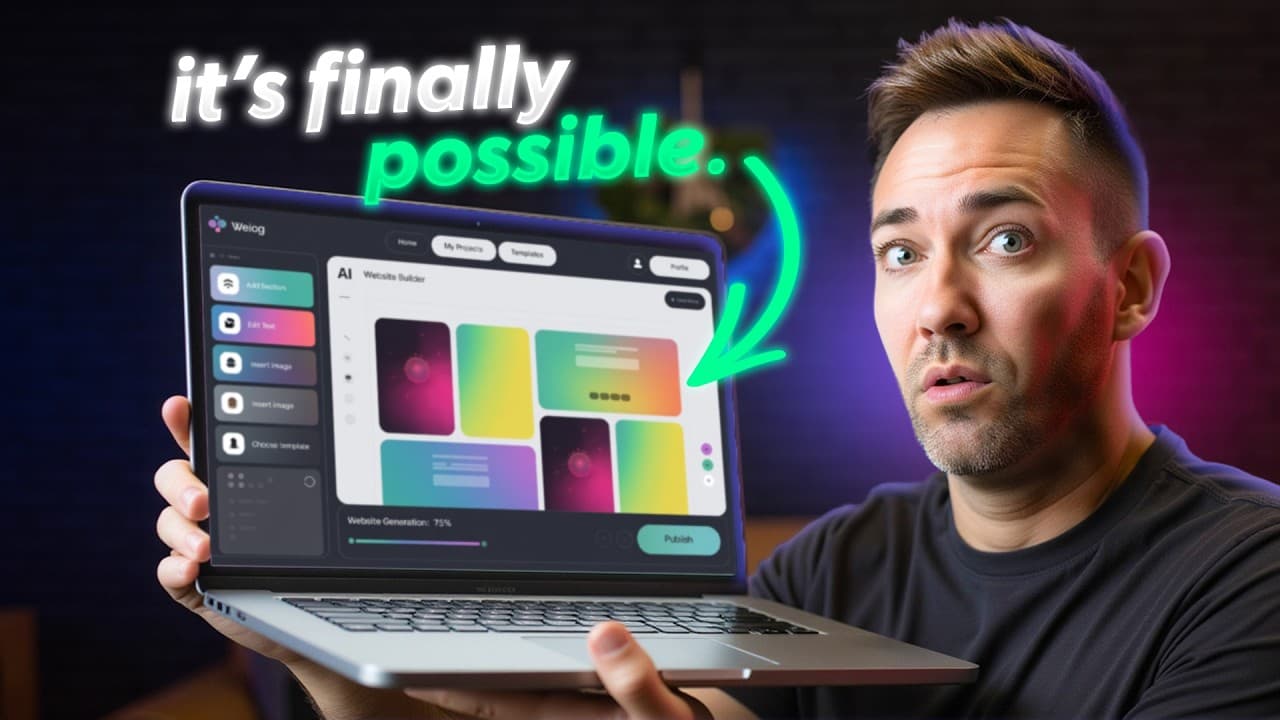
AI lets you craft a complete homepage quickly using a single powerful prompt and a trio of tools. It shows how to research industry best practices, generate copy tailored to your ideal client, create visuals, and assemble everything in an AI website builder, delivering a premium result in under an hour.
Transcript
I just created one of the best converting homepages I've ever seen in under 20 minutes. And here's the crazy part. I didn't write a single word of text, design a single graphic, or touch one line of code. I let AI do it all for me because what used to take me weeks as a professional web designer now takes well under an hour. So, in this video, I'm ... Read More
Key Insights
- AI can draft an entire homepage from one well crafted prompt that aligns with industry best practices and client needs, cutting weeks of traditional design work into a fraction of the time.
- The key to success is deep research and a single prompt that translates insights about ideal clients and their most painful problems into the homepage copy.
- Automated visuals, including logo generation and image creation, integrate with a brand palette, helping maintain visual consistency without professional design input.
- A modern AI website builder provides a starting point that requires zero coding, enabling rapid customization and live deployment with a visually cohesive theme.
- Copy and visuals are iteratively refined directly inside the builder, with the AI tool handling layout decisions, typography options, and color schemes based on user input.
- The workflow emphasizes affordability and accessibility, offering a path from concept to a functioning, money-making homepage using consumer-grade AI tools.
- The process opens up room for experimentation by replacing or tweaking prompts, palettes, and assets to see immediate effects on conversion potential.
- User prompts include business name, services, and client profile, ensuring the generated homepage directly reflects the target market and business goals.
- More videos from this channel:
- More from this channel: Wes McDowell
Install to Summarize YouTube Videos and Get Transcripts
Explore YouTube Video Summarizer or Get YouTube Transcript Extractor
Questions & Answers
Q: A real search query question about the video (e.g. 'How to...', 'What is...', 'Why does...', 'When should...'). Question 1
The answer explains how to leverage AI to build a high converting homepage by combining industry research, VoC data, and a single, dominant homepage prompt. It covers why using a structured prompt and a set of tools can reduce weeks of back-and-forth revisions to under an hour, and how choosing the right AI tools and a capable web builder accelerates setup, customization, and launch.
Q: Question 2
Question 2's answer details the role of the initial prompt in steering copy, layout, and visuals toward conversion. It outlines how to tailor the prompt to include business name, services, and target client descriptions so that the generated content speaks in the client’s own words and follows proven industry layouts for leads and engagement.
Q: Question 3
Question 3's answer describes how to perform deep research using AI to extract industry best practices, voice of customer input, and competitive gaps. It explains that feeding these insights into a single homepage draft produces copy that resonates with real users, reducing the need for multiple revisions.
Q: Question 4
Question 4's answer covers the visuals: creating a logo with AI, generating premium-looking images, and selecting a color palette that stays on brand. It explains how these visuals integrate with the copy to reinforce trust and improve perceived value, while keeping production fast and affordable.
Q: Question 5
Question 5's answer focuses on the use of an AI website builder to assemble the homepage. It describes choosing a plan, inputting business basics, and letting the builder generate a functional starting point that users can customize without coding, enabling rapid deployment and iteration.
Q: Question 6
Question 6's answer explains how to adapt the workflow for different industries by adjusting the prompt and research inputs, ensuring the resulting homepage reflects industry-specific benefits, pain points, and calls to action while maintaining smooth visuals and consistent branding.
Q: Question 7
Question 7's answer discusses the importance of selecting tools that balance cost and speed, including hosting options and AI features that influence page load times, SEO signals, and ease of updating content as the business grows, all while keeping the process beginner-friendly.
Q: Question 8
Question 8's answer highlights the final checks before publishing, such as verifying alignment between copy and visuals, ensuring the hero message clearly promises outcomes, and confirming that the one-click prompt has produced a cohesive homepage ready for immediate testing and potential conversion improvements.
Summary & Key Takeaways
-
A practical, step by step workflow shows how to leverage AI to plan, design, and publish a high converting homepage without traditional coding or design cycles, emphasizing research, copy, visuals, and an integrated builder.
-
The process emphasizes using ChatGPT for industry-specific research and prompts, generating client-focused copy, creating a logo with AI, and assembling the site with an AI builder for speed and affordability.
-
The video positions AI as a comprehensive toolkit that replaces weeks of work with a concise, 20 to 60 minute workflow, highlighting accessibility for beginners and cost efficiency through multiple AI tools.
Read in Other Languages (beta)
Share This Summary 📚
Summarize YouTube Videos and Get Video Transcripts with 1-Click
Try YouTube Summary with ChatGPT & Claude or YouTube Transcript Generator
Explore More Summaries from Wes McDowell 📚




Summarize YouTube Videos and Get Video Transcripts with 1-Click
Try YouTube Summary with ChatGPT & Claude or YouTube Transcript Generator